
User guide
POS
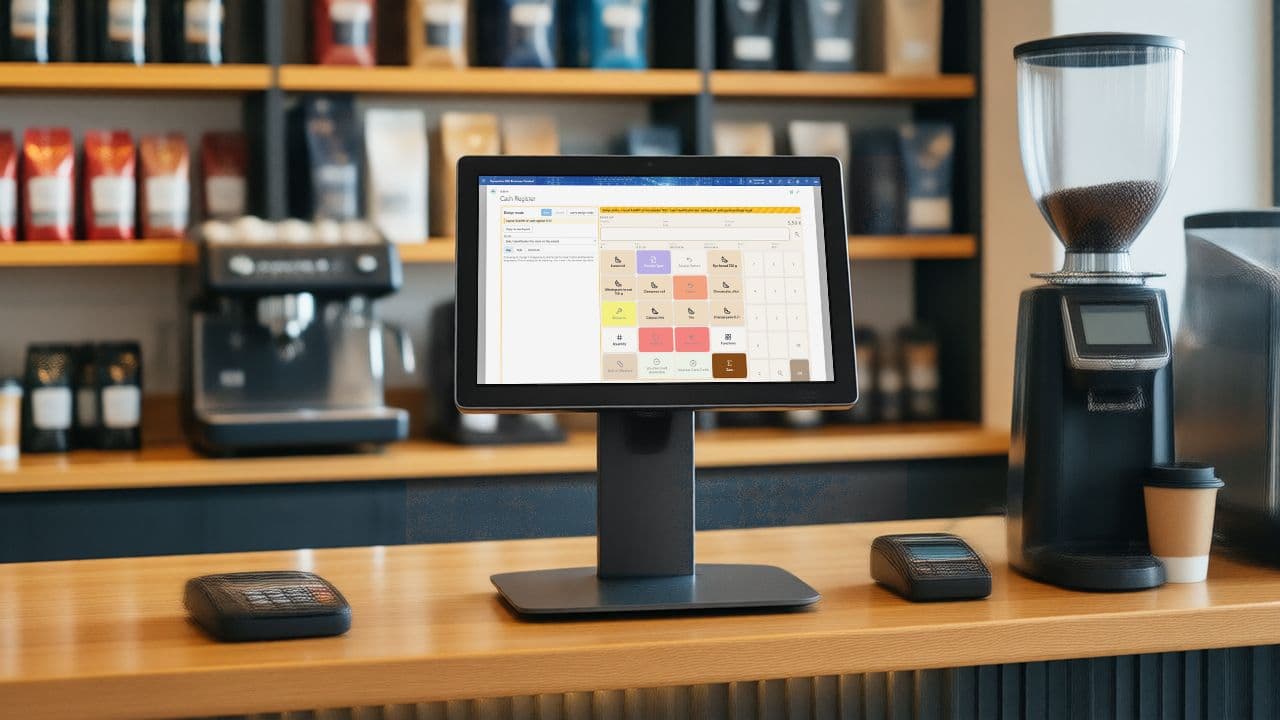
The cashier sells at the Cash Register page, and the day's takings flow into Business Central through journals for sales, customers and finance. POS covers tenders and card payments, receipts, discounts and campaigns, vouchers, gift cards and coupons, counting and closing the day.
Start here
In Business Central
All topics · 49 topics
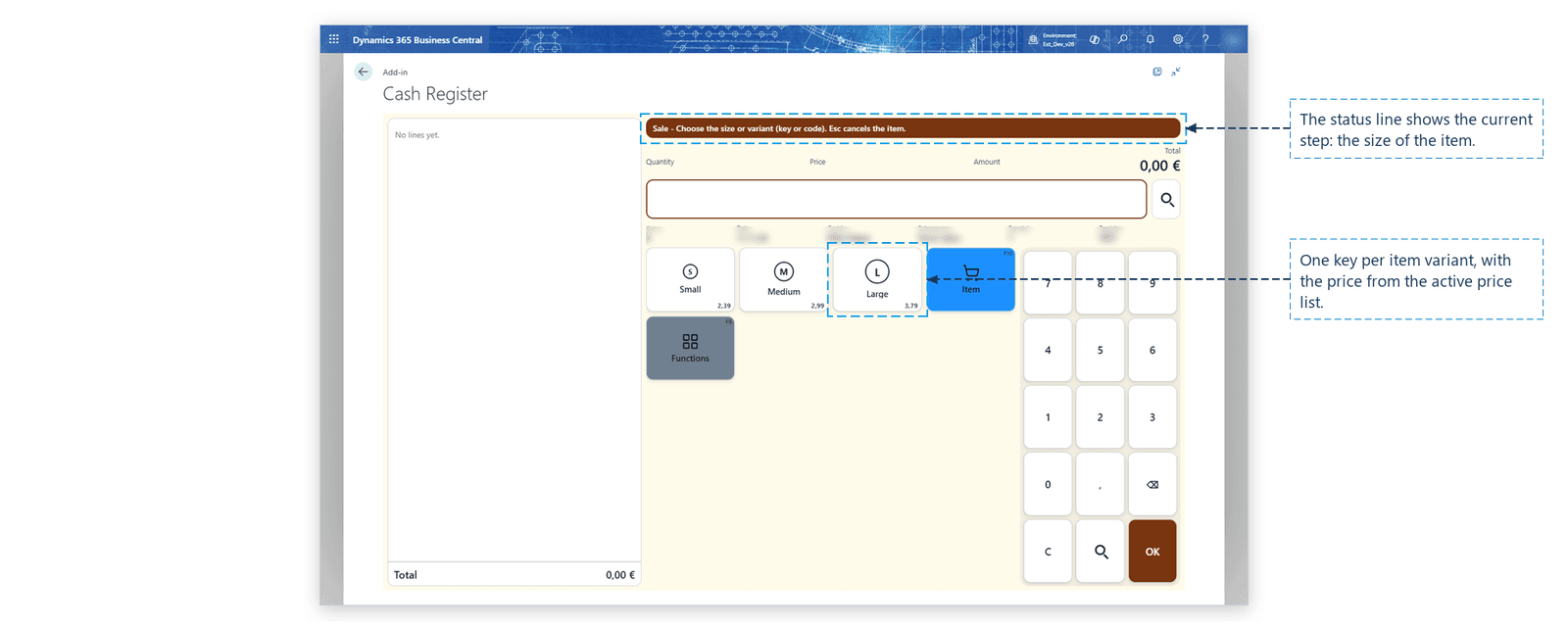
- 04Example: an item with size and option
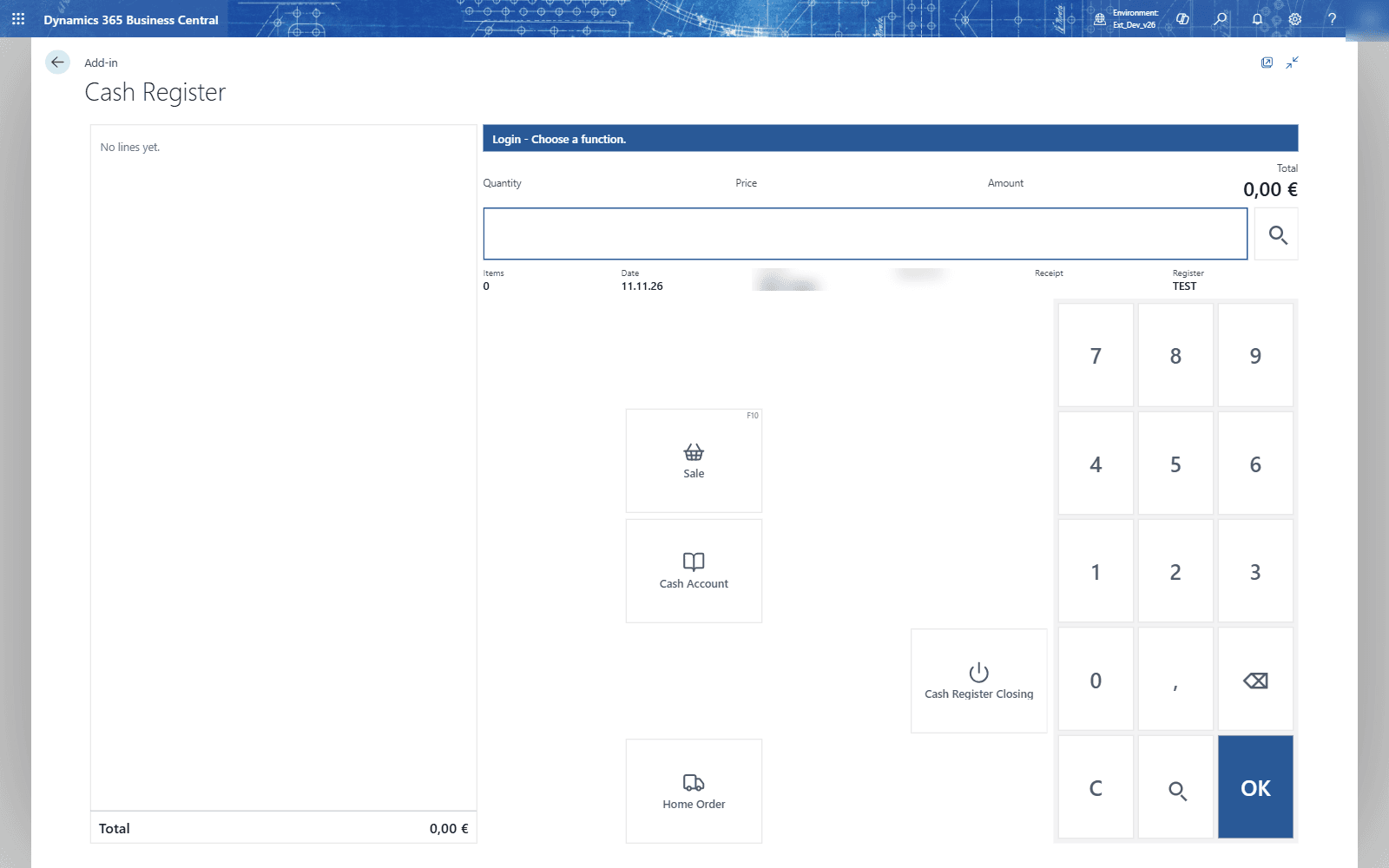
- 05Start the day
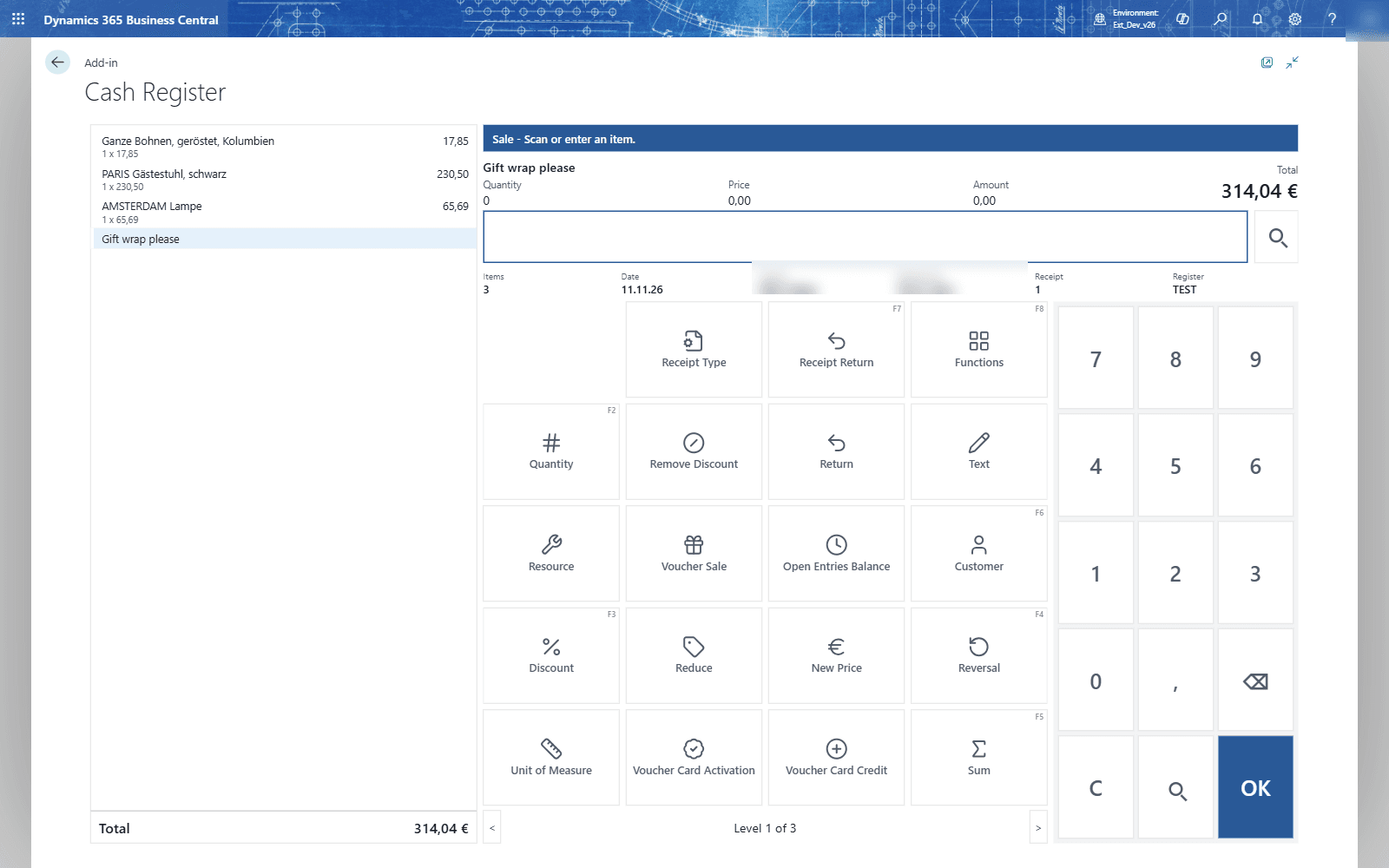
- 06Sell
- 07Give a discount
- 08Sell to a customer
- 09Take the payment
- 10Returns
- 11Cancel and correct
- 12Park a receipt
- 13The functions menu
- 14Work faster with the keyboard
- 15When you leave the page
- 16Approve as supervisor
- 17The cash book
- 18Look at the day so far
- 19Close the day
- 20Find and reprint a receipt
- 21Sample layouts
- 22Sizes and choices
- 23Prices on the keys
- 24The self-order kiosk
- 25How QUALIA POS is organised
- 26Set up a new store
- 27Several registers in one store
- 28Cashiers at every register
- 29The day of each register
- 30Cashier, supervisor and store manager
- 31What each right allows
- 32When a cashier may not do something
- 33The locked screen
- 34Setting up, step by step
- 35Set up the point of sale
- 36Payments and tenders (cash, cards, vouchers, gift cards and coupons)
- 37Cash office setup
- 38Campaigns that give discounts automatically
- 39Post a Day's POS Takings to the Financials
- 40Fiscalization (signed receipts, operational log, DSFinV-K export)
- 41Tax free for customers outside the EU
- 42Salespeople and their sign-in at the till
- 43Items, images, cross-selling and customer surveys
- 44Move master data to the register and sales data back (Distribution)
- 45Analysis and reports
- 46Designing and maintaining receipts
- 47Messages at the till and what to do
- 48Keys at a glance
- 49Version of the app
Questions this guide does not answer? We are happy to help.
To the app page