Quick start: the first sale in ten minutes
This is the shortest way through a day. Each step is explained in detail in the next chapter.
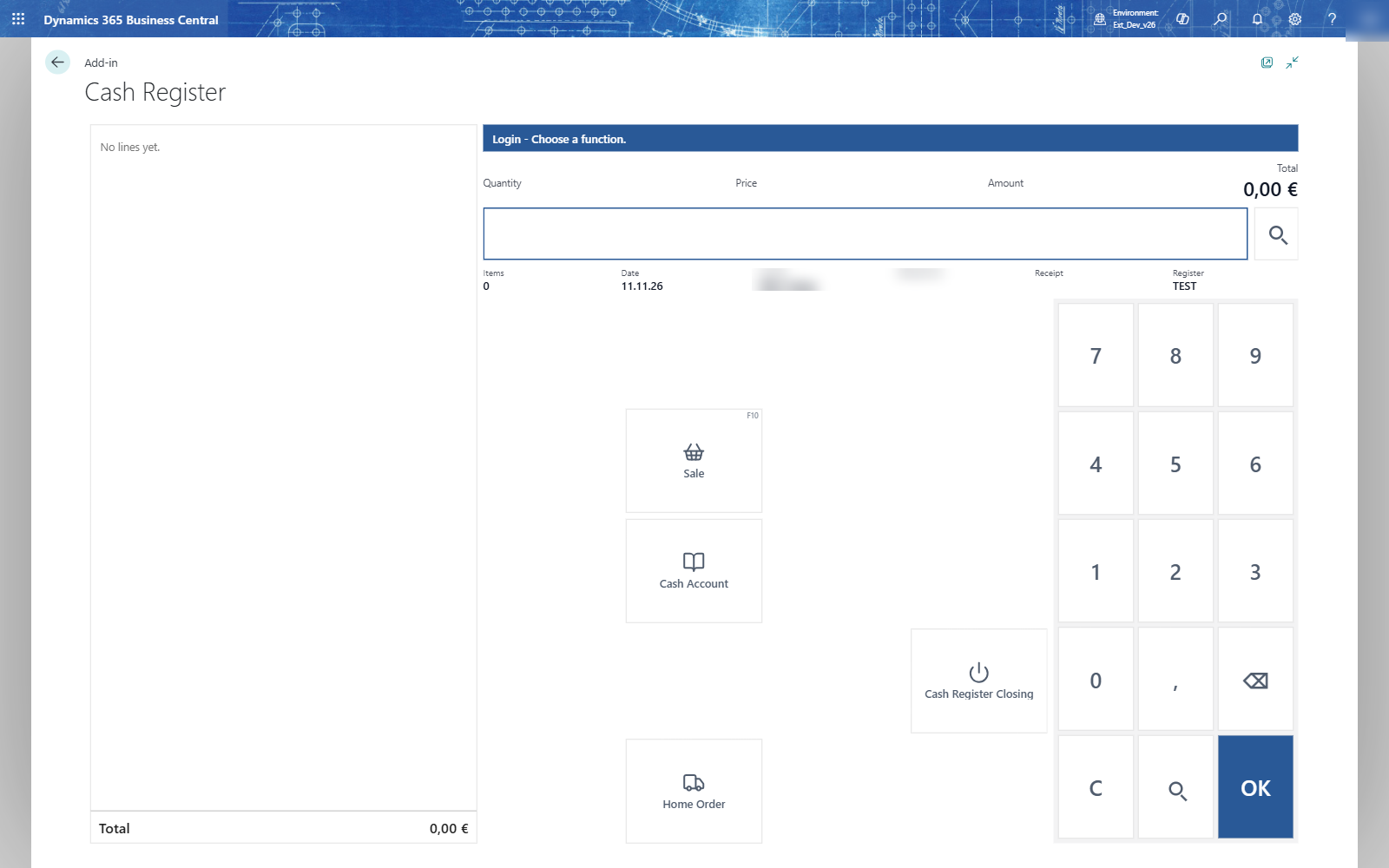
- In Business Central, open the Cash Register page (role center Point of Sale, or search for Cash Register).
- Choose Start, type your cashier code (ND) and press OK.
- Count the change in the drawer, type it (100) and choose Cash Register Start.
- On the login menu, choose Sale and type the salesperson code (TL).
- Scan the barcode or type the item number (81634909) and press OK.
- Choose Sum, then Payment, then the tender (Cash).
- Type the amount the customer gives (20,50) and press OK. The till shows the change (2,65).
- Choose Receipt End. The next receipt starts with the salesperson code.