
POS
Retail operations, run from Business Central
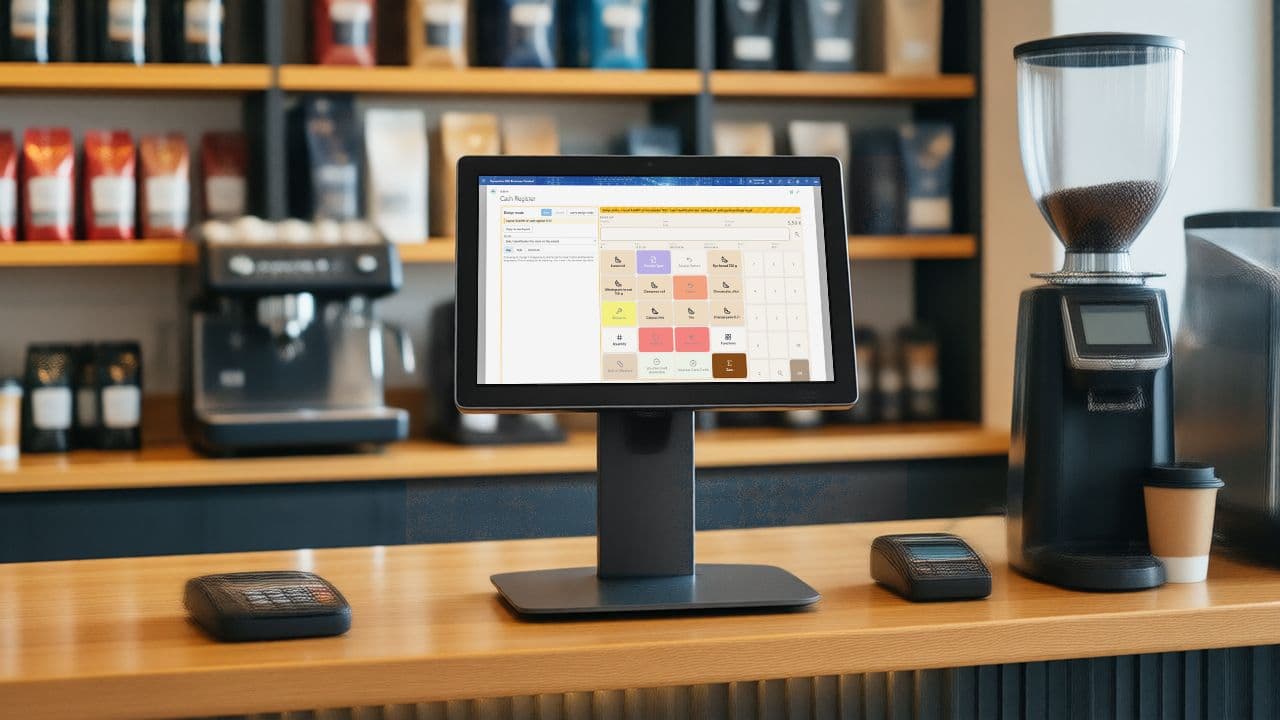
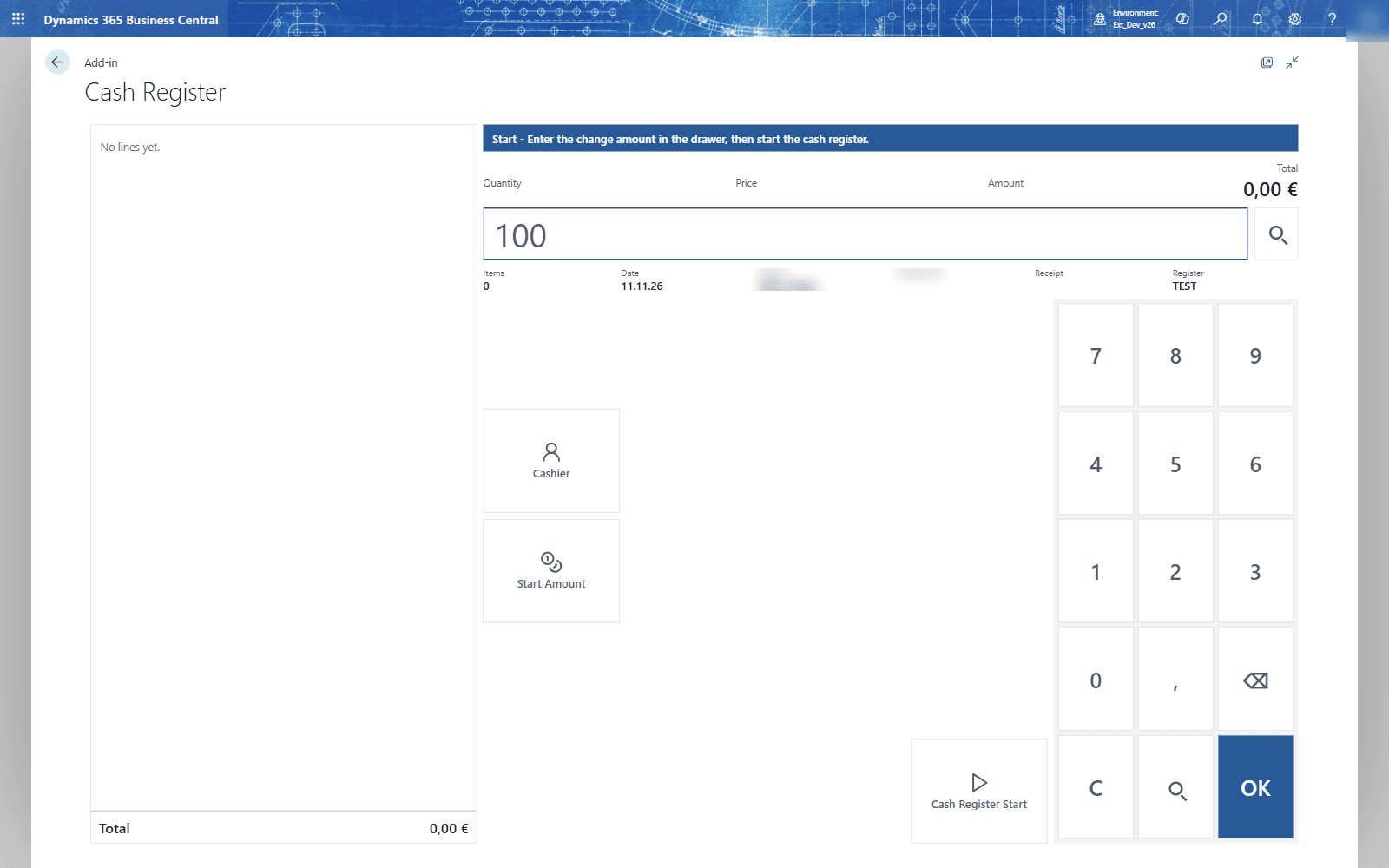
The cashier sells at the Cash Register page, and the day's takings flow into Business Central through journals for sales, customers and finance.
- Pricing
- €45 per cash register / month
- Business Central
- 28+
- Version
- 0.1.0.126
- Training chapters
- 14 chapters
The challenge
The shop sells at a till, but the takings, payments and stock live in Business Central.
The answer
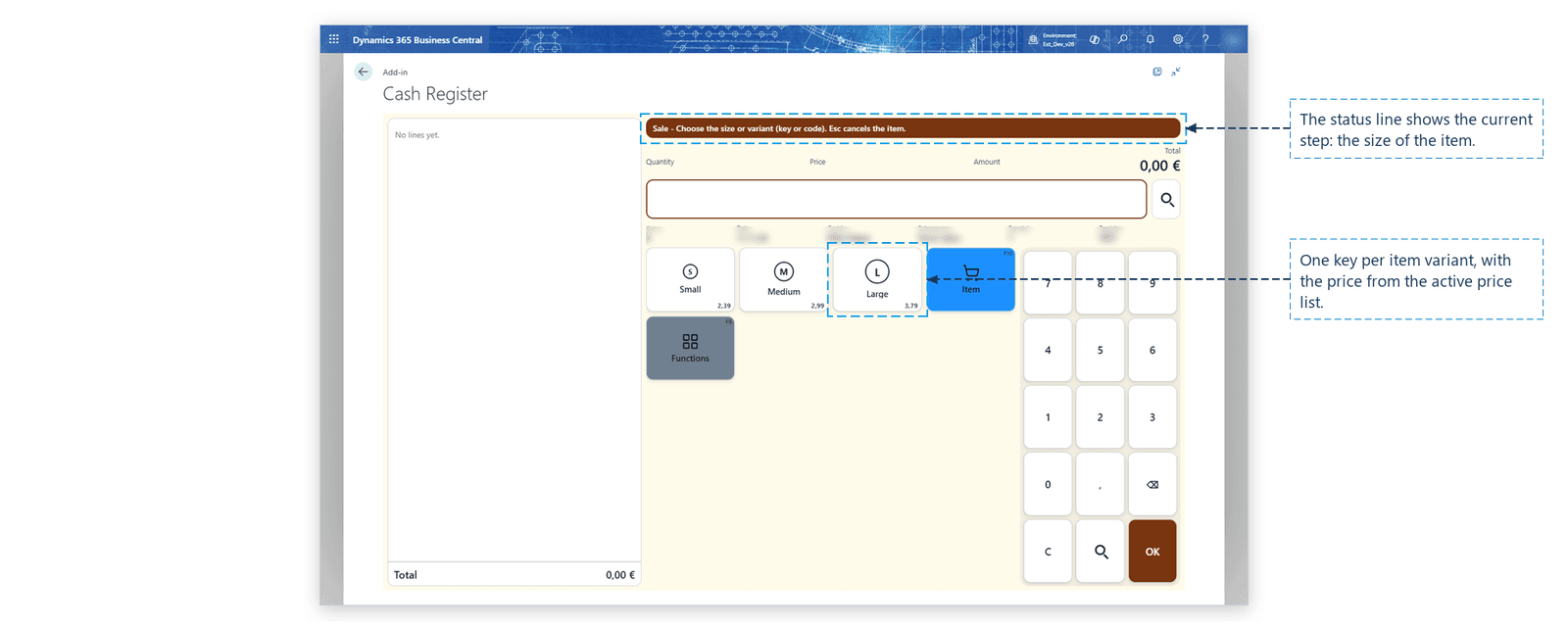
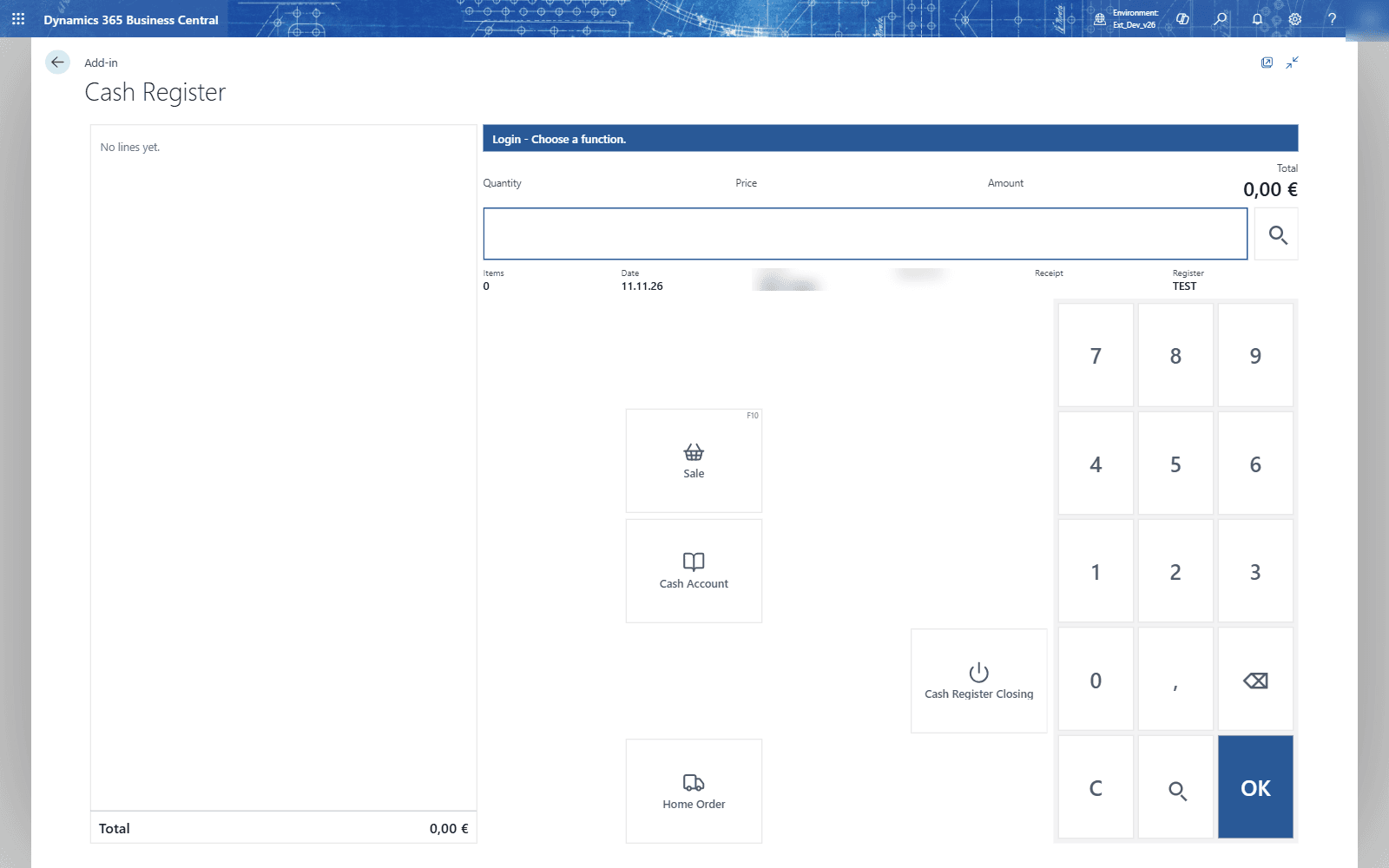
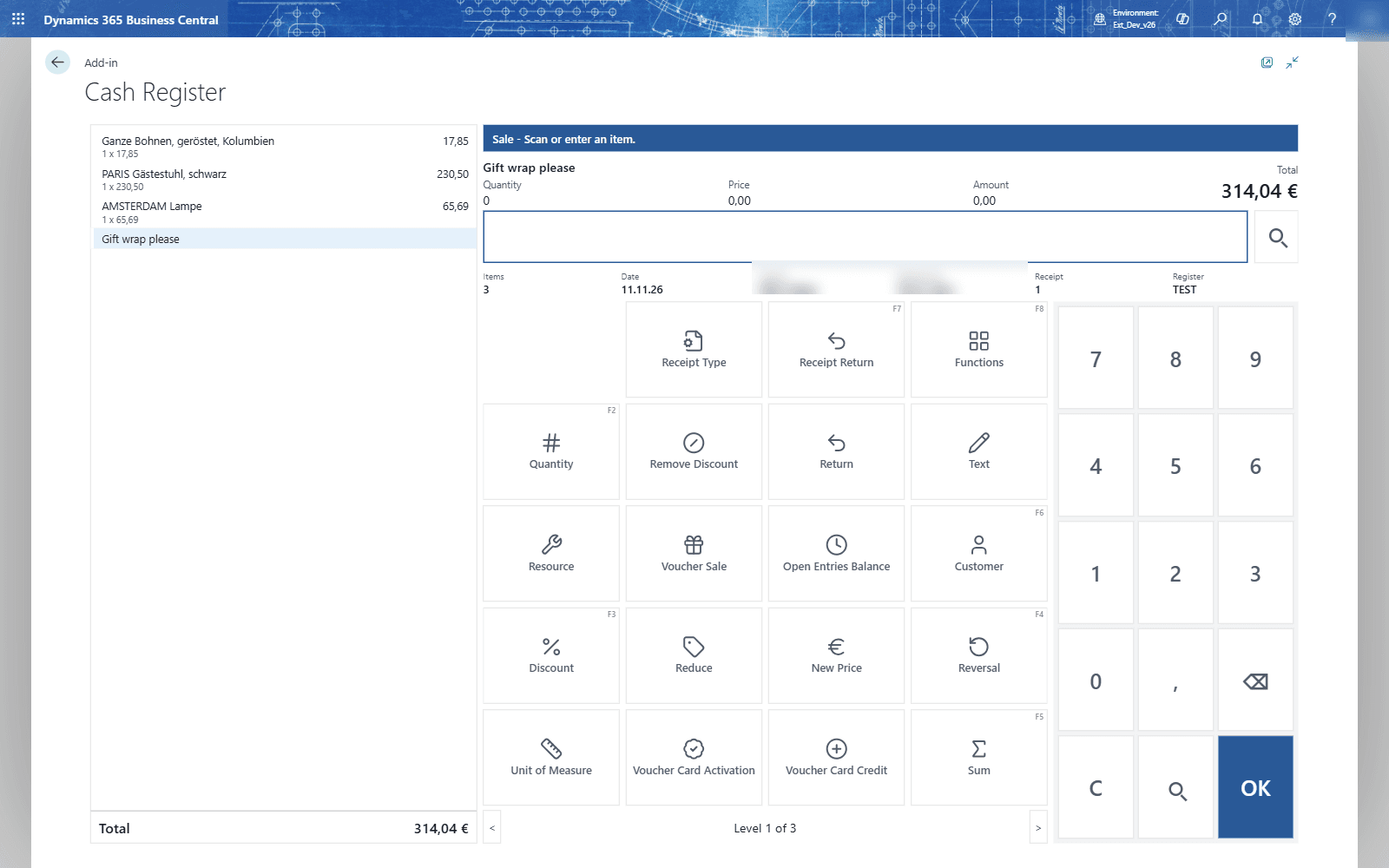
The cashier sells at the Cash Register page, and the day's takings flow into Business Central through journals for sales, customers and finance. POS covers tenders and card payments, receipts, discounts and campaigns, vouchers, gift cards and coupons, counting and closing the day.
Salespeople sell, give discounts and take payments. Administrators set up registers, devices and tenders once. Supervisors count the till, book deposits and close the day.
What it does
What POS does in Business Central
- 01
Registers and devices
A setup wizard, register cards, receipt printers and customer displays per register.
- 02
Selling and receipts
Sell items at the register, print receipts and design receipt texts.
- 03
Payments and tenders
Cash, card terminal, vouchers, gift cards, coupons and payment on invoice.
- 04
Cash office
Count the till, book deposits and the cash-up, and close the register.
- 05
Campaigns and discounts
Campaigns that give discounts automatically at the register.
- 06
Posting to the financials
Import, validate and post the day's takings through journals.
- 07
Fiscalization
Signed receipts, an operational log and the DSFinV-K export.
- 08
Tax free
Tax-free sales for customers from outside the EU.
Screens
How it looks in Business Central
Videos
POS in action
- 0QUALIA POS for consultants · Learn: Point of Sale (POS)
- 1Set up a register: wizard, register card, devices
- 2Selling at the POS
- 3Payments: cash, card terminal, vouchers, gift cards and invoice
- 4The cash office: counting, deposits and closing the day
- 5Campaigns and automatic discounts
Questions about POS
Does POS run inside Business Central?
Yes. POS is an extension for Microsoft Dynamics 365 Business Central. Your team works on Business Central pages.
Which Business Central version is needed?
Business Central 28 or later.
What does POS cost?
€45 per cash register / month, 30-day free trial. Prices in EUR, net. Billed monthly, or yearly for the price of 10 months. 30 days free trial.
Is there a user guide?
Yes, a user guide with setup and daily work, step by step.
Are there training videos?
Yes, 14 chapters in the academy, with real Business Central screens.
Prices and conditions
How do you want to license?
Billing
Yearly: 2 months free (12 months for the price of 10).