
Consultant training
POS
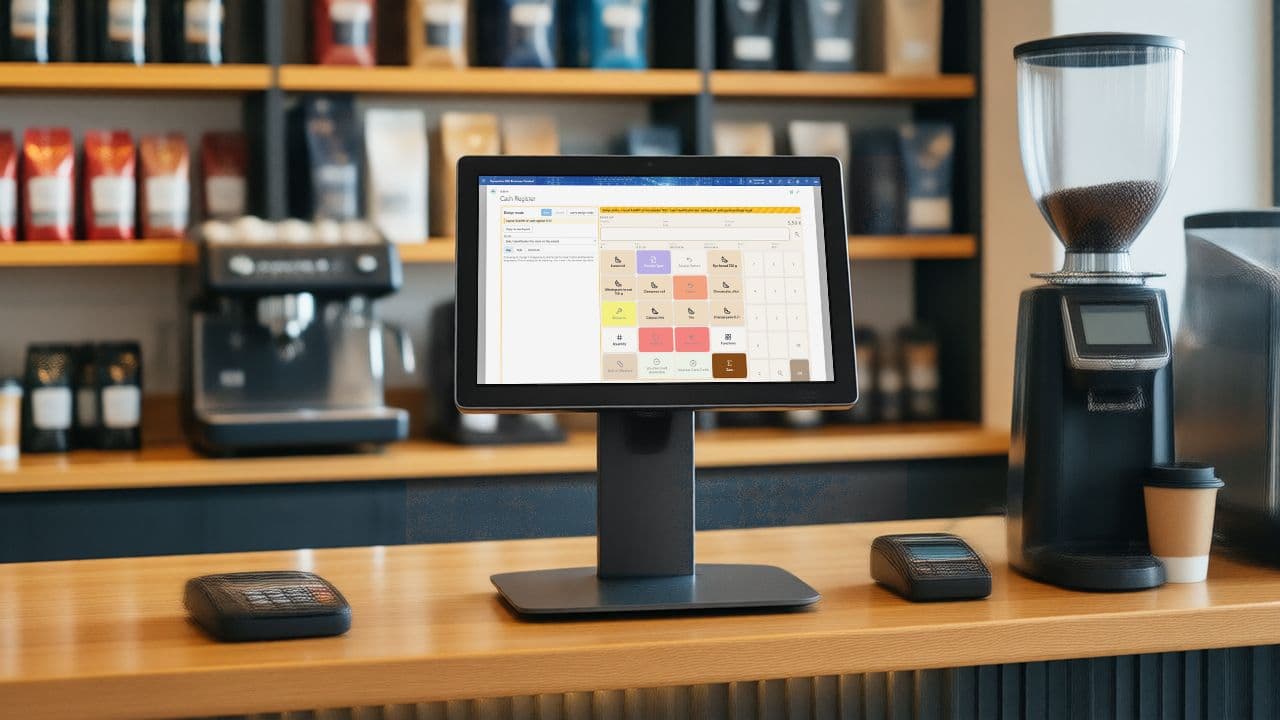
The point of sale inside Business Central.
14 chapters
Learn
QUALIA POS for consultants · Learn: Point of Sale (POS)
Start with the overview
- A complete point of sale inside Business Central: selling, payments, cash office, campaigns, posting, fiscalization, distribution, analysis
- Standard master data, no interface: items, customers, posting groups and journals are the customer's own
- Four roles, one app: cashier, supervisor, administrator, finance
All chapters
The video is loaded from YouTube (youtube-nocookie.com) when you click. YouTube may then set cookies. Chapter 1
Set up a register: wizard, register card, devices
- Standard Business Central first: location, posting groups, journals, salespeople
- The wizard creates the first register; every further one is a copy
- Register card for behaviour, device card for hardware, one assigned user per register
The video is loaded from YouTube (youtube-nocookie.com) when you click. YouTube may then set cookies. Chapter 2
Selling at the POS
- A receipt is the document: sale, payment and discount lines
- Location and cash register are the key to everything
- Discount reasons, tenders and return reasons are set up before the first sale
The video is loaded from YouTube (youtube-nocookie.com) when you click. YouTube may then set cookies. Chapter 3
Payments: cash, card terminal, vouchers, gift cards and invoice
- A tender is type plus G/L accounts plus flags, per register
- Card needs an active terminal row and a card mapping; a decline keeps the receipt open
- Vouchers are tokens, gift cards are entries, coupons belong to a campaign
The video is loaded from YouTube (youtube-nocookie.com) when you click. YouTube may then set cookies. Chapter 4
The cash office: counting, deposits and closing the day
- Denominations and cash book accounts are the setup behind every count
- The float goes in at the start and is expected back at the close; a cash-up is not
- Counts are blind, per denomination, and kept read-only
The video is loaded from YouTube (youtube-nocookie.com) when you click. YouTube may then set cookies. Chapter 5
Campaigns and automatic discounts
- A campaign is one record: type, value, validity, filters and triggers; created inactive, locked while active
- Campaign Assignments decide what combines; a campaign without rows combines with everything
- Campaign Allowed on the register decides whether the POS looks at campaigns at all
The video is loaded from YouTube (youtube-nocookie.com) when you click. YouTube may then set cookies. Chapter 6
Posting the day: import, validation and journals
- Receipts become sales data, the import makes one document and a journal per day and register, posting puts it in the ledger
- Accounts come from the posting groups and the tenders; rights from the user who posts
- Validations run before Post; a posted import is final
The video is loaded from YouTube (youtube-nocookie.com) when you click. YouTube may then set cookies. Chapter 7
Fiscalization: signed receipts and the audit export
- The provider signs; the app connects one register to one provider and stores every result
- After the first signed receipt the setup is locked: activate right before go-live
- Operational log comments and the DSFinV-K export are what the audit reads
The video is loaded from YouTube (youtube-nocookie.com) when you click. YouTube may then set cookies. Chapter 8
Tax-free sales for customers outside the EU
- One tax-free setup per register, provider fields only for the chosen provider
- Zero percent VAT is standard posting setup; the customer on the receipt triggers it
- Every provider call is in Tax Free Entries: read the response before you call support
The video is loaded from YouTube (youtube-nocookie.com) when you click. YouTube may then set cookies. Chapter 9
Salespeople, passwords and supervisor rights
- Rights live on the group; Supervisor switches on all of them
- A salesperson keeps the first group: clear it before you change it
- Cannot sign in: code, block, password, in that order
The video is loaded from YouTube (youtube-nocookie.com) when you click. YouTube may then set cookies. Chapter 10
Items at the register: images, cross-selling and surveys
- Items, resources and references are standard; the app adds fields, not copies
- One reference number leads to exactly one item
- Cross-selling needs a rule and the register switch; a survey needs an answer before it is active
The video is loaded from YouTube (youtube-nocookie.com) when you click. YouTube may then set cookies. Chapter 11
Distribution: master data to the registers, sales data back
- Connection first, then publication, subscription, listener: in that order
- Push or Pull decides who initiates, and Synchronize only fetches Pull registers
- Snapshots expire on purpose; the entries prove what a register loaded
The video is loaded from YouTube (youtube-nocookie.com) when you click. YouTube may then set cookies. Chapter 12
Analysis and reports
- An empty Error Message on every sales data row means the day arrived
- The archive card is the bridge from a receipt line to the journal line that posted it
- Analysis and reports only read; one subject, one period, nothing is changed
The video is loaded from YouTube (youtube-nocookie.com) when you click. YouTube may then set cookies. Chapter 13
Receipt design and receipt texts
- Receipt texts live per register, type and validity period; an advertisement expires by itself
- Bold layout lines are mandatory: move them, never delete them
- Every receipt is stored with its roll; reprint, search and returns work from it
The video is loaded from YouTube (youtube-nocookie.com) when you click. YouTube may then set cookies.
Questions this guide does not answer? We are happy to help.
Read the user guide