
Start the day
- Choose Start. The till asks Enter your cashier code.
- Type your cashier code, for example ND, and press OK. Your name appears in the info row.
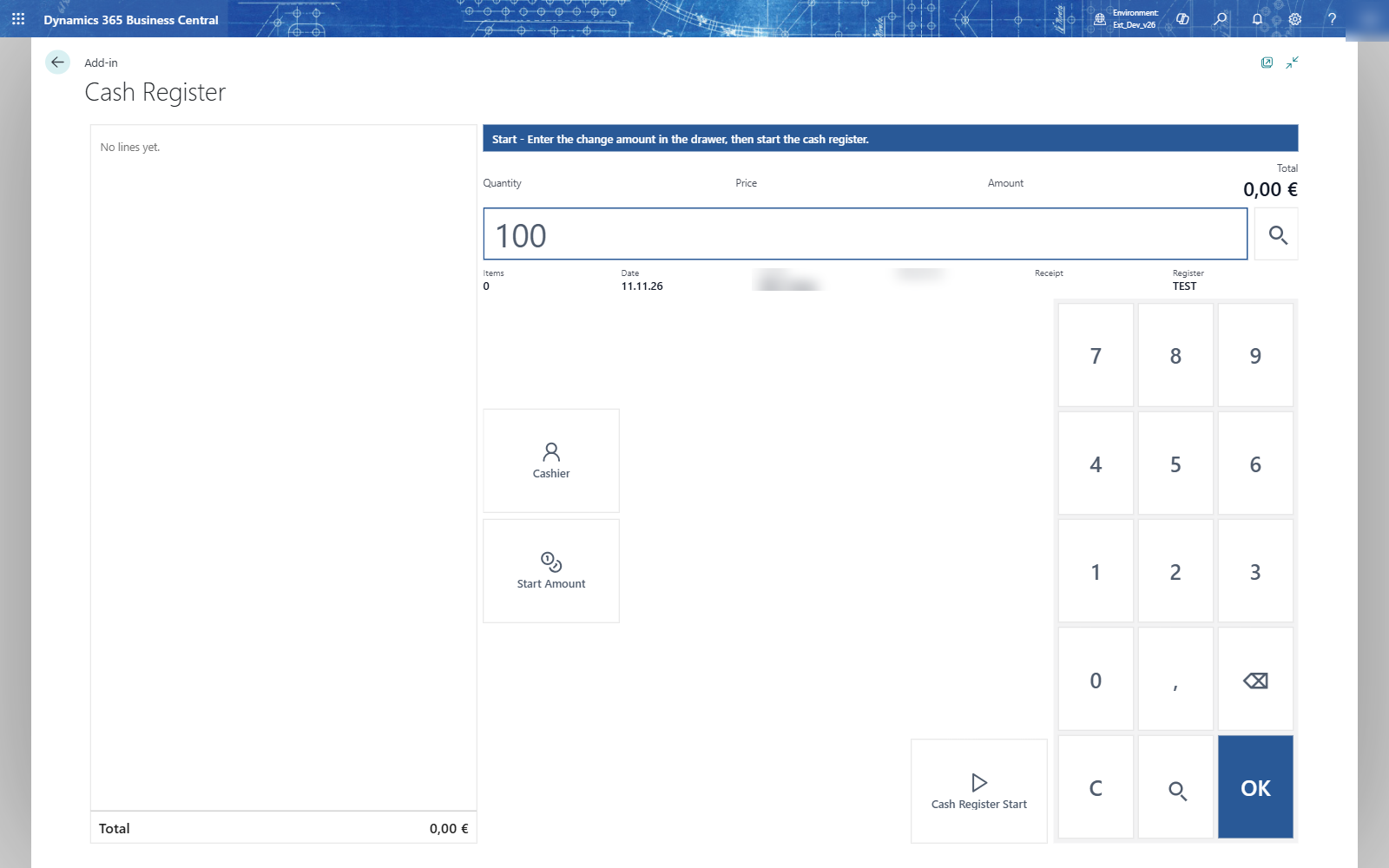
- Count the change in the drawer and type it, for example 100.
- Choose Cash Register Start. You don't need to press OK first: the amount you typed goes with the key.
- If the amount differs from what was counted at the last closing, the till asks The change amount differs... Do you really want to start? Choose Yes if your count is right.
The till shows the login menu: Sale, the cash book, Cash Register Closing and, where the store has it, Home Order.
Note: The last closing's counted cash is offered as the next change amount. When you count the same, the till starts without a question.