
Close the day
- Finish or cancel the open receipt.
- Choose Receipt Type and Cash Register Closing, and confirm Do you want to close the cash register now? with Yes.
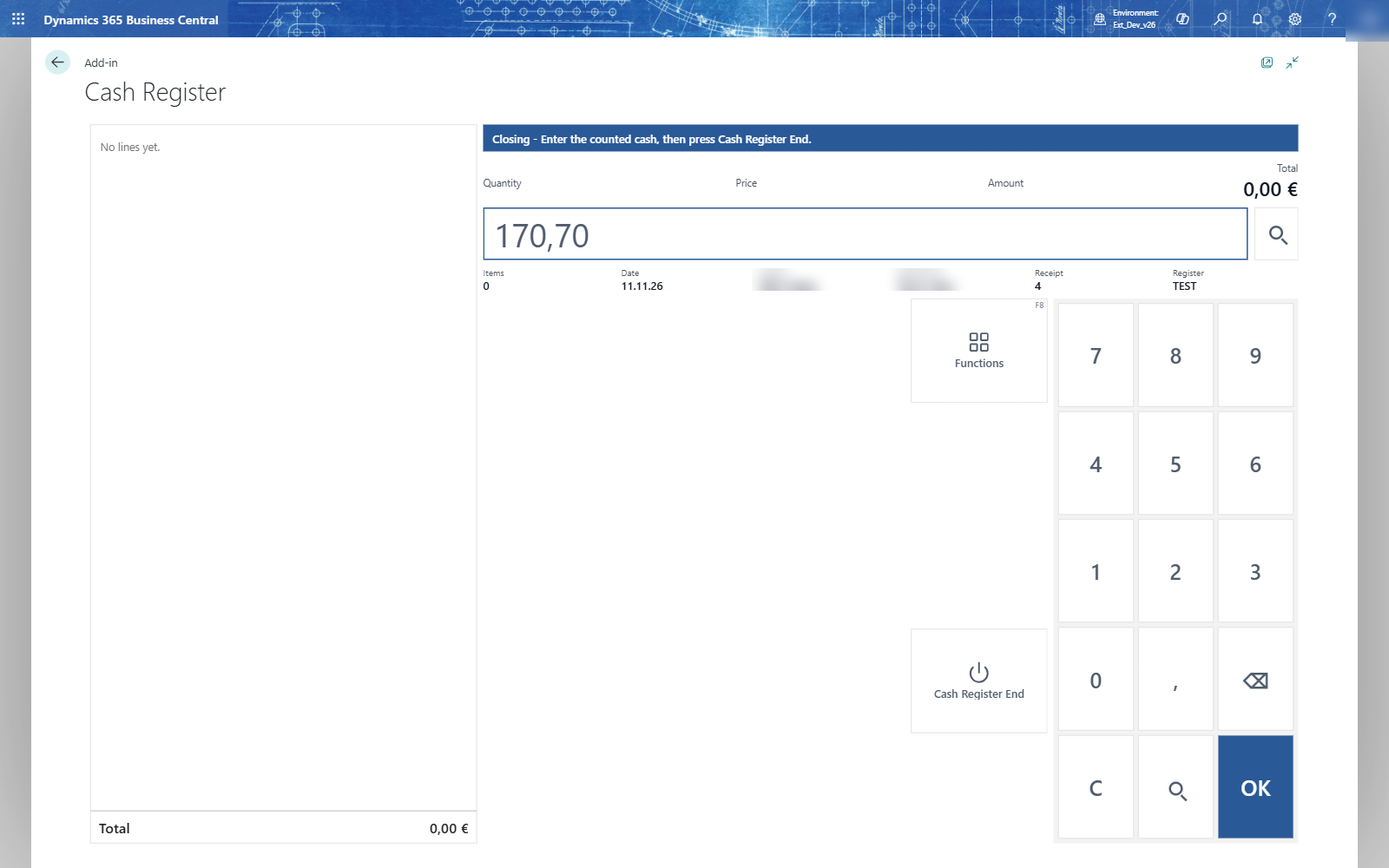
- Count the cash in the drawer. The till doesn't show what it expects: it is a blind count.
- Type the counted cash, for example 170,70, and choose Cash Register End. You don't need OK first.
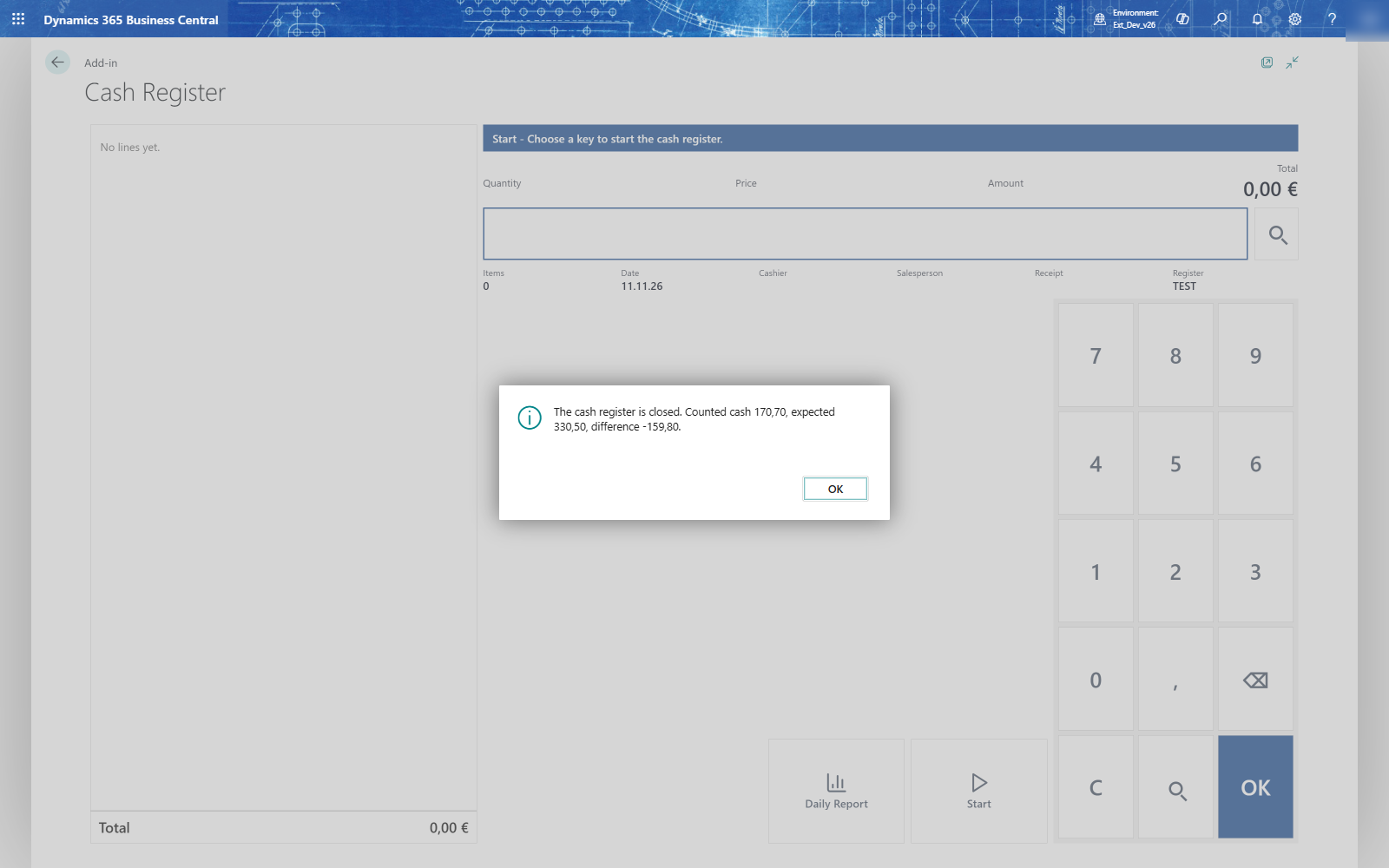
- The till shows the result: The cash register is closed. Counted cash..., expected..., difference.... and goes back to Start.
The counted cash is offered as the change amount of the next day. A closing while a receipt has lines is refused.
Important: A negative difference means less cash than expected. Count again before you choose Cash Register End: after it, the process is finished.