
Setting up, step by step
The extension is installed by the Business Central administrator like any other extension. The steps below set up a company once, before the first sale, in this order.
- Make sure the company has the location of the store (for example HAUPT), the items with their item categories, the customers, the salespeople, the VAT posting groups and the G/L accounts the tenders post to.
- Assign the permission set All to the cashiers, who sell at the counter. It is the only permission set the app installs and gives access to all POS pages; a user with the SUPER permission set needs no further set.
- Create the salespeople in the Salespeople/Purchasers list and set a POS password for each on the Salespeople page of the POS.
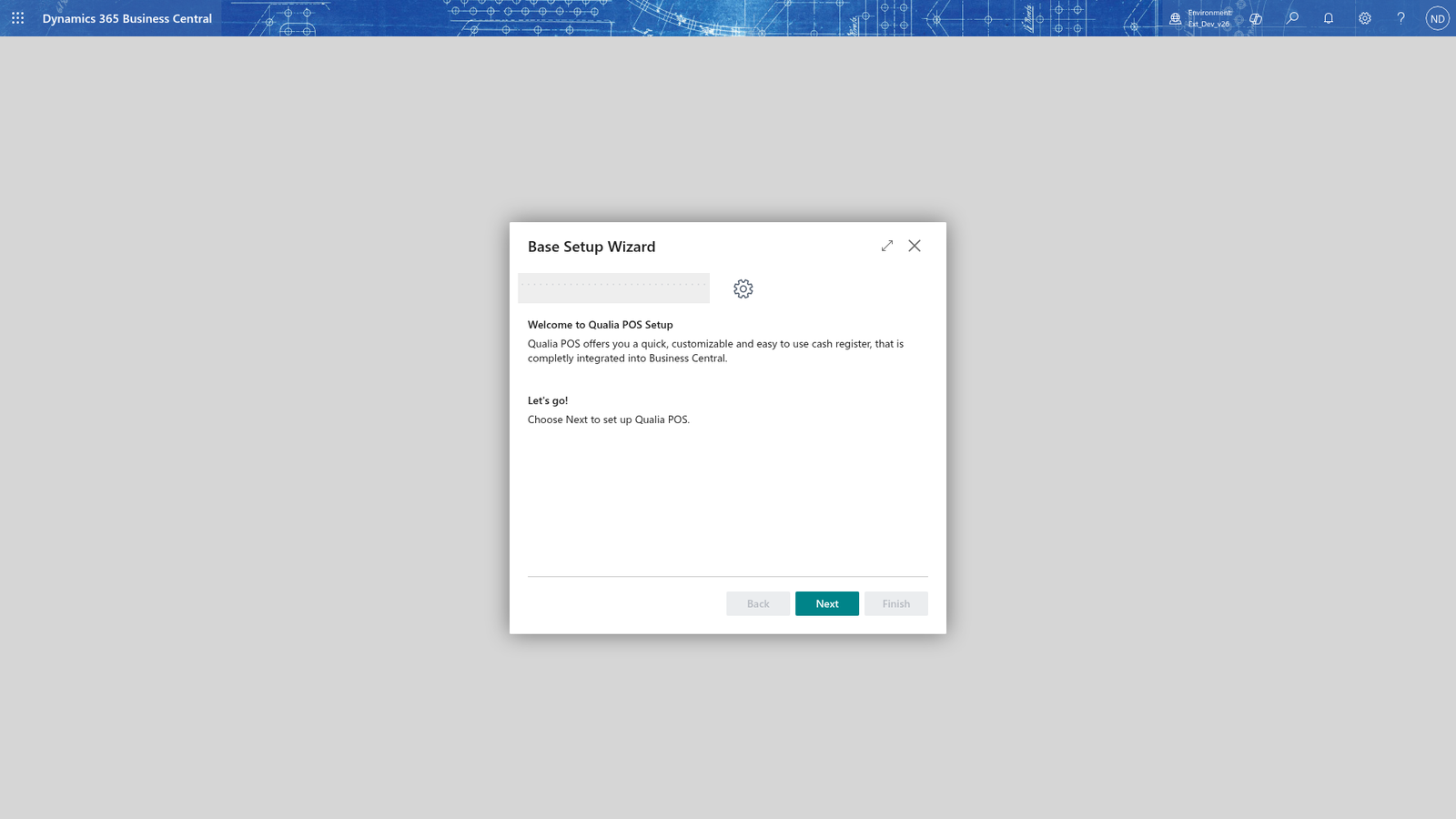
- Open the POS Role Center and start the Base Setup Wizard. It asks for the location (HAUPT), the cash register name (TEST), the business posting group and VAT business posting group, the G/L journal template and batch, and whether G/L data is posted automatically. Finish creates the cash register and its job queue entry.
- Search for POS Setup and open it.
- Search for Cash Register Card and open the card for HAUPT / TEST. Check the general settings, the journal templates, the price and counting settings and the voucher settings.
- Search for Device Setup Card and assign the receipt printer, the document printer and the customer display to HAUPT / TEST.
- Search for Tenders and check the six tenders 1-6. Activate tender 2 Card and check its G/L accounts.
- Search for Denomination List and enter the coins and notes of the cash tender.
- Search for Cash Account Book Accounts and create accounts 01 (deposit) and 02 (cash-up) with G/L account 1990.
- Search for Discount Reasons and check codes 1, 2, 11 and 50.
- Set up vouchers, gift cards and coupons on their setup pages.
- Search for Finance Validations and check the finance validations POS-001 to POS-004.
- Prepare master data for the POS: images for the items, the quick selections, the cross-sell rule and the customer survey.
The administrator runs the Base Setup Wizard for HAUPT / TEST: the wizard opens with the banner and asks for the location, the cash register and the posting groups.
Note: The Base Setup Wizard finishes by creating the cash register and its job queue entry automatically.
When the setup is done, start selling; the other chapters explain each task.