
Take the payment
- Choose Sum (F5). The till shows the total and the keys of the total: discounts, Reversal Receipt and Payment.
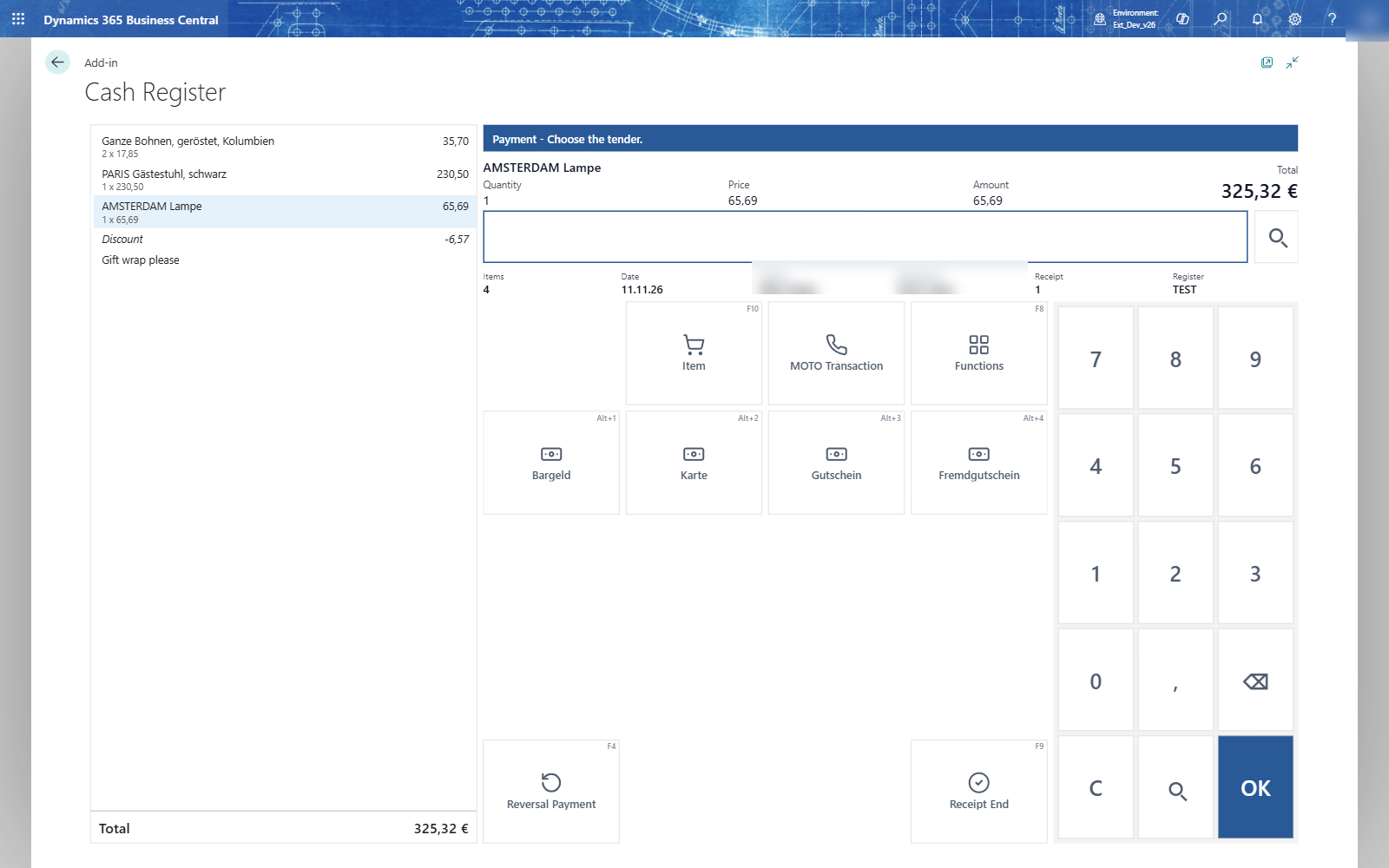
- Choose Payment. The till asks for the tender.
- Choose the tender key, for example Cash, or type the tender code and press OK.
- Type the amount the customer gives and press OK, or press OK on an empty input to pay the open amount exactly.
- Choose Receipt End. The till asks for the salesperson of the next receipt.
| Situation | What the till does |
|---|---|
| Cash given above the total (250,00 for 230,50) | A change line of 19,50 in cash |
| Part in cash, the rest by card | Pay 100,00 with Cash, then Card and OK: the card pays the open rest |
| Comma or period | 20,50 and 20.50 are both read as twenty euros fifty |
| Card above the open amount | Refused: The amount... is higher than the open amount... Card does not allow overpayment. |
| Invoice | Type 6 in the tender choice. A customer is needed; without one: Payment by invoice needs a customer on the receipt. |
| A payment entered by mistake | Reversal Payment takes the last payment back; it shows as Reversal: Cash |
| Back to the sale after a payment | Refused: reverse the payments first or finish the receipt |
Tip: Alt+1 chooses the first tender of the tender choice; Alt+2 the second, and so on.