
Business Rules
Configurable rules instead of AL customisations.
Business Rules is a rules engine for Business Central.

- Pricing
- €10 per user / month
- Business Central
- 26+
- Version
- 1.1.0.5
- Training chapters
- 3 chapters
The challenge
Rules, approvals, e-mails and integrations need custom AL code for every change.
The answer
Business Rules is a rules engine for Business Central. Rules react to data changes and validate, inform, ask, notify, send e-mails, fill fields, open URLs, run codeunits, trigger Power Automate flows or insert records, without writing code.
What it does
What Business Rules does in Business Central
- 01
Block invalid transactions
Stop a transaction with your own error message when a rule is violated.
- 02
Messages, confirmations, notifications
Inform users, ask yes/no with branching, or show a banner without interrupting work.
- 03
E-mail
Send e-mails with report attachments when data changes.
- 04
Assign field values
Fill fields automatically from business logic.
- 05
URLs, codeunits, flows, records
Open web pages, run AL codeunits, trigger Power Automate flows or insert related records.
Screens
How it looks in Business Central
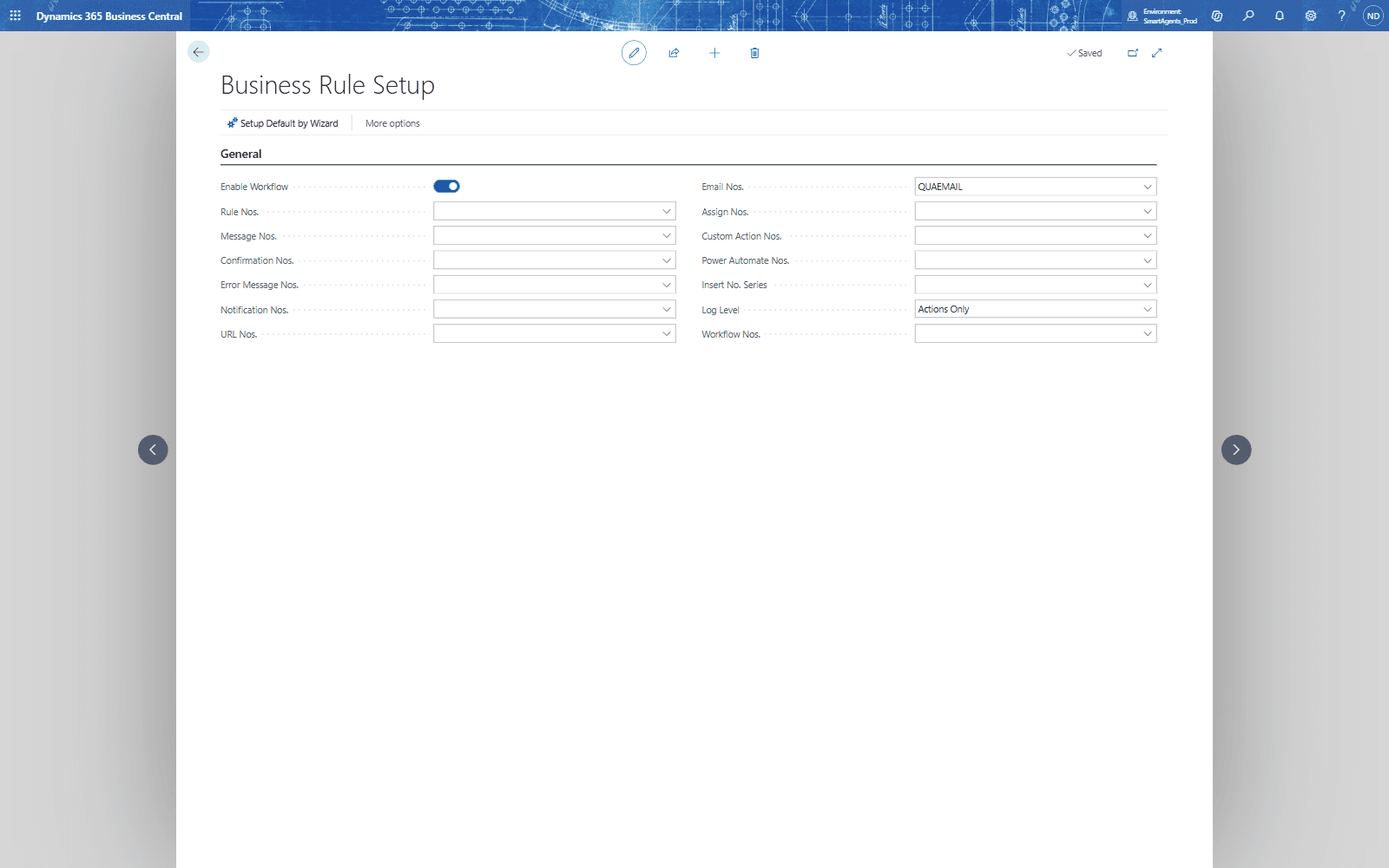
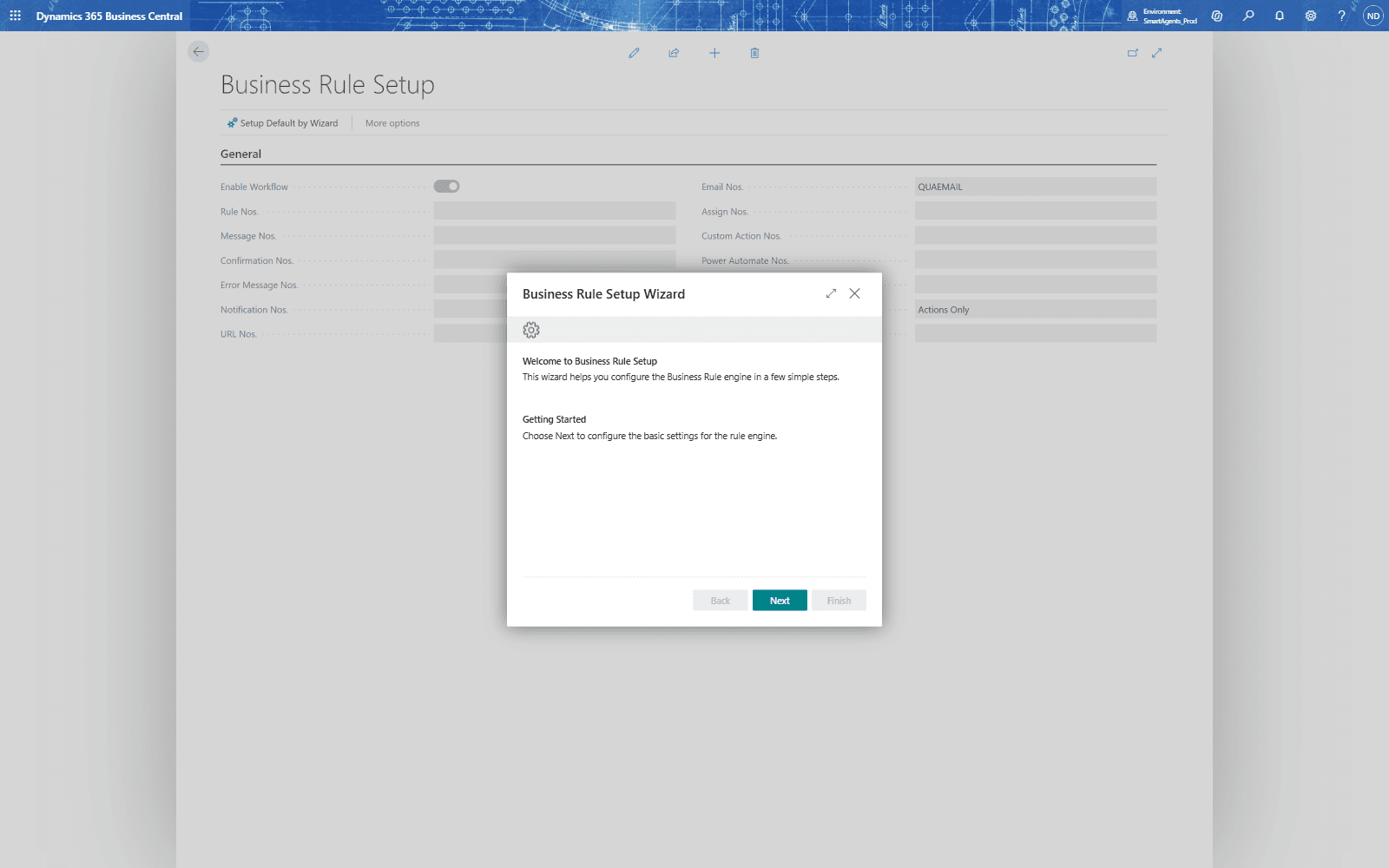
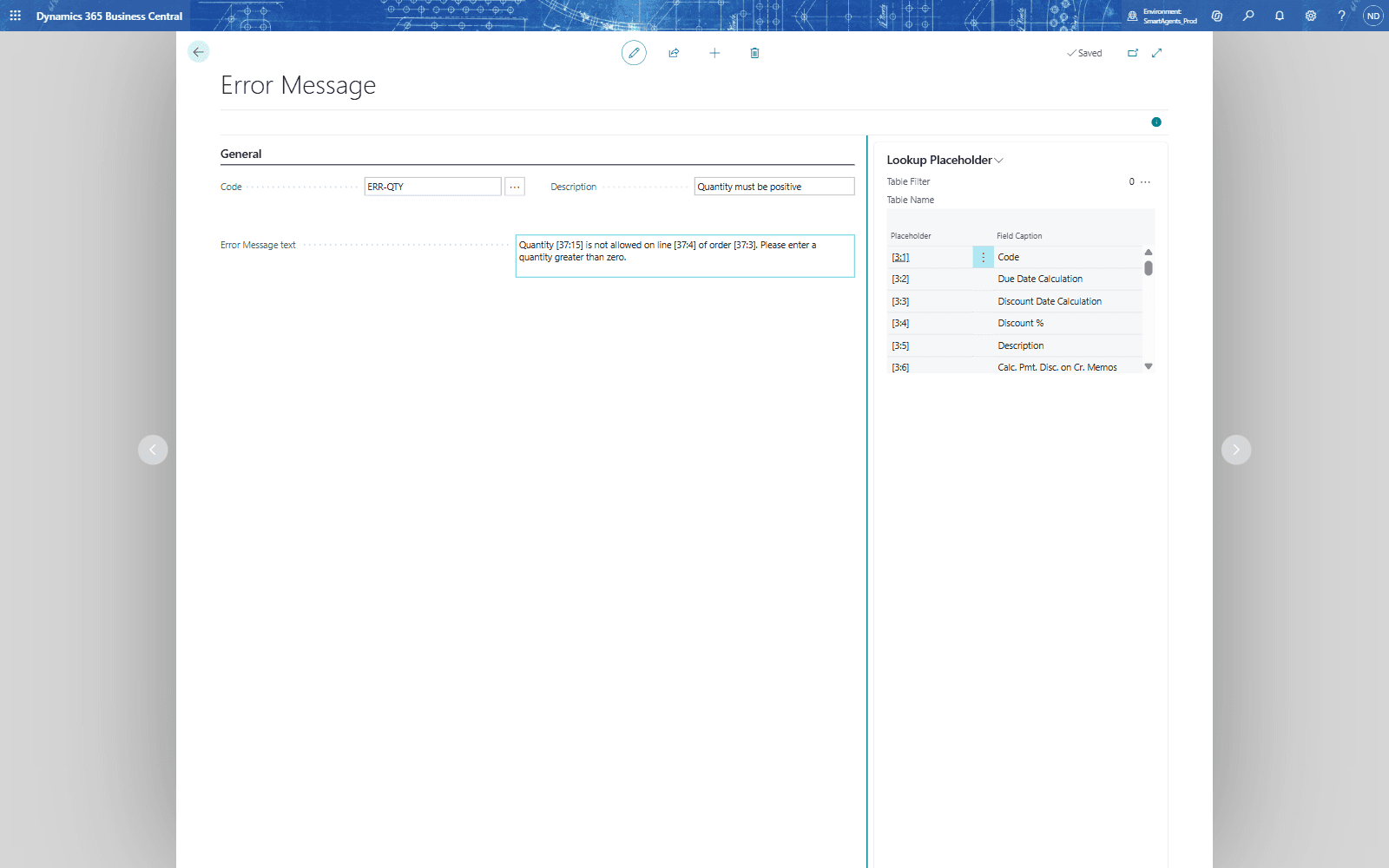
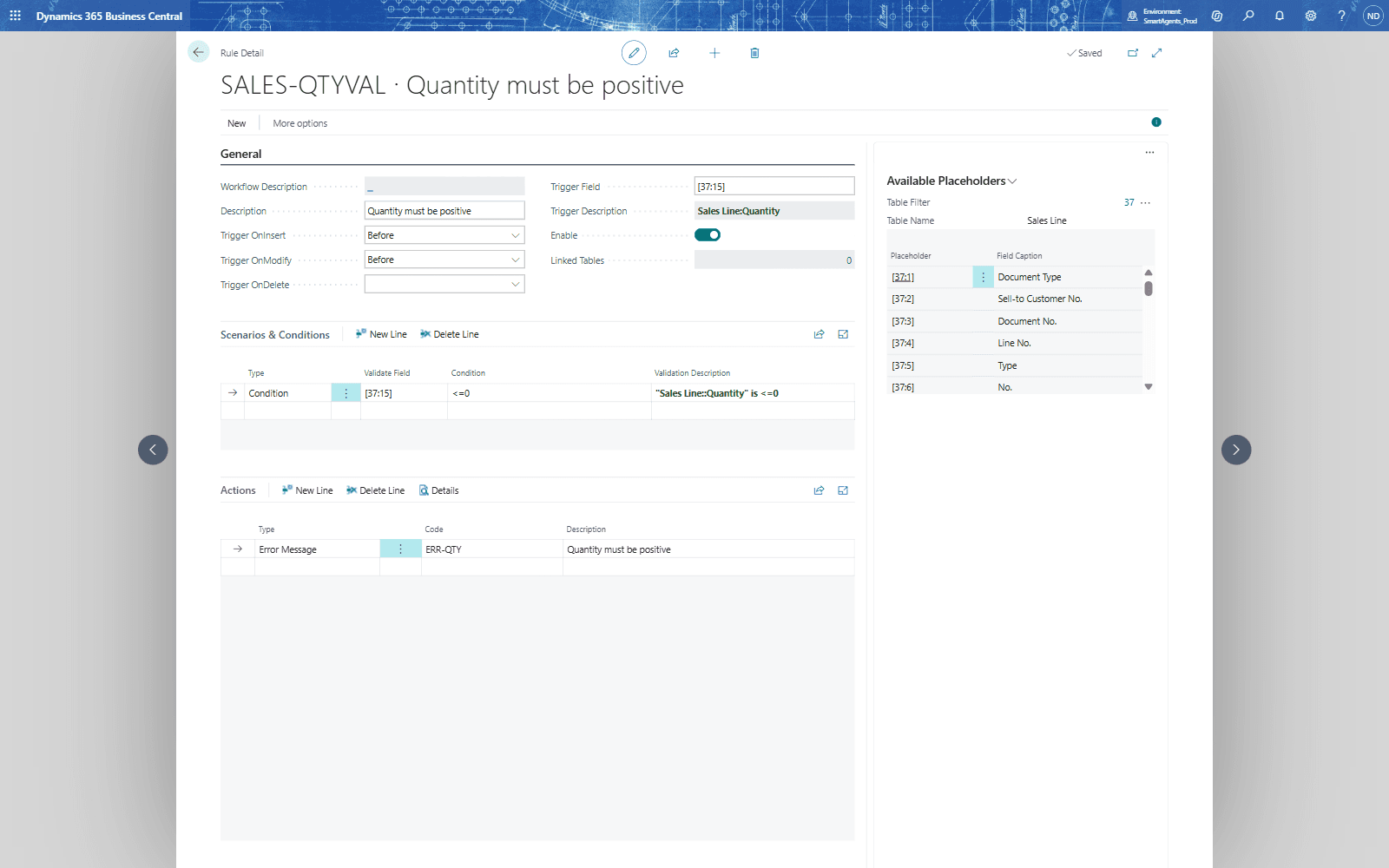
Videos
Business Rules in action
- 0QUALIA Business Rules for consultants · Learn: Business Rules
- 1Your first rule: stop invalid entries with an error
- 2Messages, the other actions, rule groups and the Rule Log
Knowledge base
Business Rules in depth
81 articles: setup, concepts, tutorials and examples.
All articles- Complete Business Rules Management System (BRMS) for D365 Business Central
- 1.1 Welcome to QUALIA Rule Engine
- Chapter 01: Introduction and Overview
- What is Business Rules Management and Why Your Business Needs It
- 2.1 System Requirements and Environment Prerequisites
- QUALIA Rule Engine: The Complete Introduction for Business Central Users
- 3.1 Opening Business Rules Setup
- Business Rules vs. Custom Code: Which Approach is Right for You?
- Core Concepts
- Understanding Trigger Events: How Business Rules Know When to Execute
- 5 Signs Your Business Central Environment Needs a Rules Engine
- Scenarios vs. Conditions: Mastering the Two-Tier Validation Model
Questions about Business Rules
Does Business Rules run inside Business Central?
Yes. Business Rules is an extension for Microsoft Dynamics 365 Business Central. Your team works on Business Central pages.
Which Business Central version is needed?
Business Central 26 or later.
What does Business Rules cost?
€10 per user / month, 30-day free trial. Only users who configure or trigger rules need a licence.
Is there a user guide?
Yes, a user guide with setup and daily work, step by step.
Are there training videos?
Yes, 3 chapters in the academy, with real Business Central screens.
Prices and conditions
Choose your edition
Related apps
Automation and documents
Advanced Workflow
Multi-step processes in Business Central without code.
€15 per user / month
Automation and documents
Email Automation
Business e-mails sent by Business Central, without code.
€10 per user / month
Automation and documents
Power Automate Connector
Power Automate flows started by Business Central data, when your rules say so.
€10 per user / month