
Power Automate Connector
Power Automate flows started by Business Central data, when your rules say so.
The Power Automate Connector starts Power Automate flows when Business Central data changes and rule conditions are met.
- Pricing
- €10 per user / month
- Business Central
- SaaS
- Version
- –
- Training chapters
- –
The challenge
Rules, approvals, e-mails and integrations need custom AL code for every change.
The answer
The Power Automate Connector starts Power Automate flows when Business Central data changes and rule conditions are met. It composes the JSON payload, fires at transaction level so rolled-back transactions never start a flow, and logs every event. The Business Rules engine is included.
What it does
What Power Automate Connector does in Business Central
- 01
Automatic payload
Business Central data sent to the flow as formatted JSON.
- 02
Transaction level
Flows start only for committed transactions.
- 03
Any table
Trigger flows from any Business Central table or extension.
- 04
Audit trail
Every flow call logged.
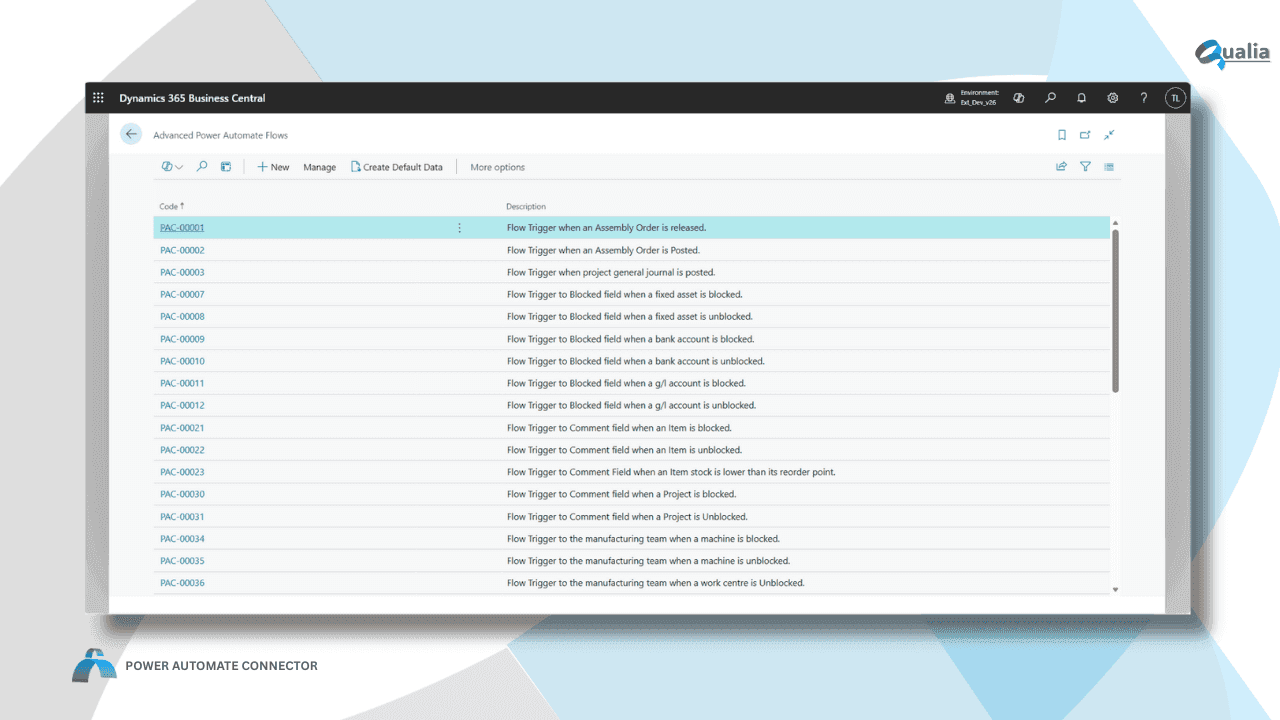
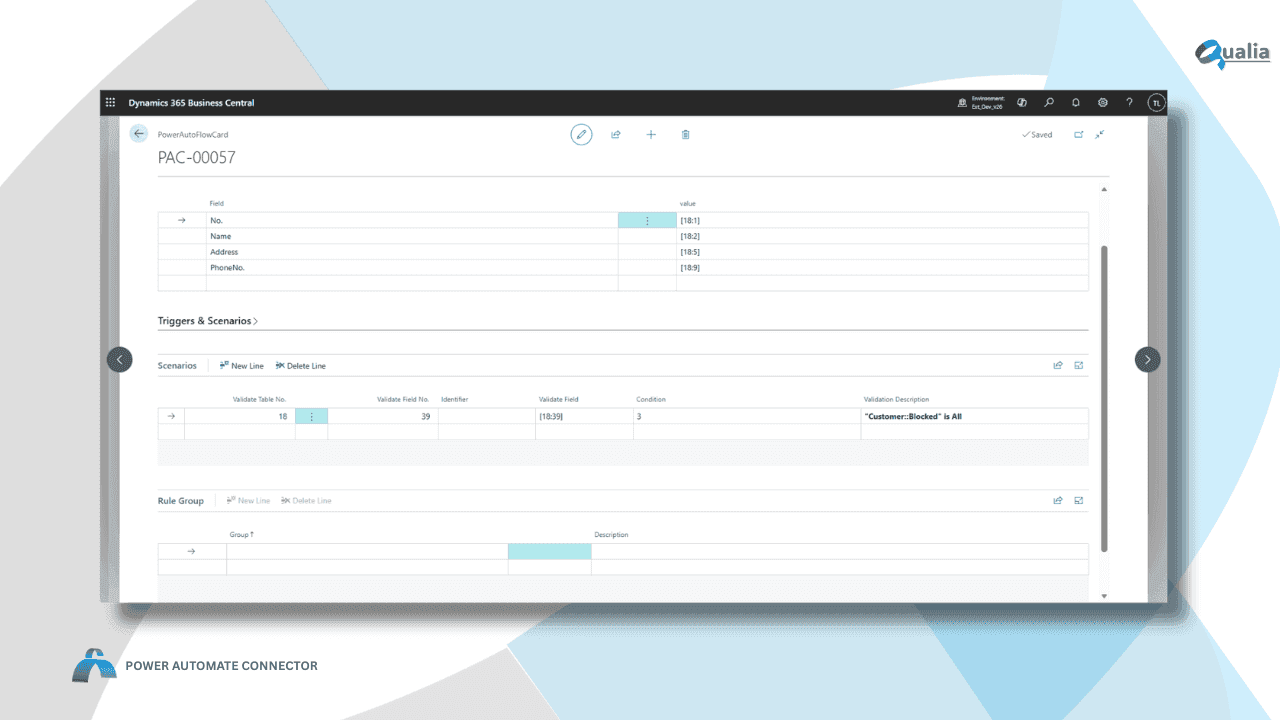
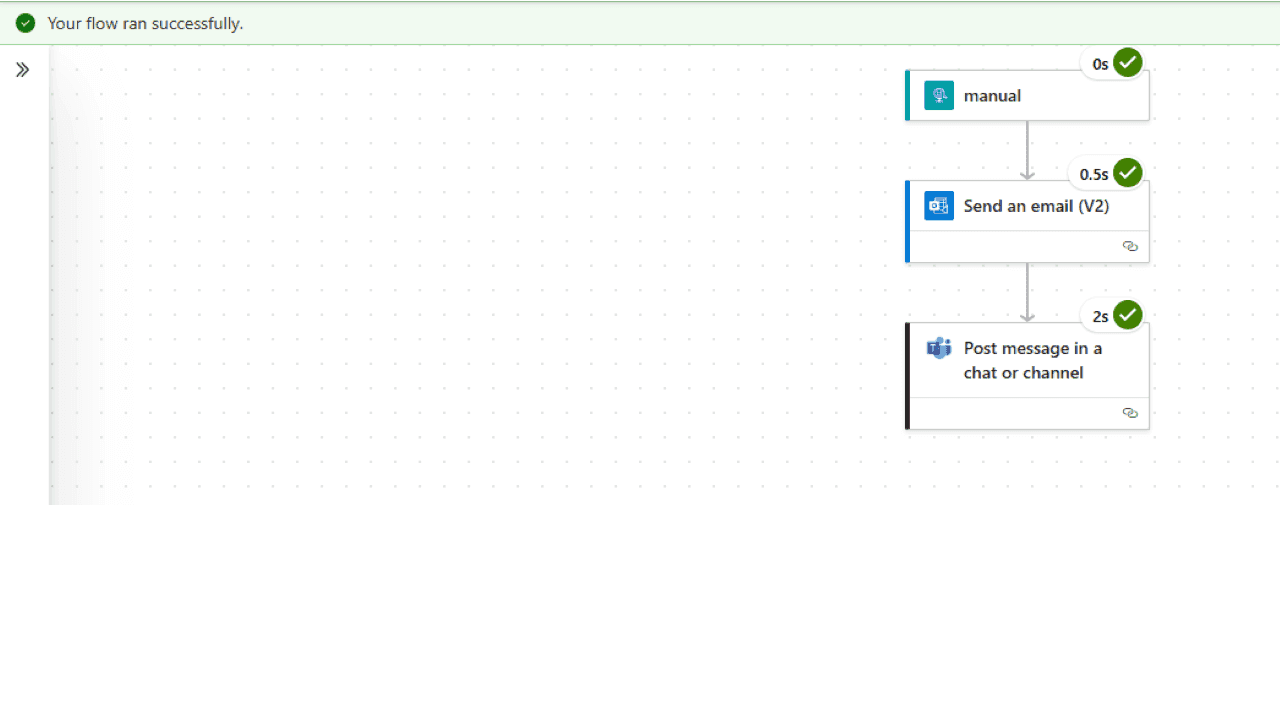
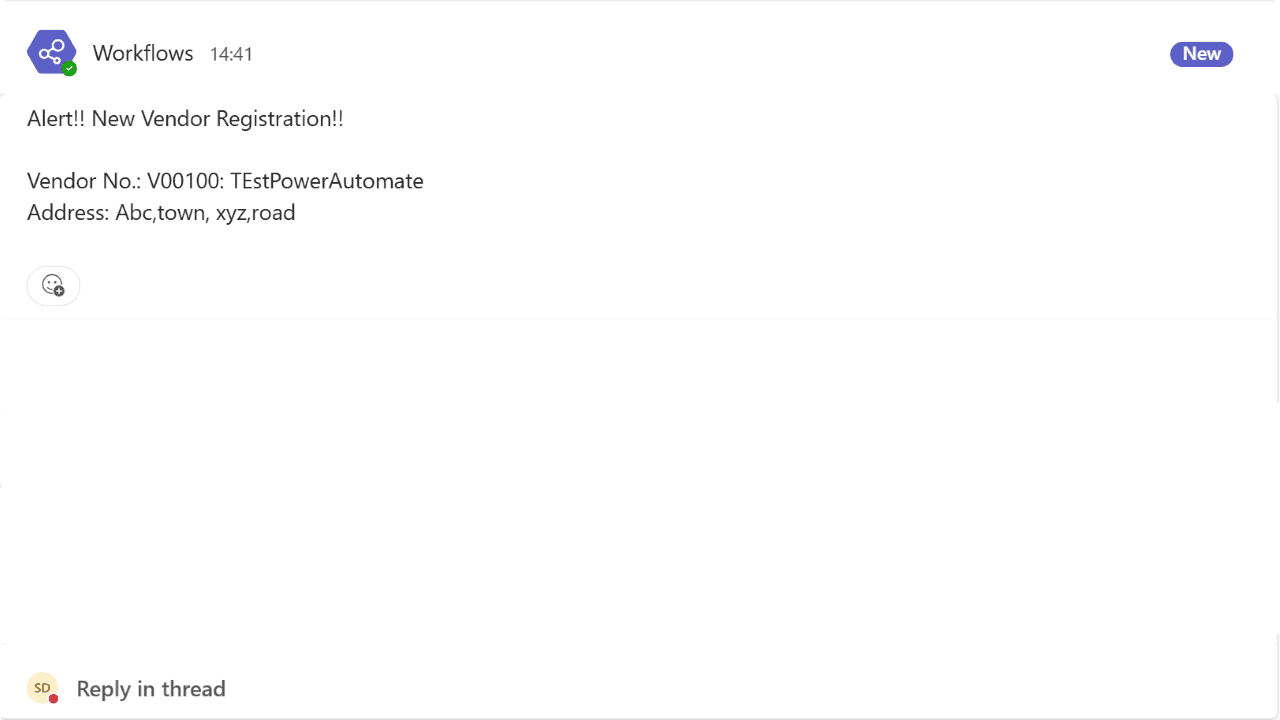
Screens
How it looks in Business Central
Knowledge base
Power Automate Connector in depth
7 articles: setup, concepts, tutorials and examples.
All articlesQuestions about Power Automate Connector
Does Power Automate Connector run inside Business Central?
Yes. Power Automate Connector is an extension for Microsoft Dynamics 365 Business Central. Your team works on Business Central pages.
What does Power Automate Connector cost?
€10 per user / month, 30-day free trial. Only users who configure or use integrations need a licence.
Is there a user guide?
Yes, a user guide with setup and daily work, step by step.