
Fleet Management
Your fleet, managed in Business Central
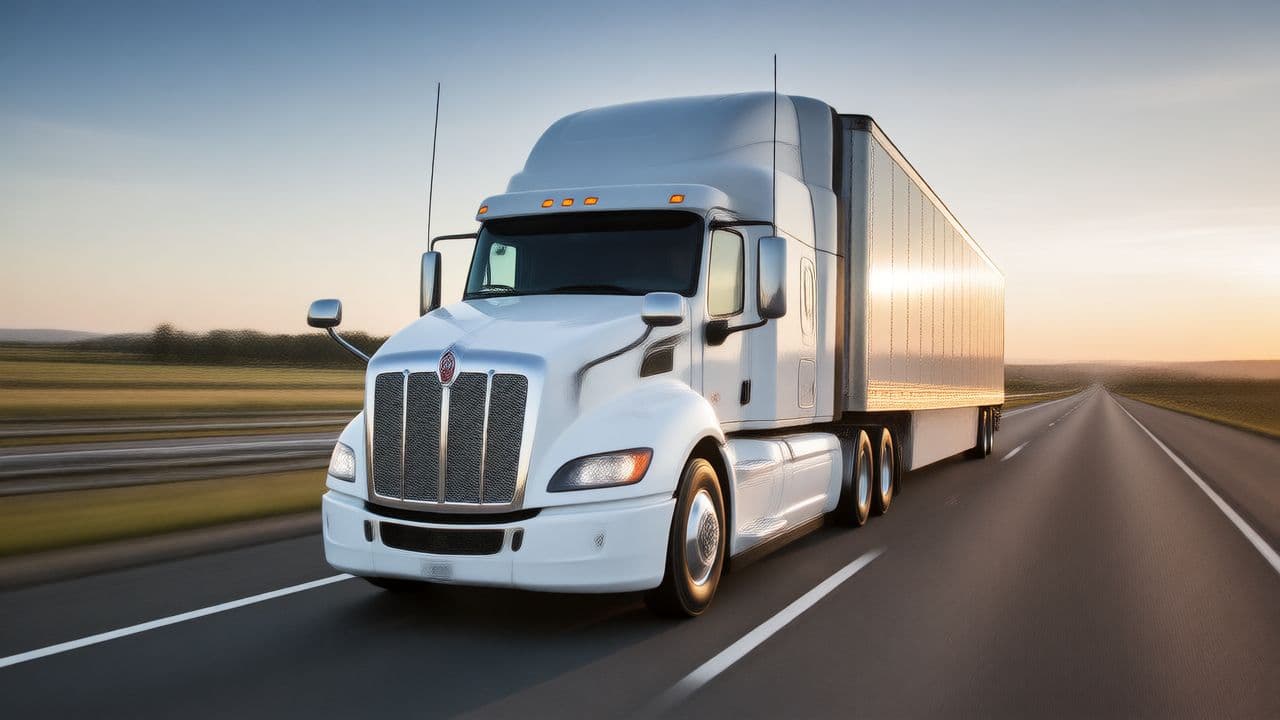
Fleet Management keeps the company's vehicles, drivers and deliveries in Business Central.
- Pricing
- Price on request
- Business Central
- 28+
- Version
- 0.1.0.15
- Training chapters
- 5 chapters
The challenge
Vehicles, drivers, documents, trips and bookings are tracked in spreadsheets next to Business Central.
The answer
Fleet Management keeps the company's vehicles, drivers and deliveries in Business Central. It works with standard data such as locations, employees, vendors, items and sales orders, and every company that runs Business Central can use it for its own fleet.
What it does
What Fleet Management does in Business Central
- 01
Vehicles
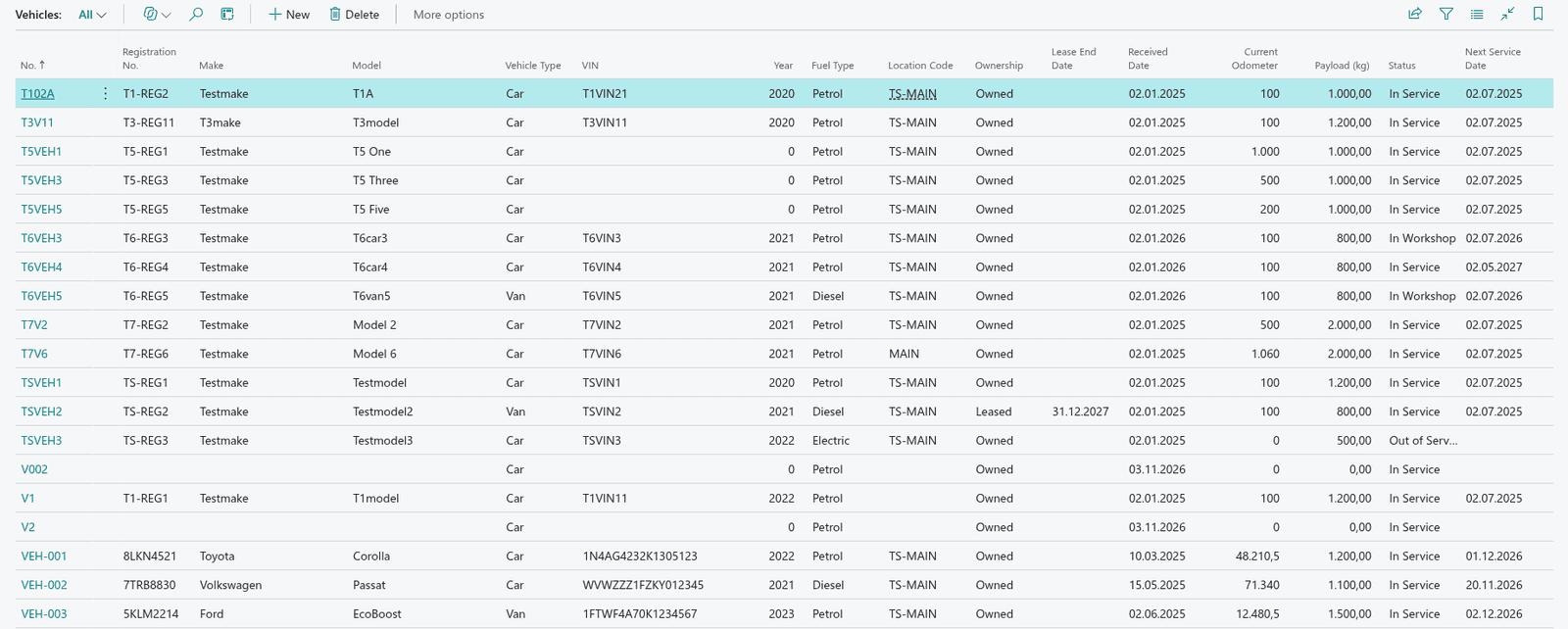
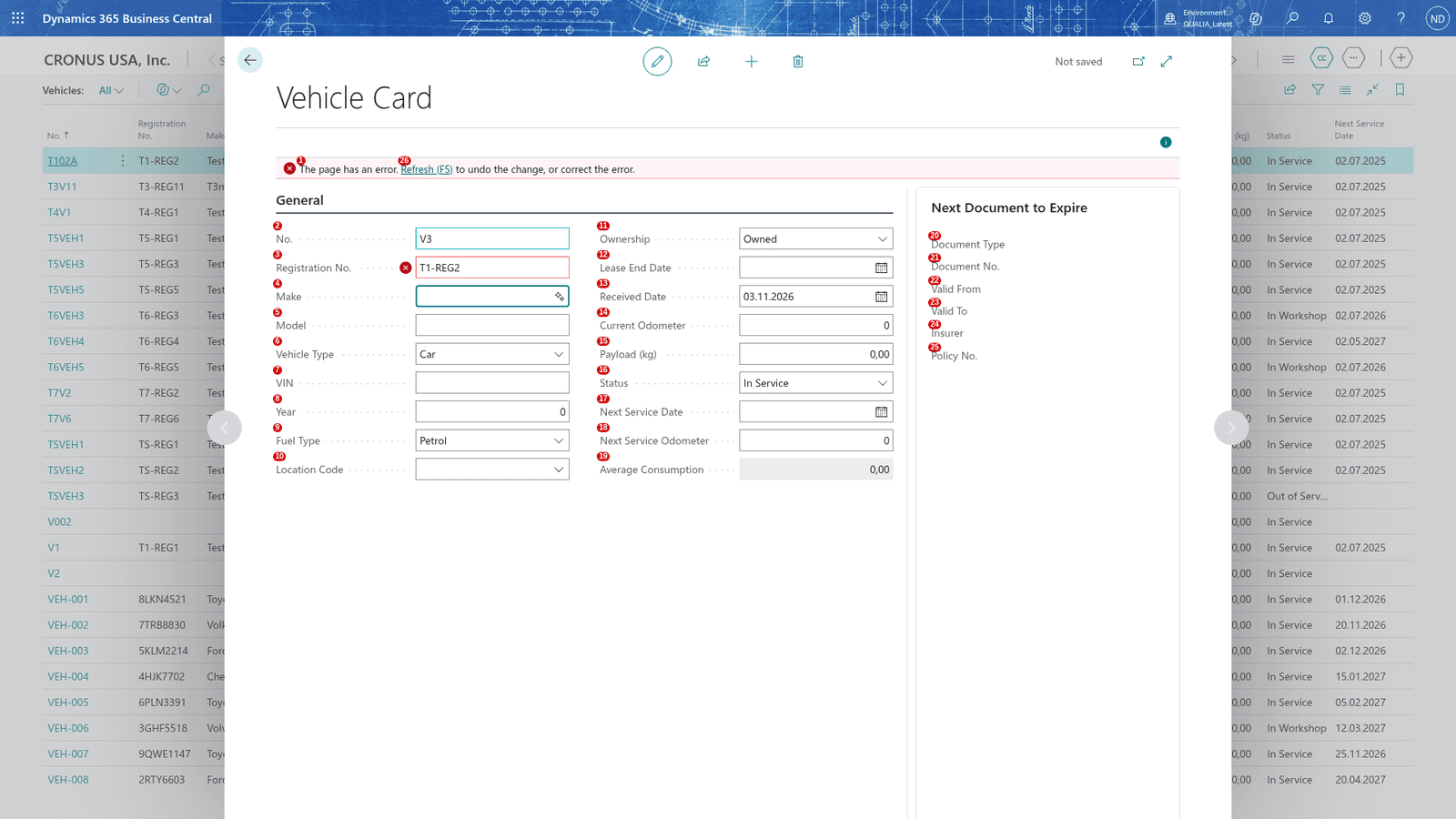
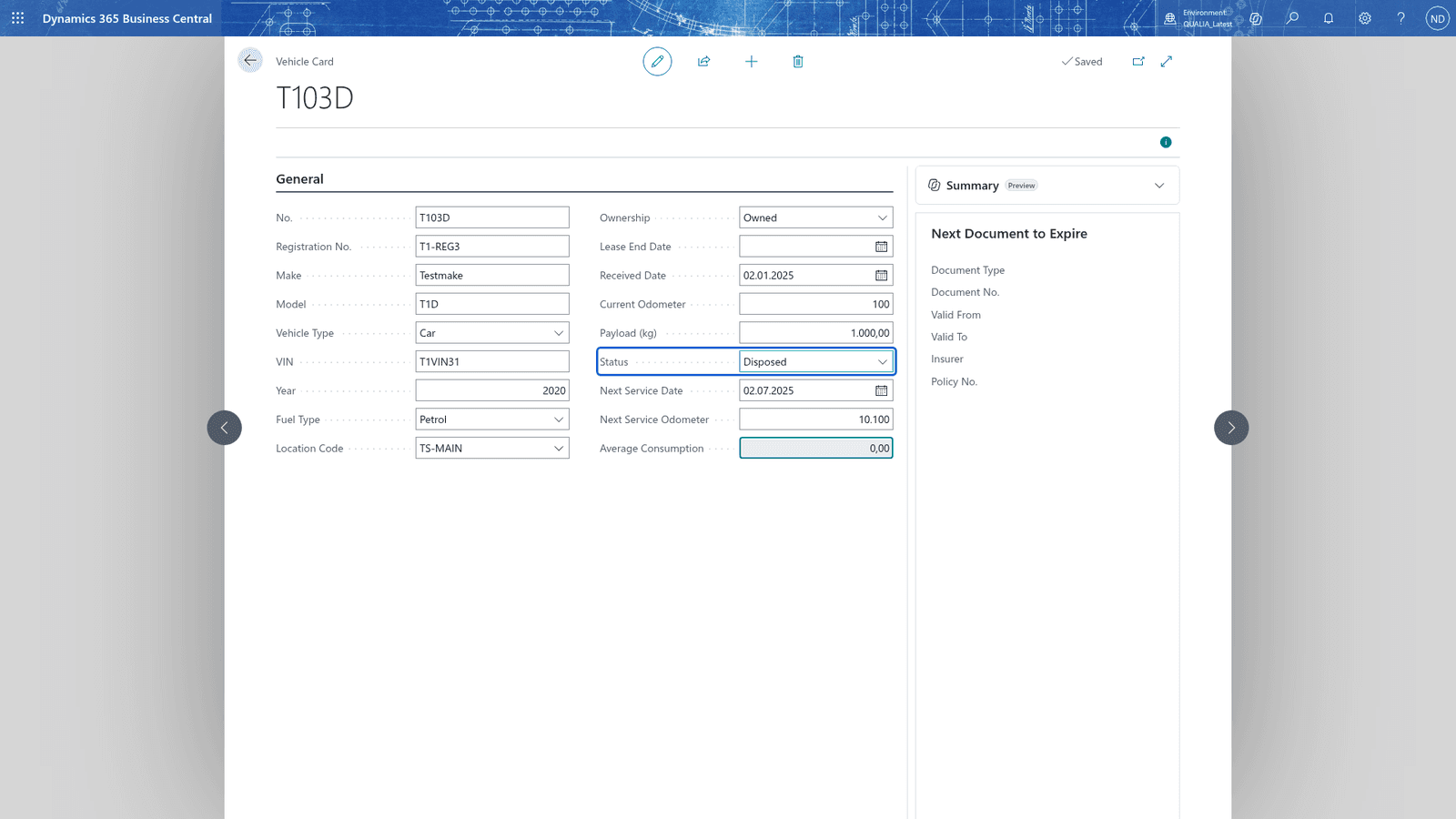
Vehicle list and card with registration number, status and service intervals per vehicle type.
- 02
Drivers
Drivers linked to employees.
- 03
Documents and insurance
Vehicle documents with expiry dates and a list of documents to renew.
- 04
Logbook and refuelling
Record and post trips and refuellings.
- 05
Maintenance
Plan and complete maintenance orders.
- 06
Routes
Plan routes for vehicle deliveries.
Screens
How it looks in Business Central

Videos
Fleet Management in action
- 0QUALIA Fleet Management for consultants · Learn: Fleet Management
- 1Vehicles, drivers and the documents that expire
- 2The logbook: trips and refuellings
- 3Maintenance: plan it, complete it, see what is due
- 4Routes for vehicle deliveries
Questions about Fleet Management
Does Fleet Management run inside Business Central?
Yes. Fleet Management is an extension for Microsoft Dynamics 365 Business Central. Your team works on Business Central pages.
Which Business Central version is needed?
Business Central 28 or later.
What does Fleet Management cost?
We prepare an offer based on the number of users.
Is there a user guide?
Yes, a user guide with setup and daily work, step by step.
Are there training videos?
Yes, 5 chapters in the academy, with real Business Central screens.