Skip to content · Zum Inhalt

User guide

Car Pool Booking

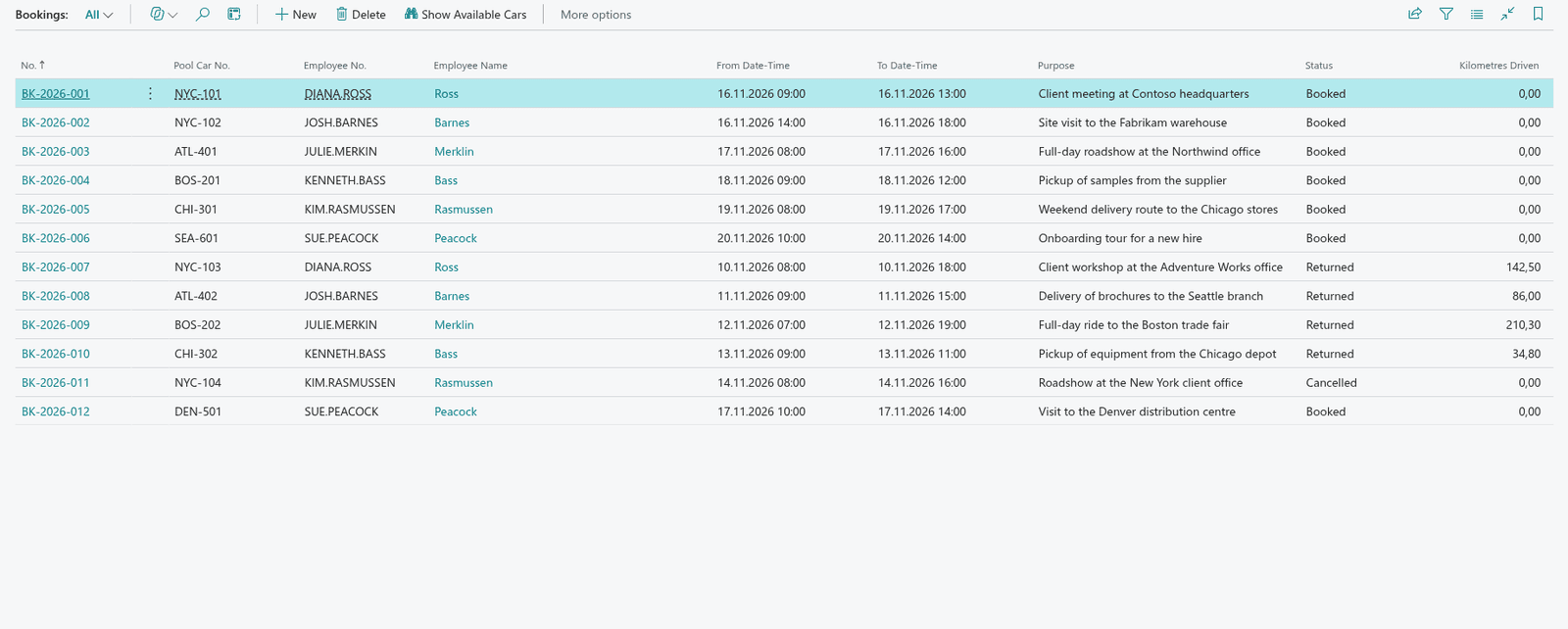
Car Pool Booking lets employees book the company's pool cars for a date and time range. Overlapping bookings are refused, cars can be taken out of use, and returns record the kilometres driven.

In Business Central
Car Pool Booking in Business Central
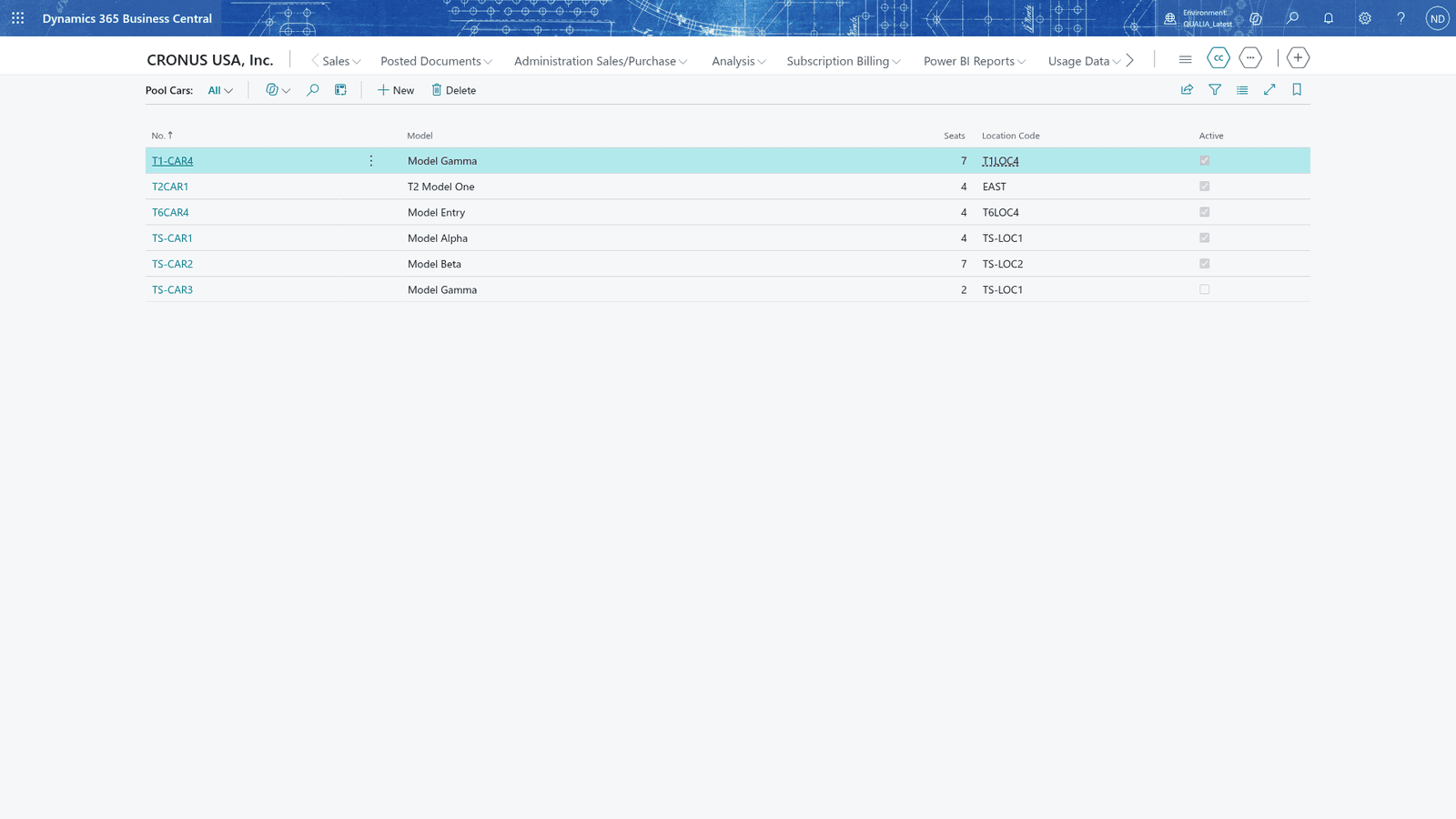
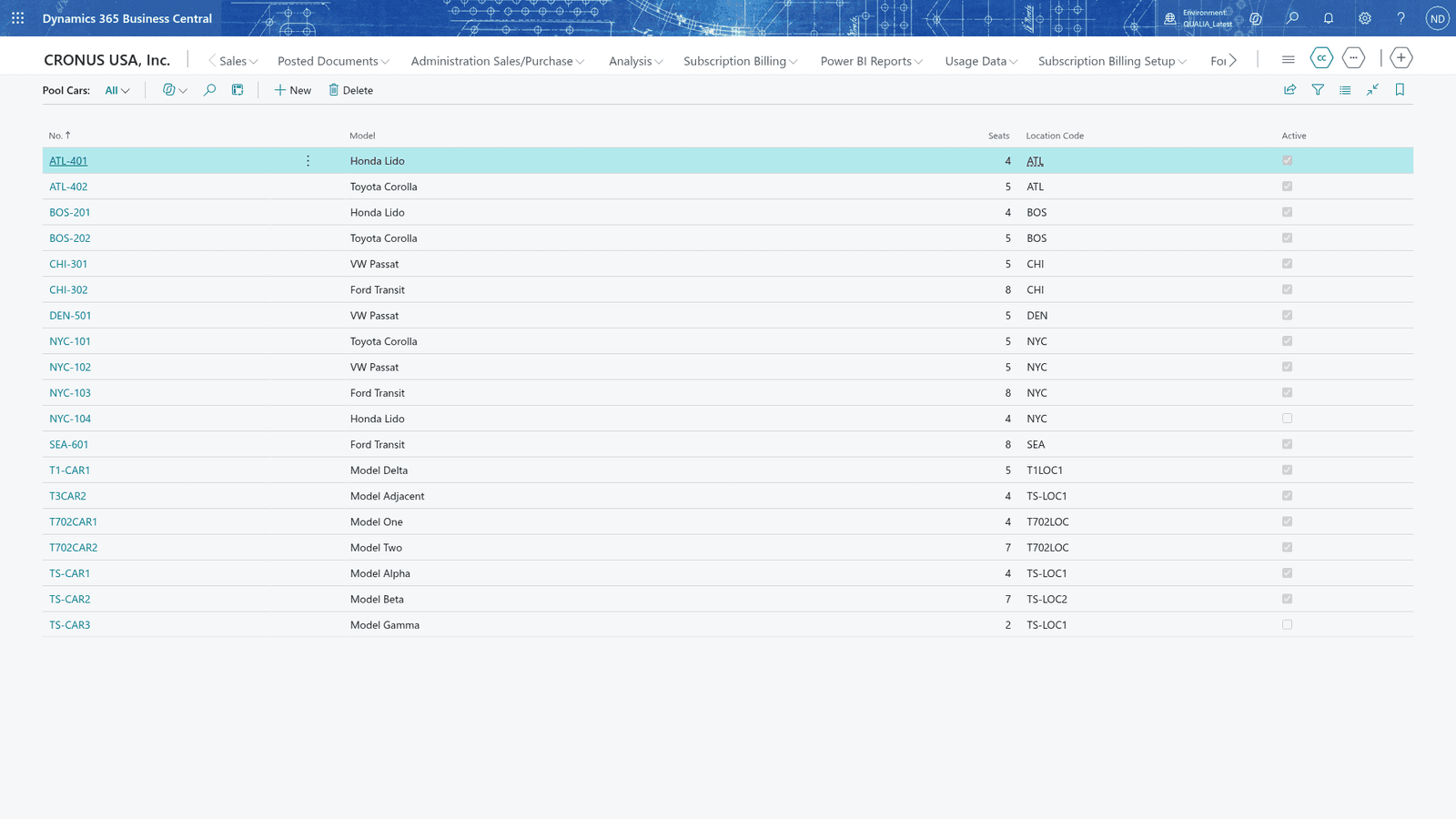
The pool cars list shows each car with its model, seats and location code
The Pool Cars list after creating a car, with its seats, location code and Active turned on

All topics · 7 topics

  1. 01Set up and maintain pool cars
  2. 02Book a pool car for a date and time range
  3. 03Never book a car twice for overlapping times
  4. 04Take a car out of use with the Active flag
  5. 05Cancel a booking
  6. 06Return a car and record the kilometres driven
  7. 07See which cars are free for a time

Questions this guide does not answer? We are happy to help.

To the app page