
Set up and maintain pool cars
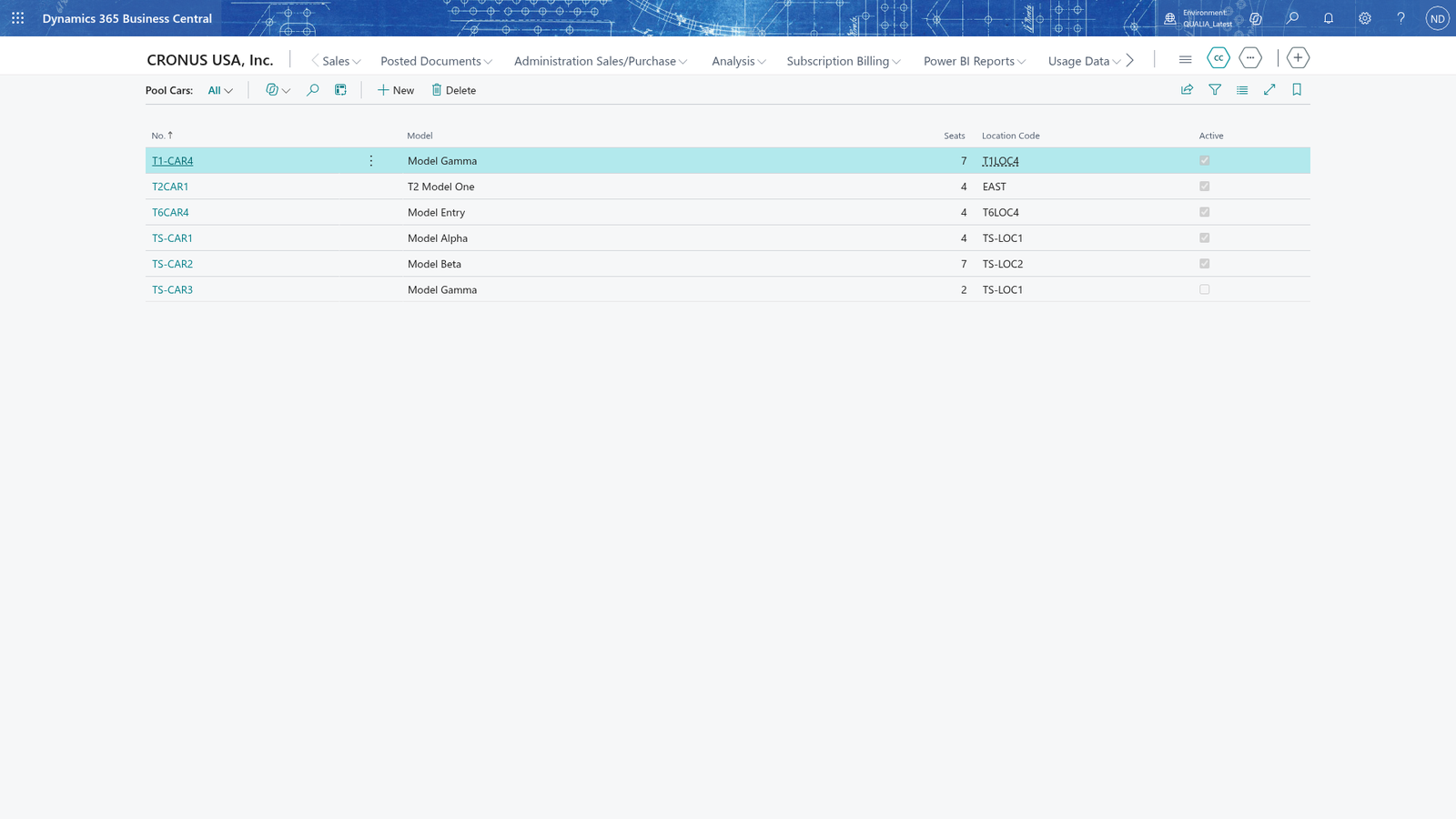
Pool cars are the company cars employees can book for a date and time range. Before anyone can book a car, you set up the company's cars on the Pool Cars list: one line per car with its registration number, model, seats, location code and Active flag. The booking features work with these cars.
Add a pool car
- Search for Pool Cars and open it.
- Add a new line to open a new card.
- In No., enter the registration number of the car, for example a license plate. This number identifies the car and is used when it is booked.
- In Model, enter the model of the car.
- In Seats, enter how many people can sit in the car at the same time.
- In Location Code, enter or pick the location where the car is kept.
- Turn on Active so that the car can be booked.
- Close the card. The new car now shows on the Pool Cars list.
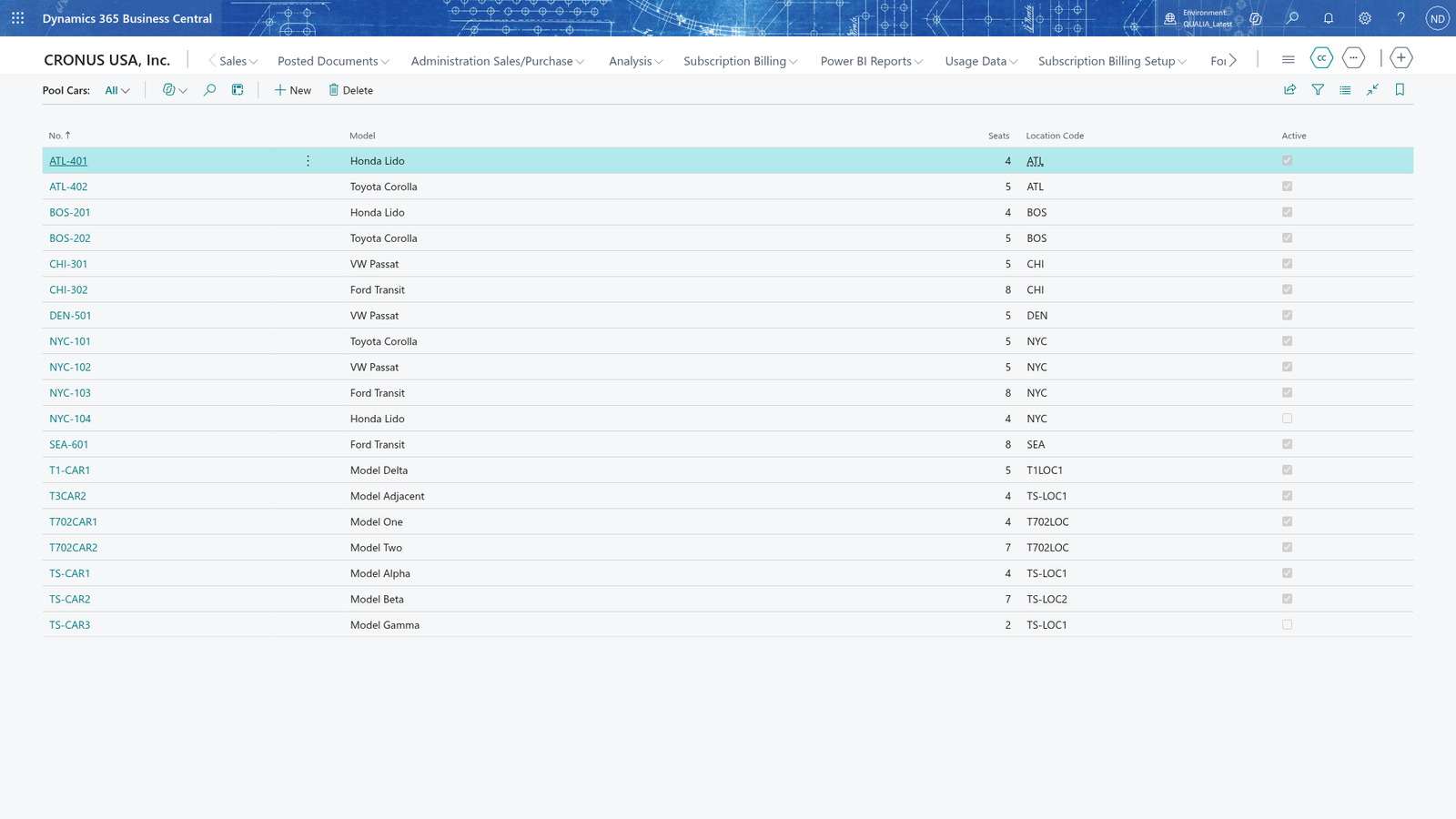
Note: Each pool car needs its own registration number, so two cars can't have the same number.
Note: Location Code looks the location up in Business Central's locations, so you can only enter a location that already exists there.
Note: A car with Active turned off is left out of the list of free cars and can't be booked any more. You can turn Active off on the card of a car that already has future bookings; those bookings aren't changed, so the office deals with them.
Change the seats or location of a pool car
- Search for Pool Cars and open it.
- Choose the car to open its card.
- In Seats, enter the new number of seats.
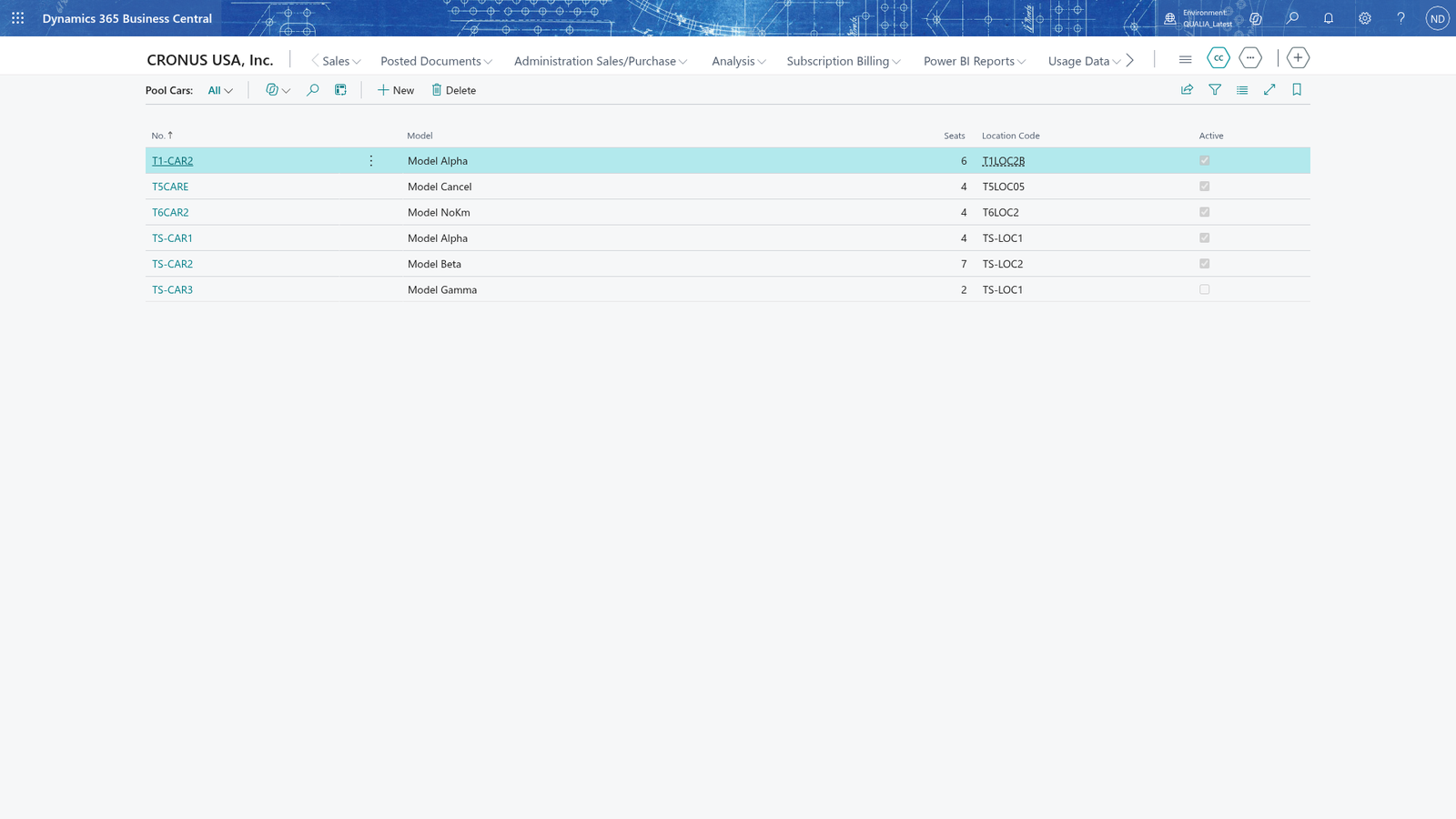
- In Location Code, enter or pick the new location.
- Close the card. The list shows the new values.
Correct an unknown location code
If you enter a location code that doesn't exist, the card refuses it.
- Open the car's card on the Pool Cars list.
- In Location Code, enter the code you want to use.
- If the message "cannot be found in the related table" appears, the code doesn't exist as a location in Business Central.
- Enter a location code that exists, or set the location up first.
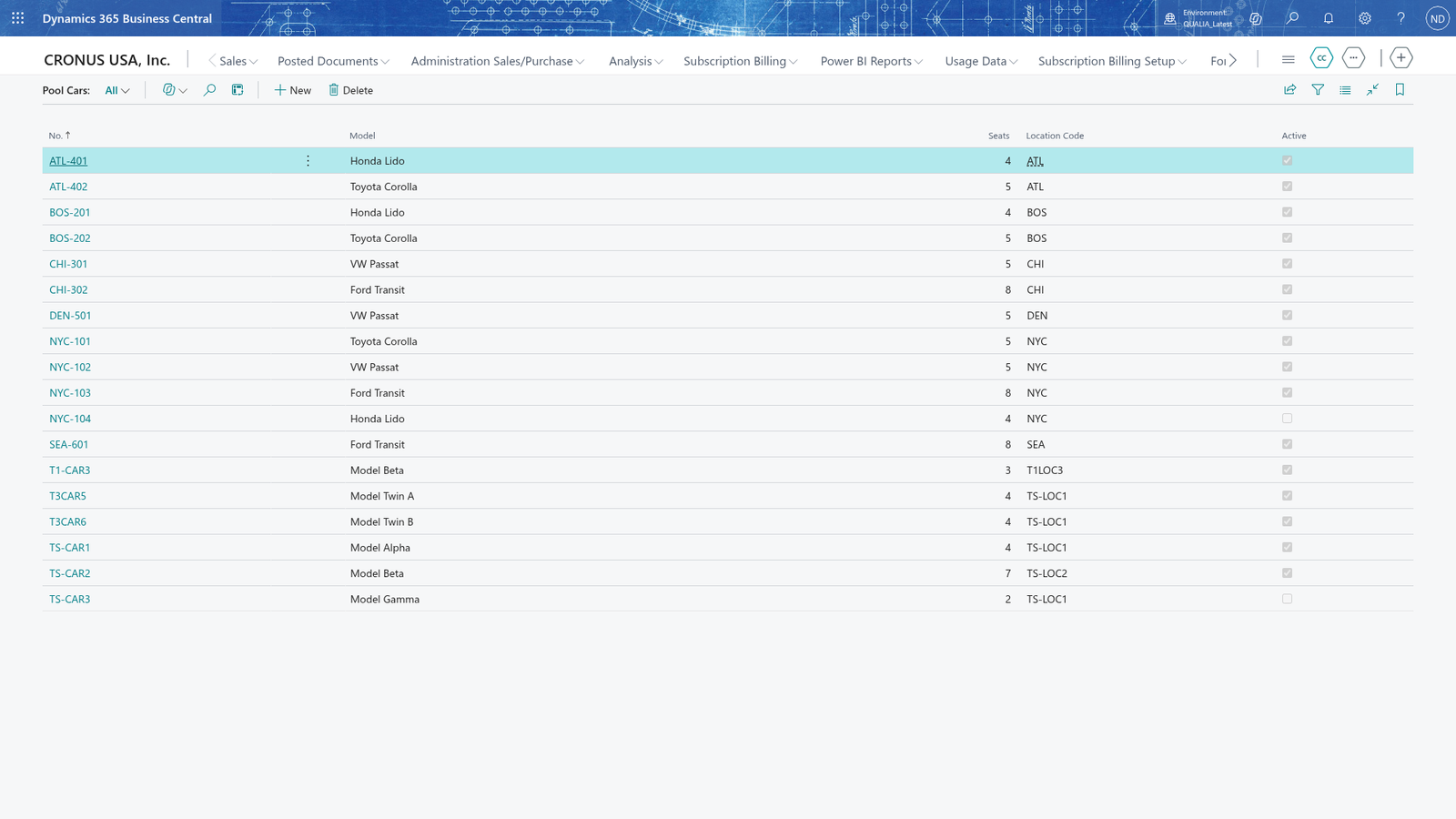
Note: Location codes come from Business Central's locations, the same list you choose from in the lookup.