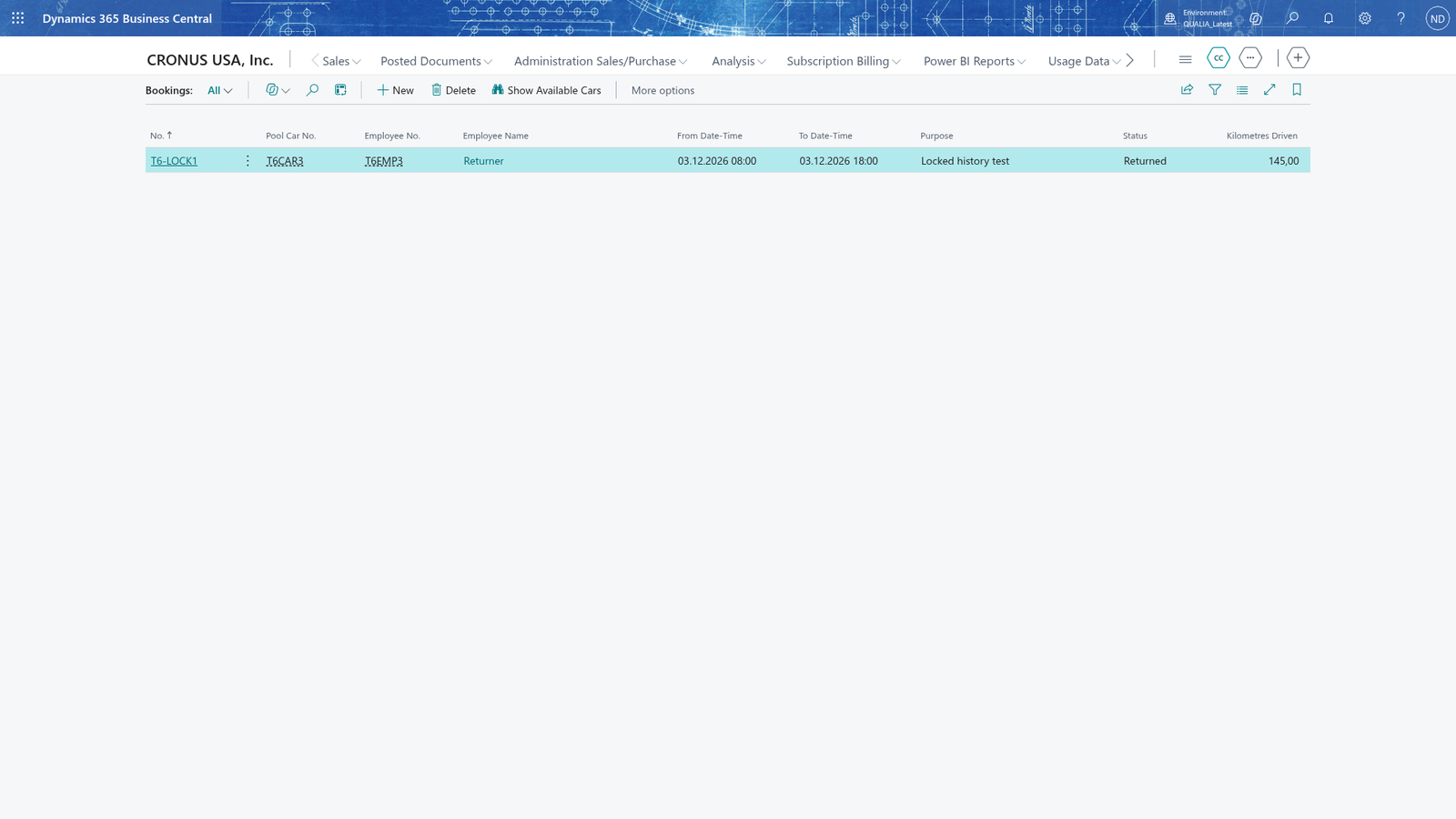
Return a car and record the kilometres driven
When the car comes back, the employee enters the Kilometres Driven and marks the booking as Returned. The kilometres are required before the booking can be returned, and once it is Returned the booking is locked history that can't be changed.
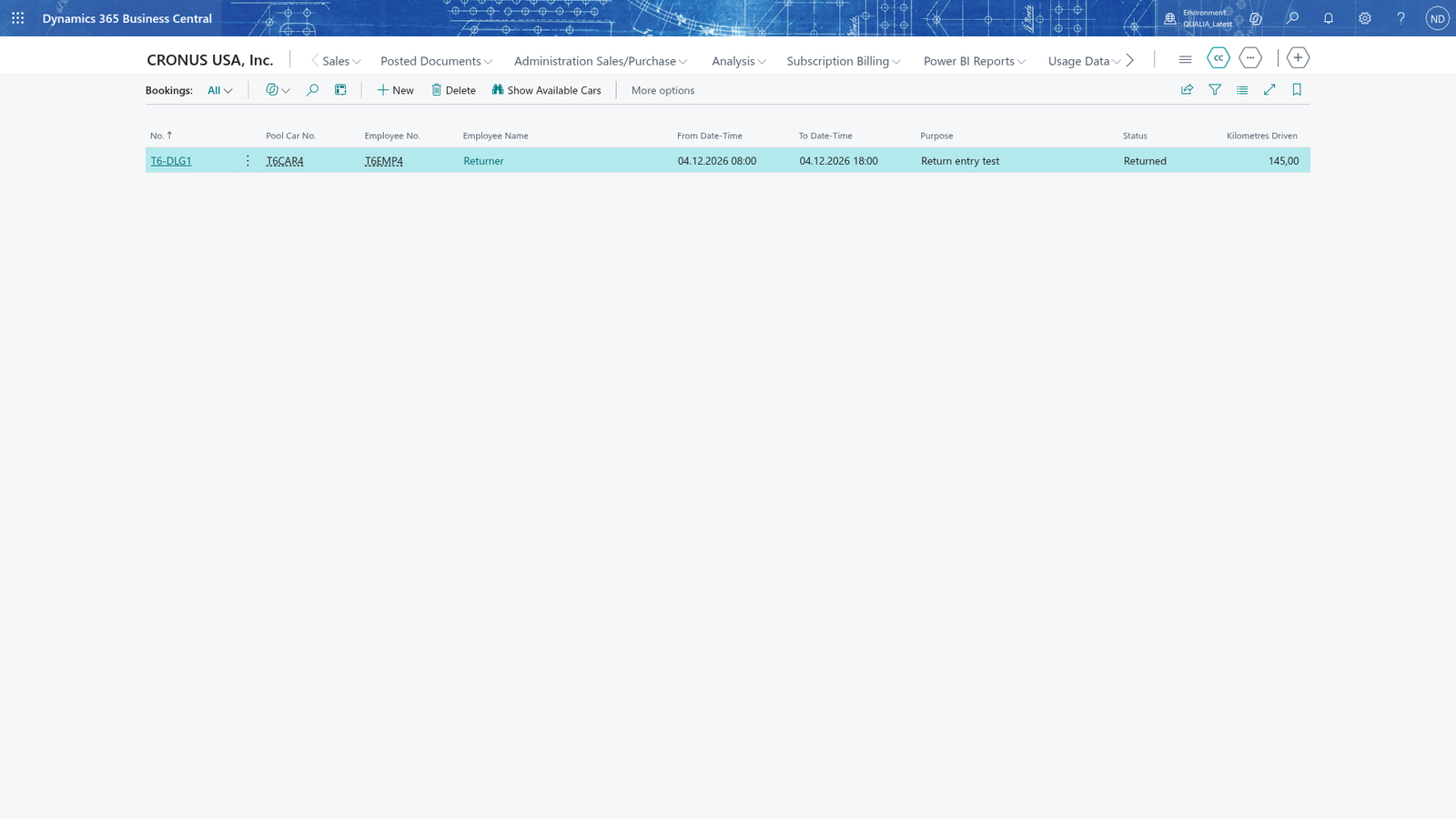
Mark the car as returned
- Search for Bookings and open it.
- Select the booking whose Status is still Booked and open its card.
- On the Booking Card, in Kilometres Driven, enter the kilometres the car was driven.
- Choose Mark Returned.
The Status of the booking then shows Returned, and the Kilometres Driven you entered is shown on the booking and in the Bookings list.
Note: You can choose Mark Returned only while the booking is Booked. Enter the kilometres driven first; when the booking is marked as Returned it becomes locked history.
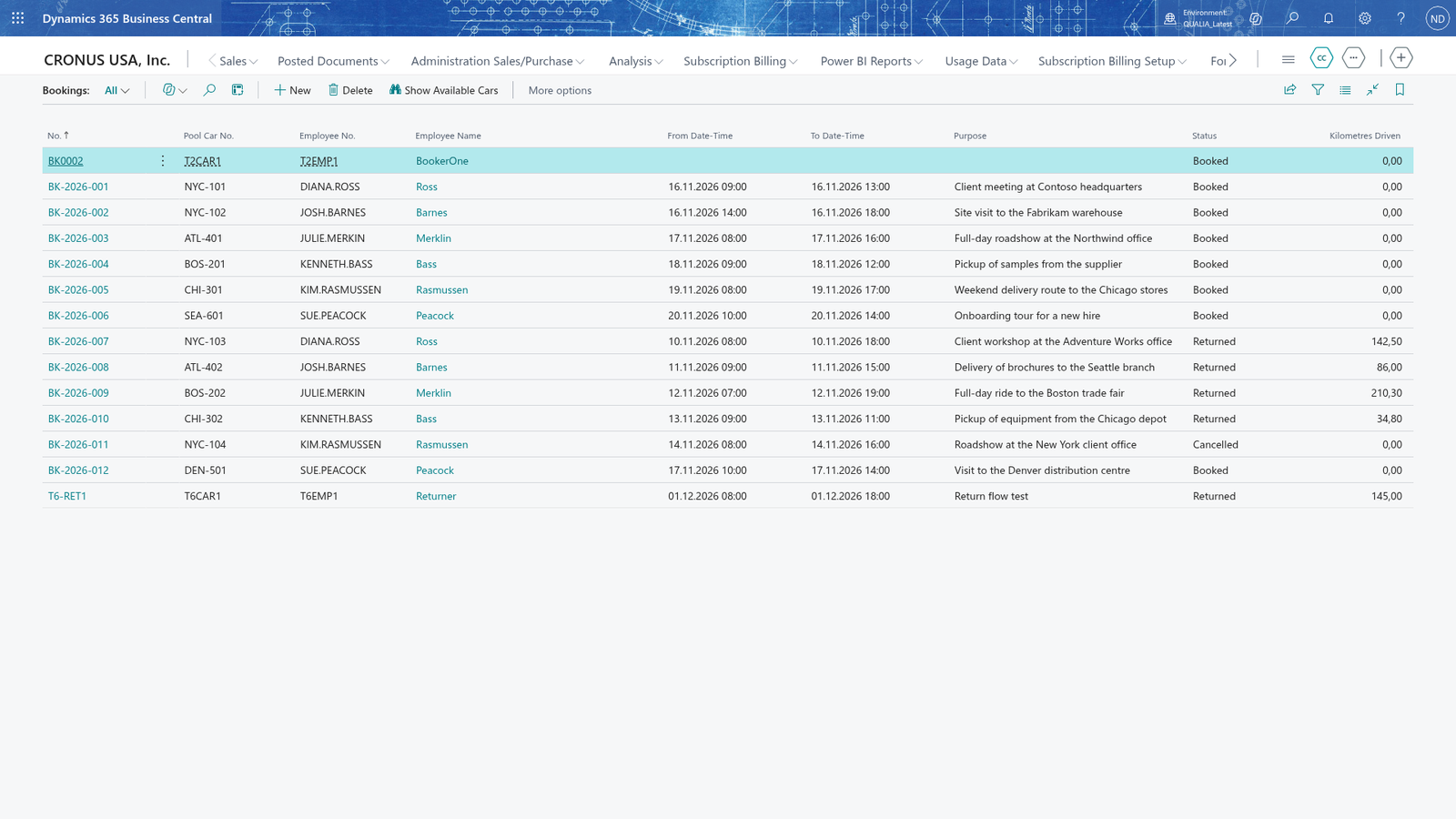
Return without kilometres is refused
If you choose Mark Returned before entering the kilometres, Business Central shows an error and the booking stays Booked. The error reads "Enter the kilometres driven on booking <number> before you mark it as Returned."
To correct it, enter Kilometres Driven on the Booking Card and choose Mark Returned again.
Note: Kilometres driven on return is required: the app gives an error, not a warning, so every Returned booking records how far the car was driven.
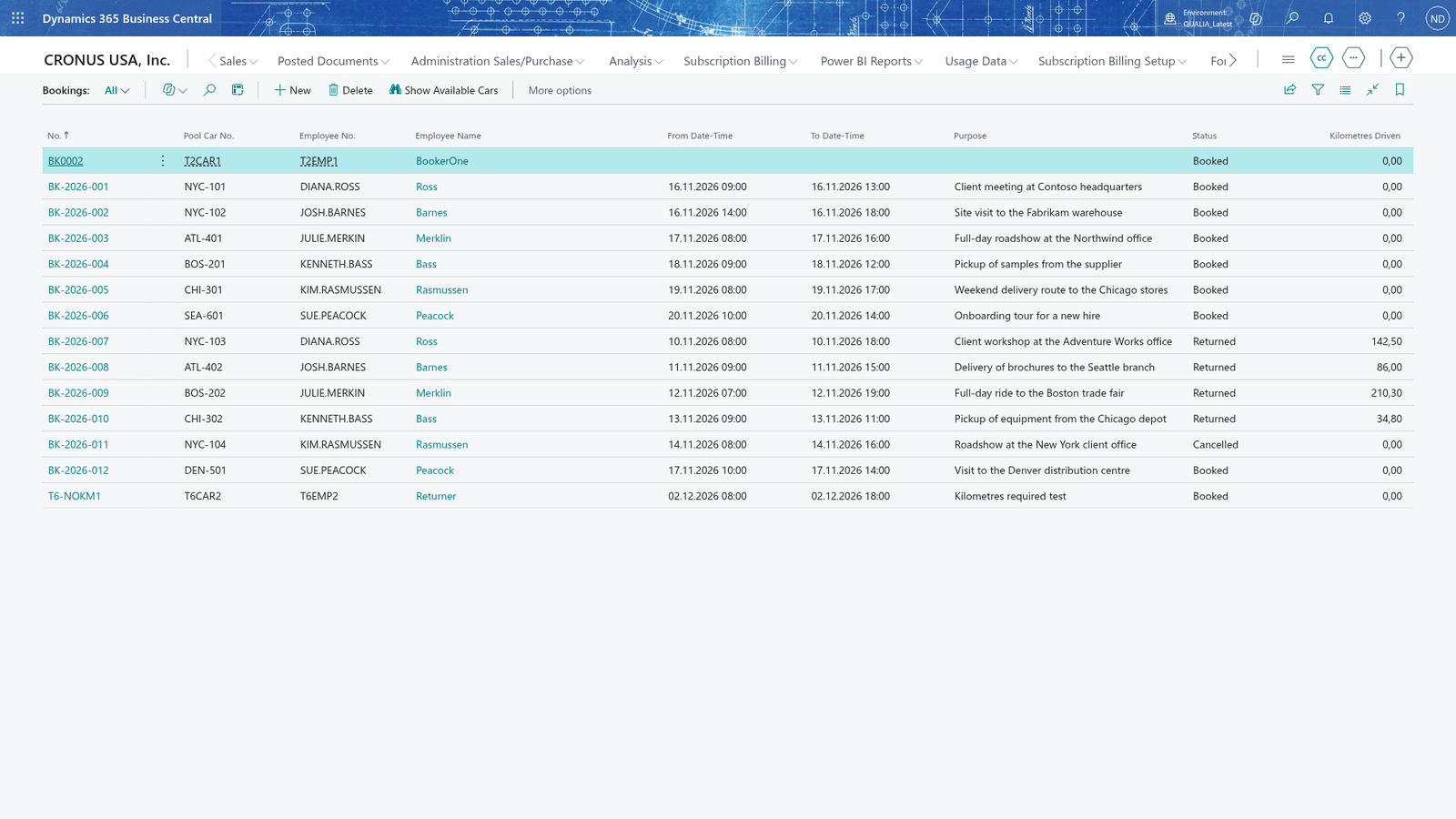
A Returned booking is locked history
Once a booking is Returned, it stays as history and you can't change it or return it again: its fields are read-only, and if you choose Mark Returned again you get the message "Booking <number> is not Booked any more. Only a Booked booking can be cancelled or returned." The booking appears in the Bookings list with Status Returned and its kilometres.
Note: A Returned booking keeps the registration number, the employee, the date and time range, the purpose and the kilometres driven for history; to use the car again, create a new booking.