Skip to content · Zum Inhalt

User guide

Customer Complaints

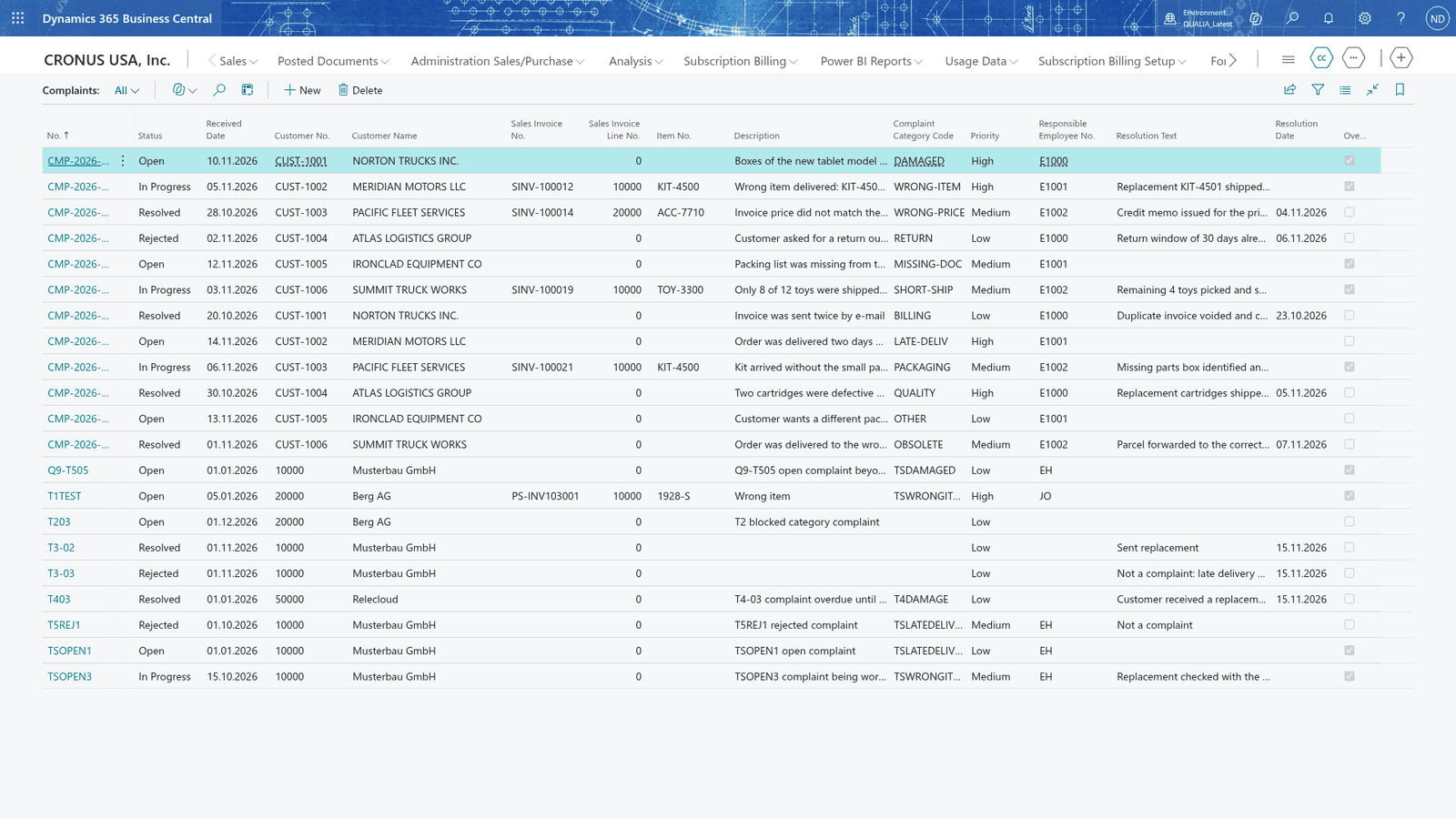
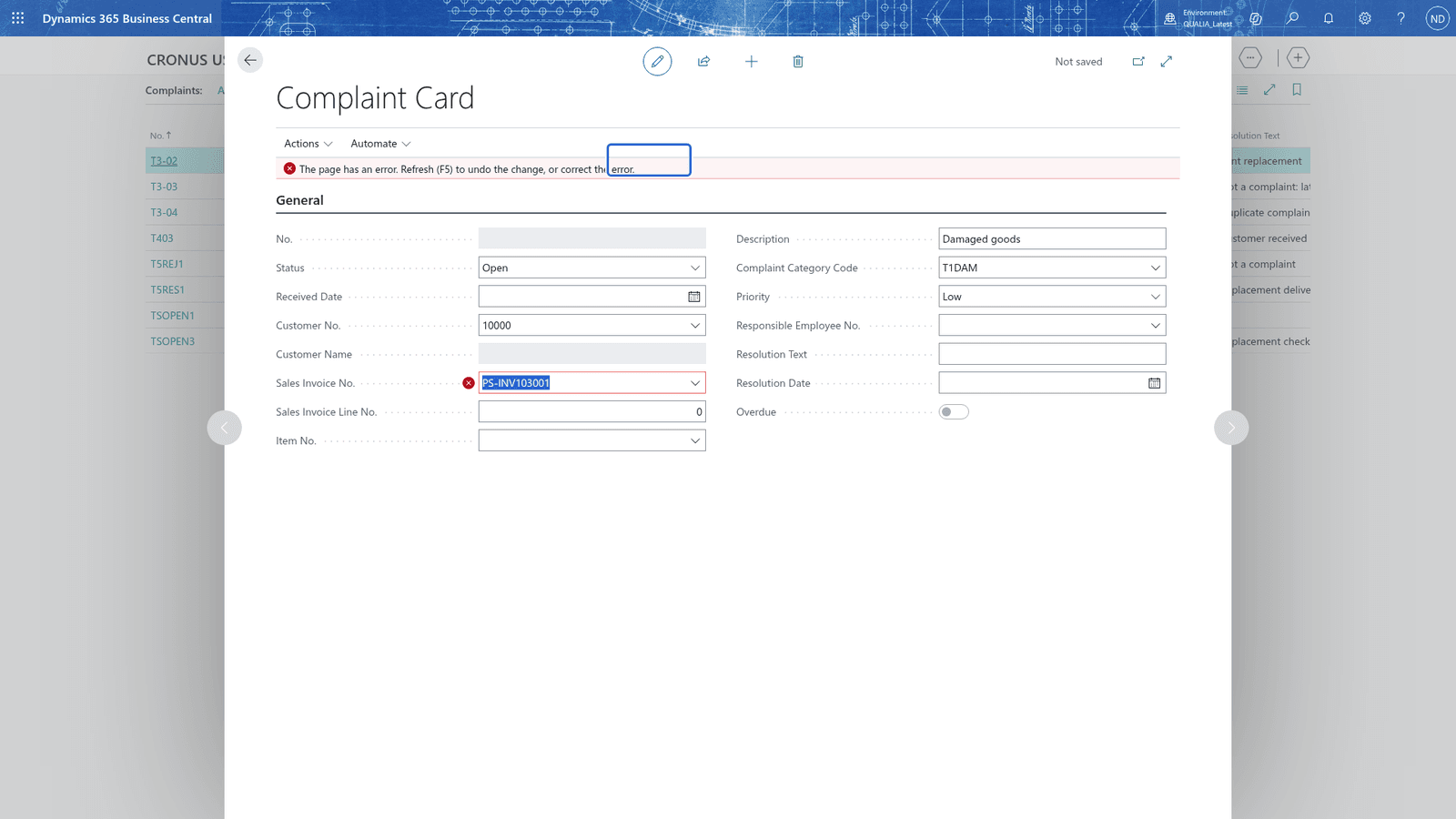
Customer Complaints records each complaint against the customer, the posted sales invoice and the item, checks that they belong together, and moves the complaint through its status flow. Categories carry response times, so overdue complaints are visible, also on the customer card.

In Business Central
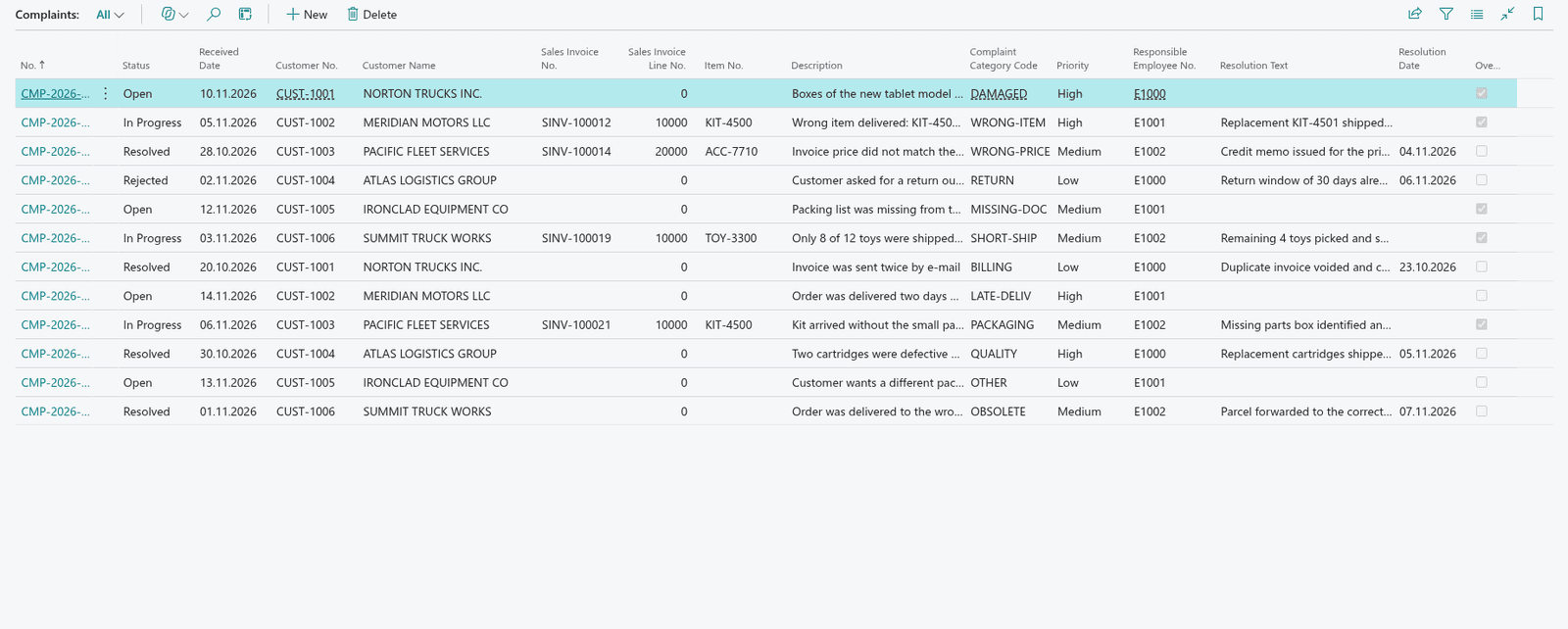
Customer Complaints in Business Central
The Complaints list with the new complaint saved under its own number from the number series
A complaint with the sales invoice of another customer is refused because the invoice does not belong to the customer

All topics · 7 topics

  1. 01Set up complaints
  2. 02Record customer complaints
  3. 03Messages you can get
  4. 04Maintain complaint categories with response times
  5. 05Moving complaints through their status flow
  6. 06Overdue: complaints open longer than the response time
  7. 07See a customer's open complaints from the customer card

Questions this guide does not answer? We are happy to help.

To the app page