
See a customer's open complaints from the customer card
A complaint is open as long as you have not yet resolved or rejected it. On the customer's card, the Complaints part lists the complaints you received from that customer that still need work. Each line shows the complaint's number, the date you received it, its category, the responsible employee, its priority and whether it is overdue, so you see at once what is still to do for the customer.
See the customer's open complaints
- Search for Customers and open it.
- Choose the customer whose complaints you want to see to open its card.
- Look at the Complaints part on the customer's card.
The part lists the customer's complaints that are still open, one line per complaint. Each line shows No., Received Date, Complaint Category Code, Responsible Employee No., Priority and Overdue.
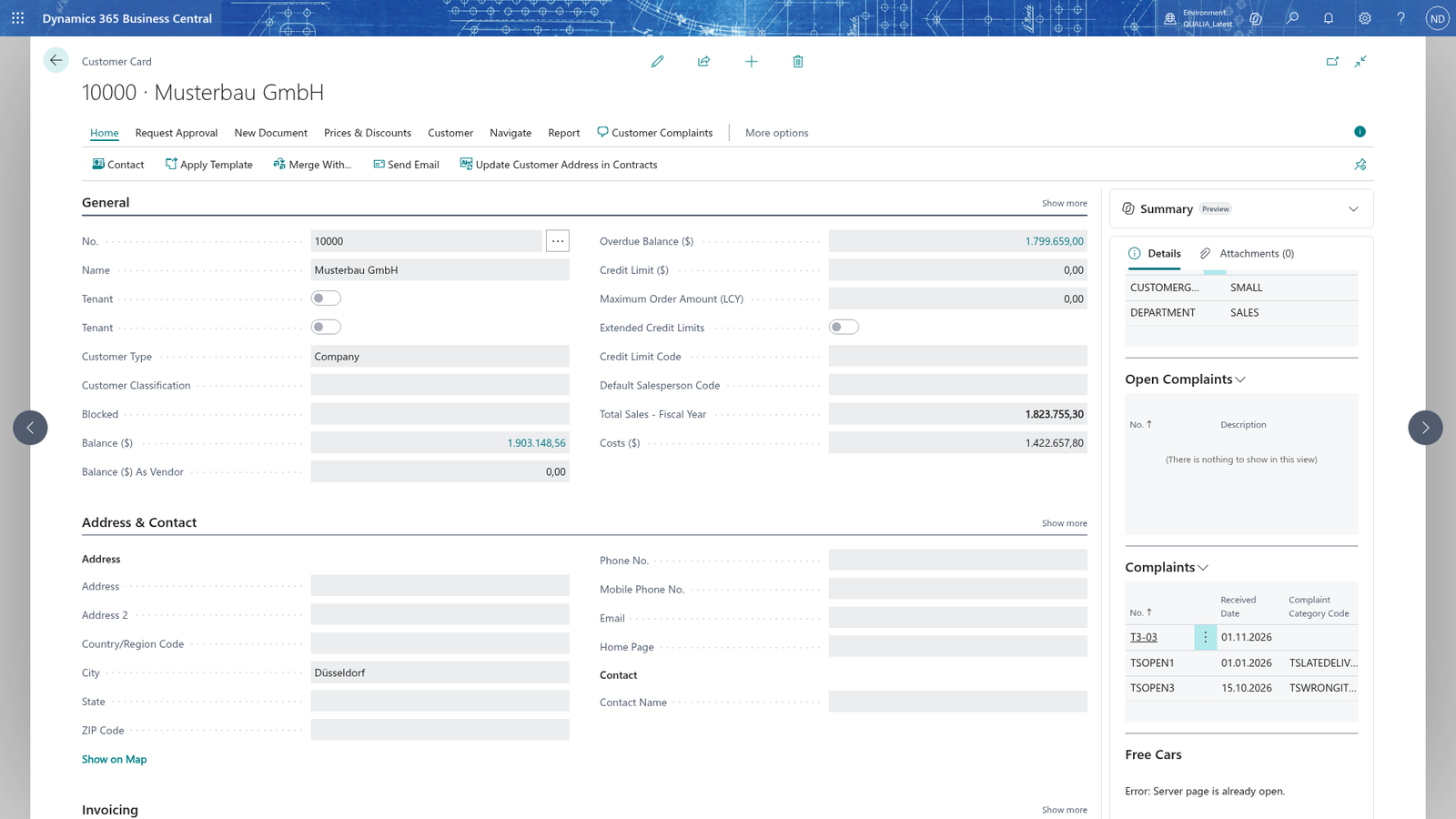
Note: The part lists only complaints with the status Open or In Progress; a complaint you have Resolved or Rejected drops out of it. It shows exactly the complaints of the customer on the card, not the open complaints of other customers.
Closed complaints drop out of the customer's Complaints part
- Resolve or reject the complaint from its card, with its resolution text.
- Search for Customers, choose the customer and open its card.
- Look at the Complaints part: the finished complaint is no longer listed.
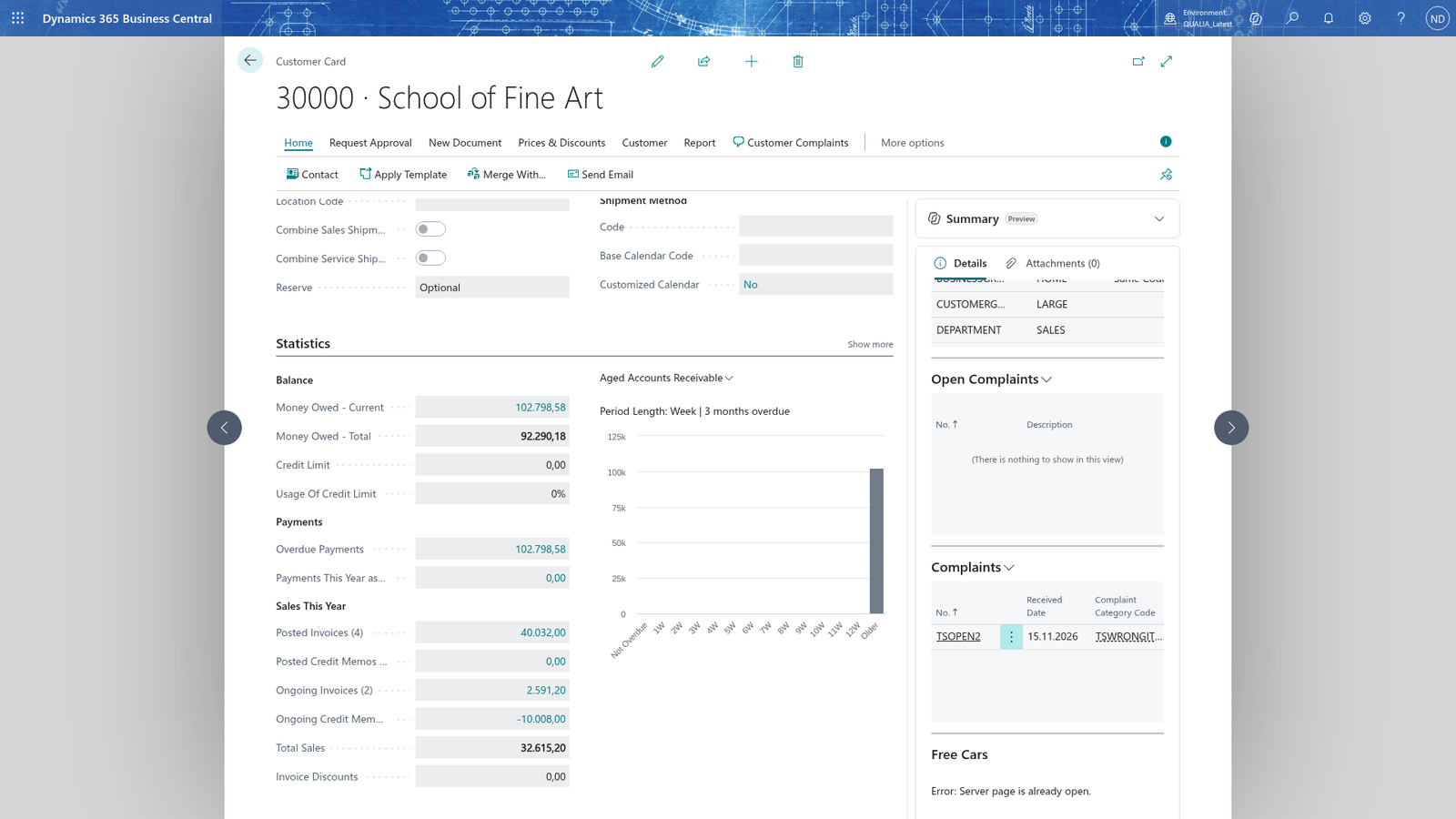
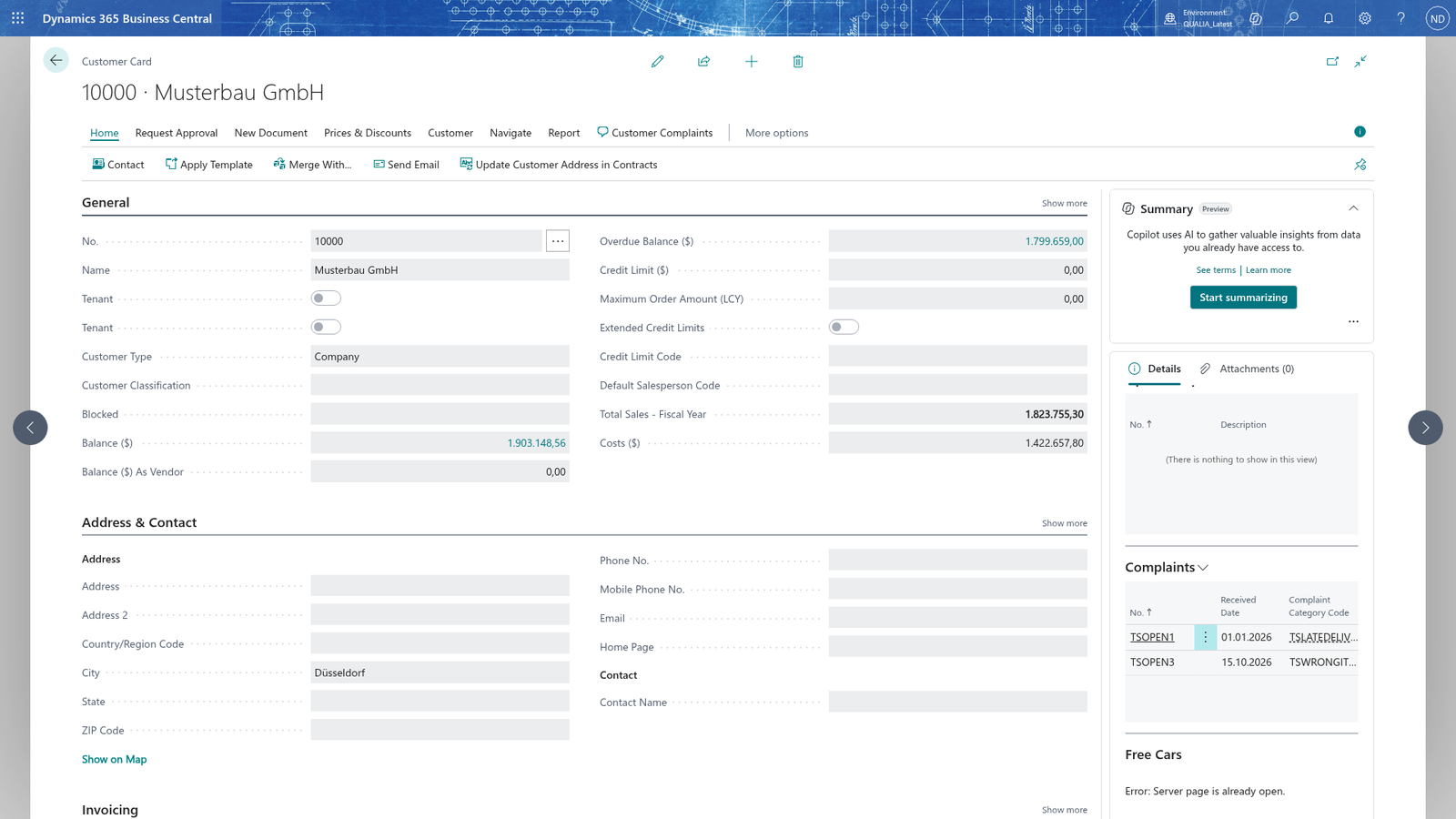
Note: A Resolved or Rejected complaint is closed and kept as history: it stays in the Complaints list, but it drops out of the customer's Complaints part, so the part shows only what is still to do.
Open a customer's complaint from the Complaints list
- Search for Customers and open it.
- Choose the customer whose complaint you want to work on to open its card.
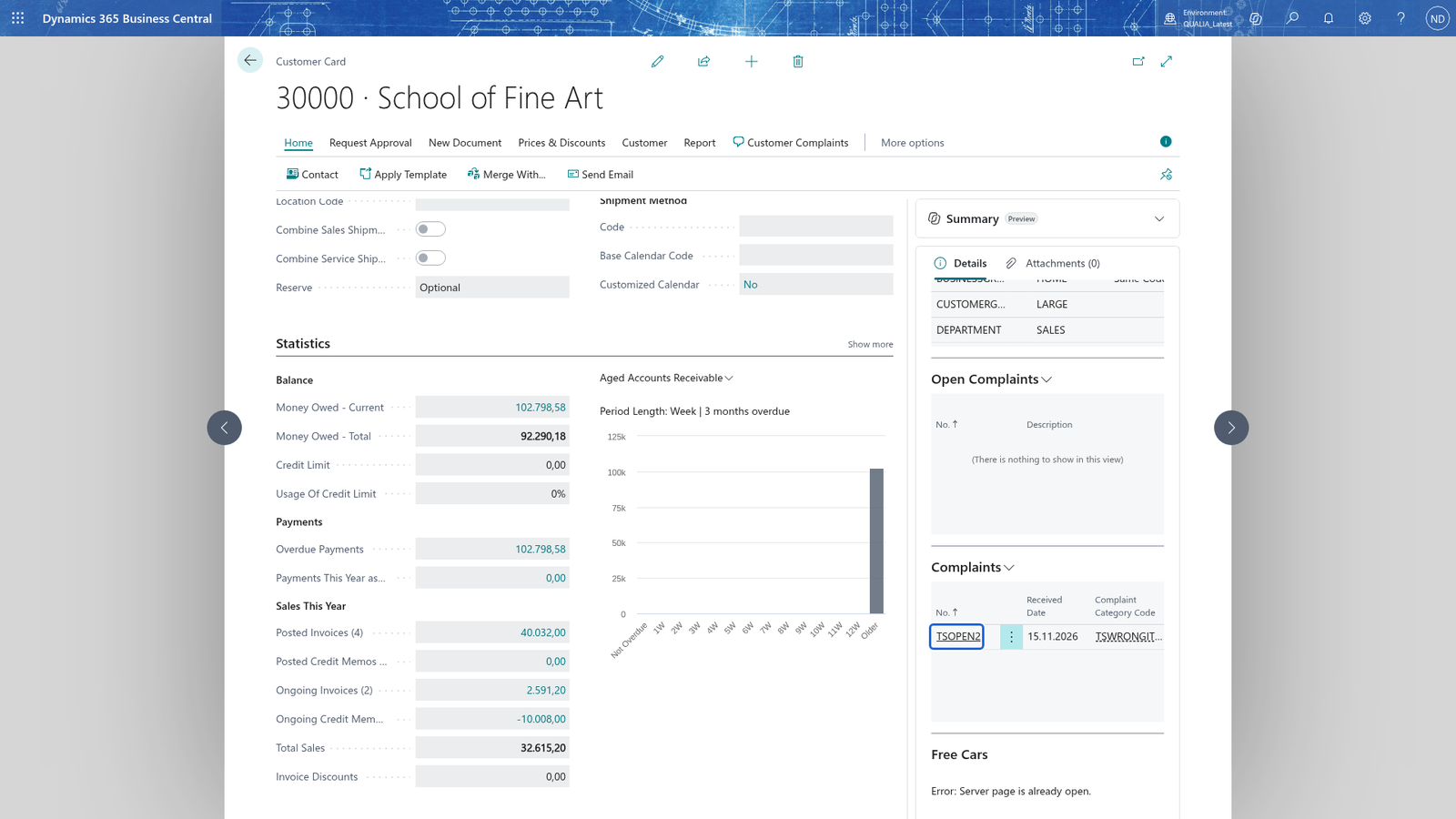
- In the Complaints part, find the number of the complaint you want to work on.
- Search for Complaints and open it.
- If the list is long, filter it on the customer in Customer No..
- Choose the number of the complaint to open its card.
The card of the complaint opens, showing the complaint with all its fields, so you know you are in the right place to work on it.
See which of the customer's complaints are overdue
- Search for Complaints and open it.
- Find the customer's complaints that are still open, for example by filtering on Customer No..
- Look at the Overdue field of each line.
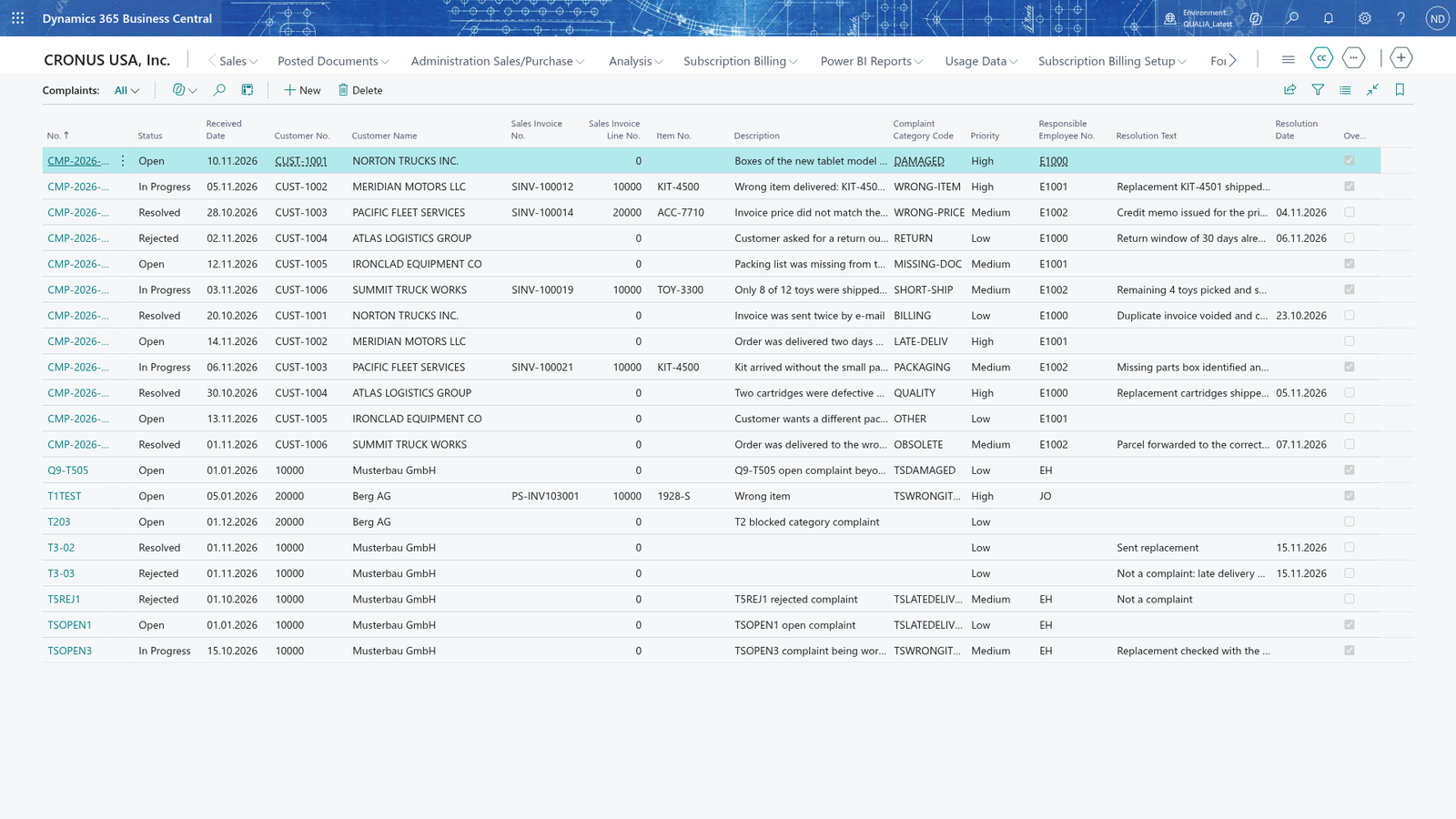
Focus on the Overdue field of the complaint that is open beyond the response time of its category.
A complaint that has been open longer than the response time of its category is shown as overdue until you resolve or reject it. The Overdue field also shows on each line of the Complaints part on the customer's card, so you see it there without opening the list.