Skip to content · Zum Inhalt

User guide

Advanced Allocations

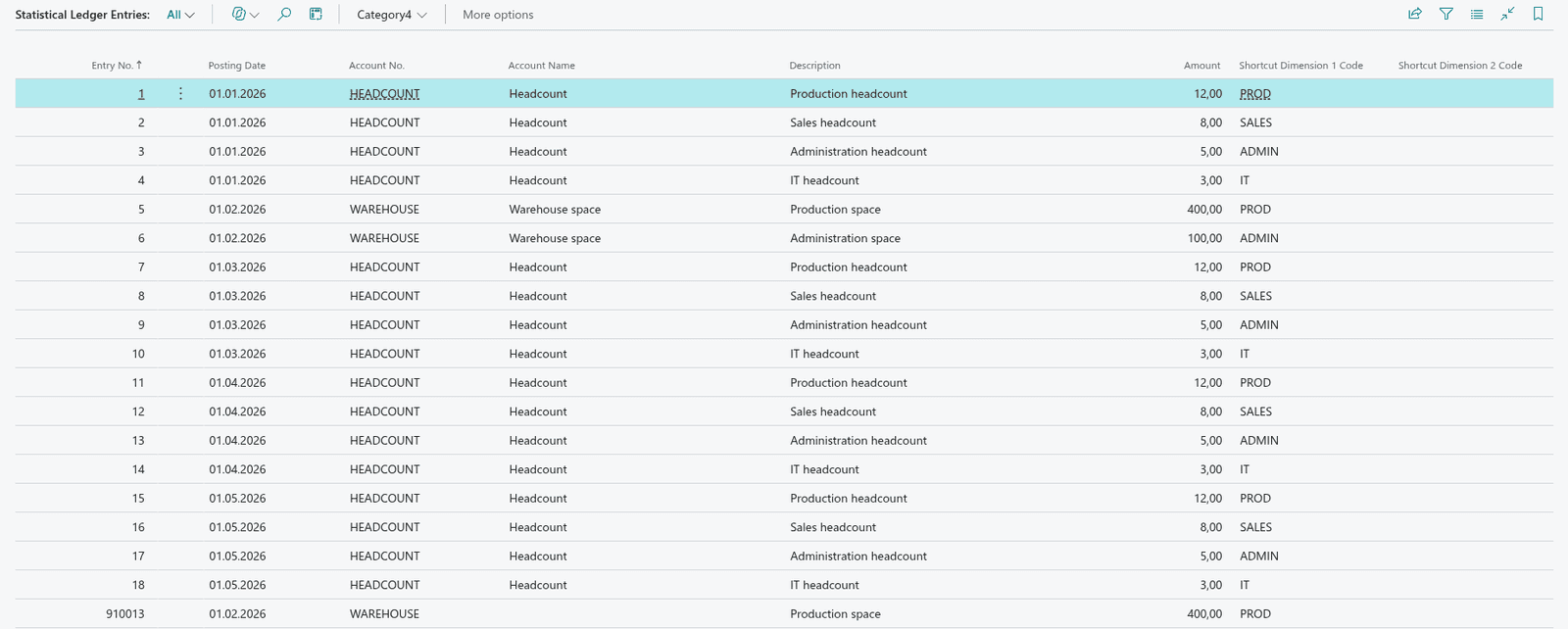
Advanced Allocations allocates amounts that were posted once in the general ledger to several G/L accounts and dimensions. It uses what Business Central already has - posted G/L entries, statistical entries such as headcount or square metres, or a predefined template - and creates the allocation lines in a general journal for you.

Start here

In Business Central
Advanced Allocations in Business Central
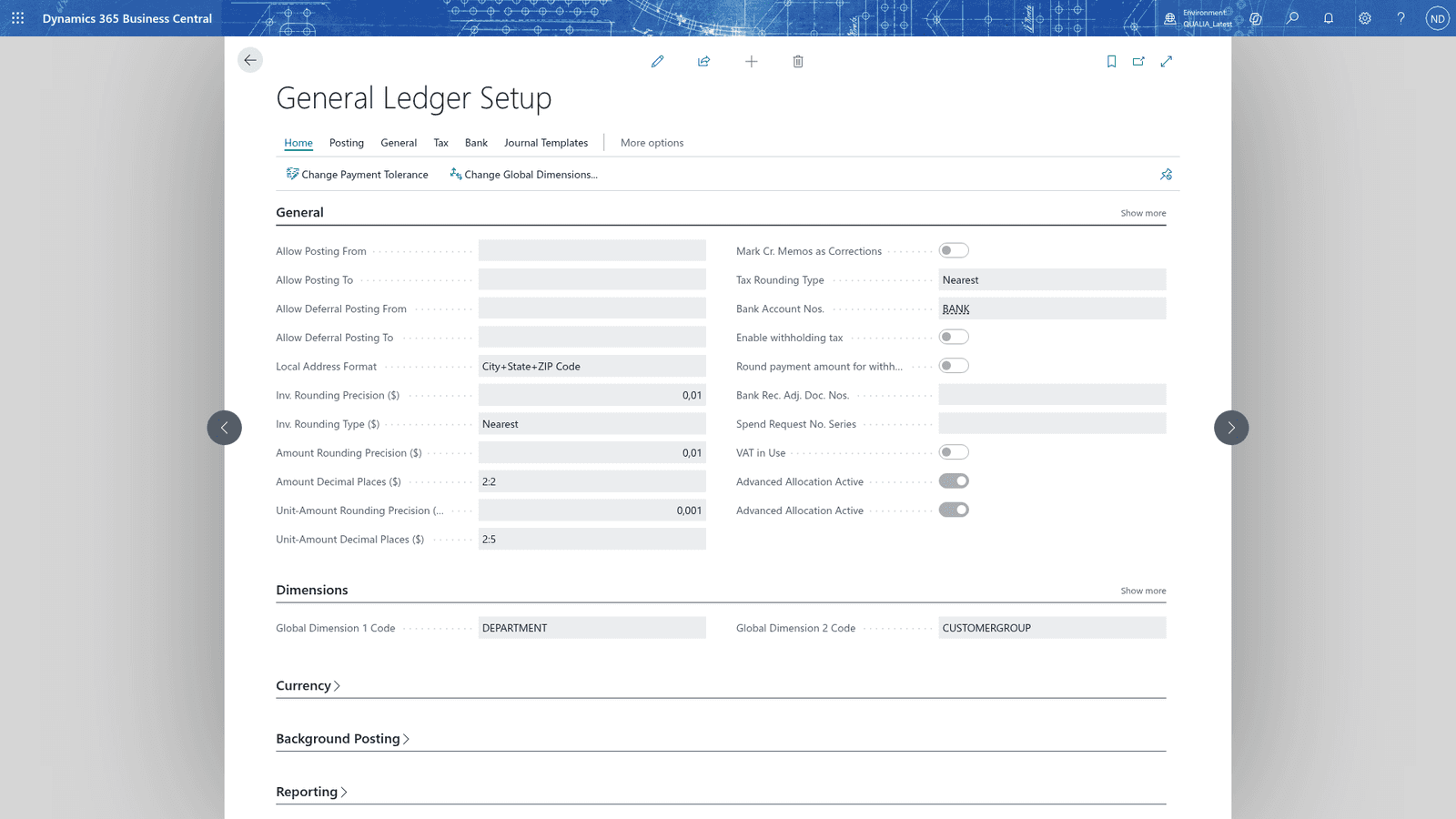
The General Ledger Setup page as it opens, with the Advanced Allocation Active switch on
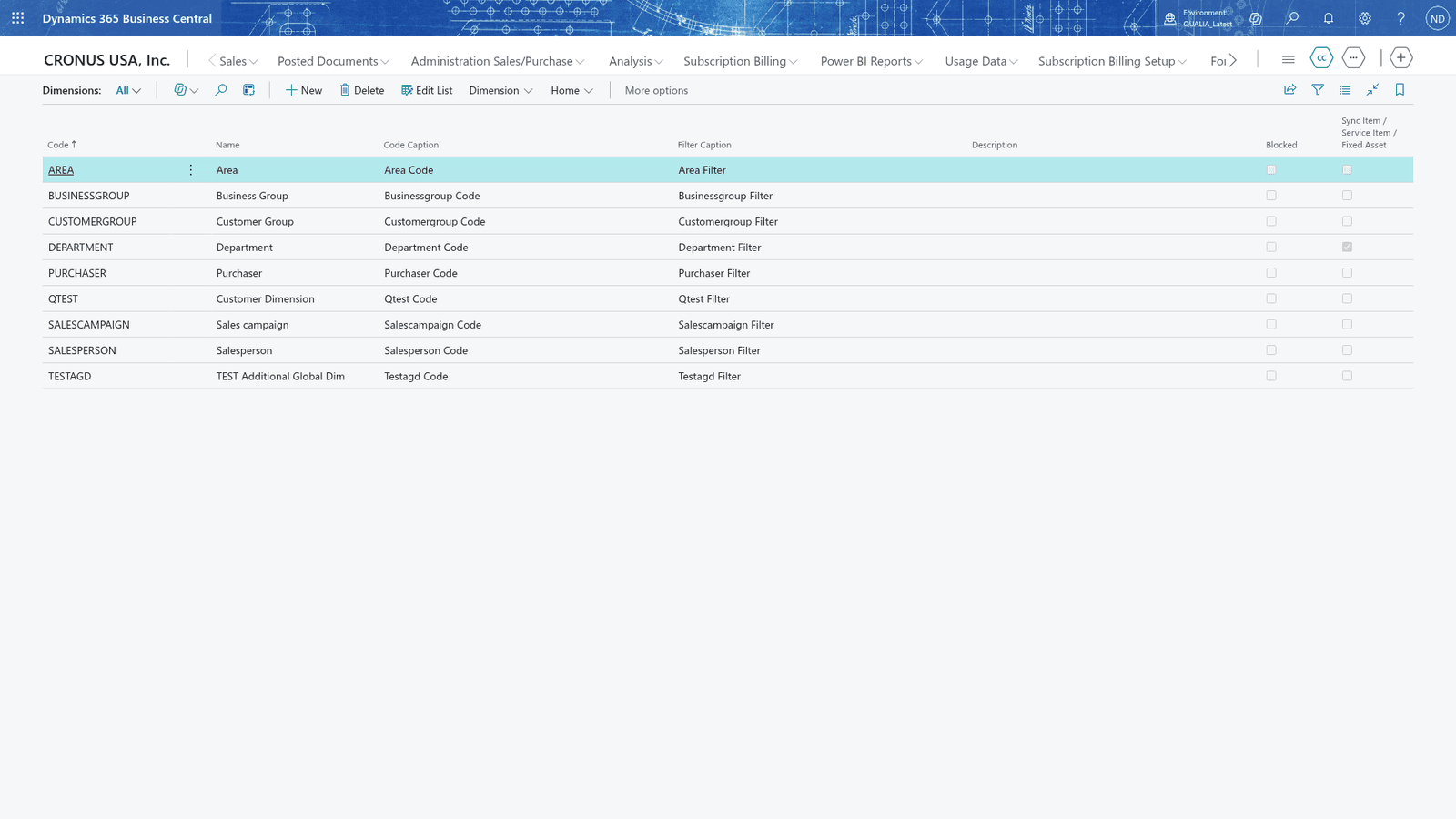
The Dimensions page as it opens

All topics · 10 topics

  1. 03Concepts
  2. 04Where the features are
  3. 05Setting up
  4. 06Messages you may see
  5. 07How this manual is organized
  6. 08Advanced Allocations worksheet
  7. 09Quick Key allocations: distribute one amount across departments
  8. 10Statistical entries

Questions this guide does not answer? We are happy to help.

To the app page