Before the first record: setup pages and number series
Personal data is watched from the moment it is entered, so finish these before the first contact or customer is created. They are all in steps 1 to 9 above; this is the short version of what must hold data first.
- Number series and status codes on the GDPR ToolBox Setup page. In Request No. Series, enter the series for requesting persons, here RQ; the app needs it the first time a requesting person is recorded. Enter the six request status codes (INI, AWAIT, WAIT, PROC, REJ, DONE), which drive the request statuses and the request cues on the role center.
- The setup lists, each opened by its name and filled with New: protection classes and their levels, record types, data collection reasons, data source codes, verification codes, reschedule reasons, data processing purposes and consents, and the request statuses. The table guidelines copy their values from a record type and a consent adds its processing purposes, so these lists must hold data before the guidelines and consents work.
- A table guideline for every personal-data table (Contact, Customer, Sales Header, Posted Sales Invoice for QUALIA). Without a guideline a record never gets a scheduled action.
- The data structure (TENANT) and the database table trigger setup for those tables (step 9.2). Without the trigger setup the app does not see new records, so no scheduled actions are created.
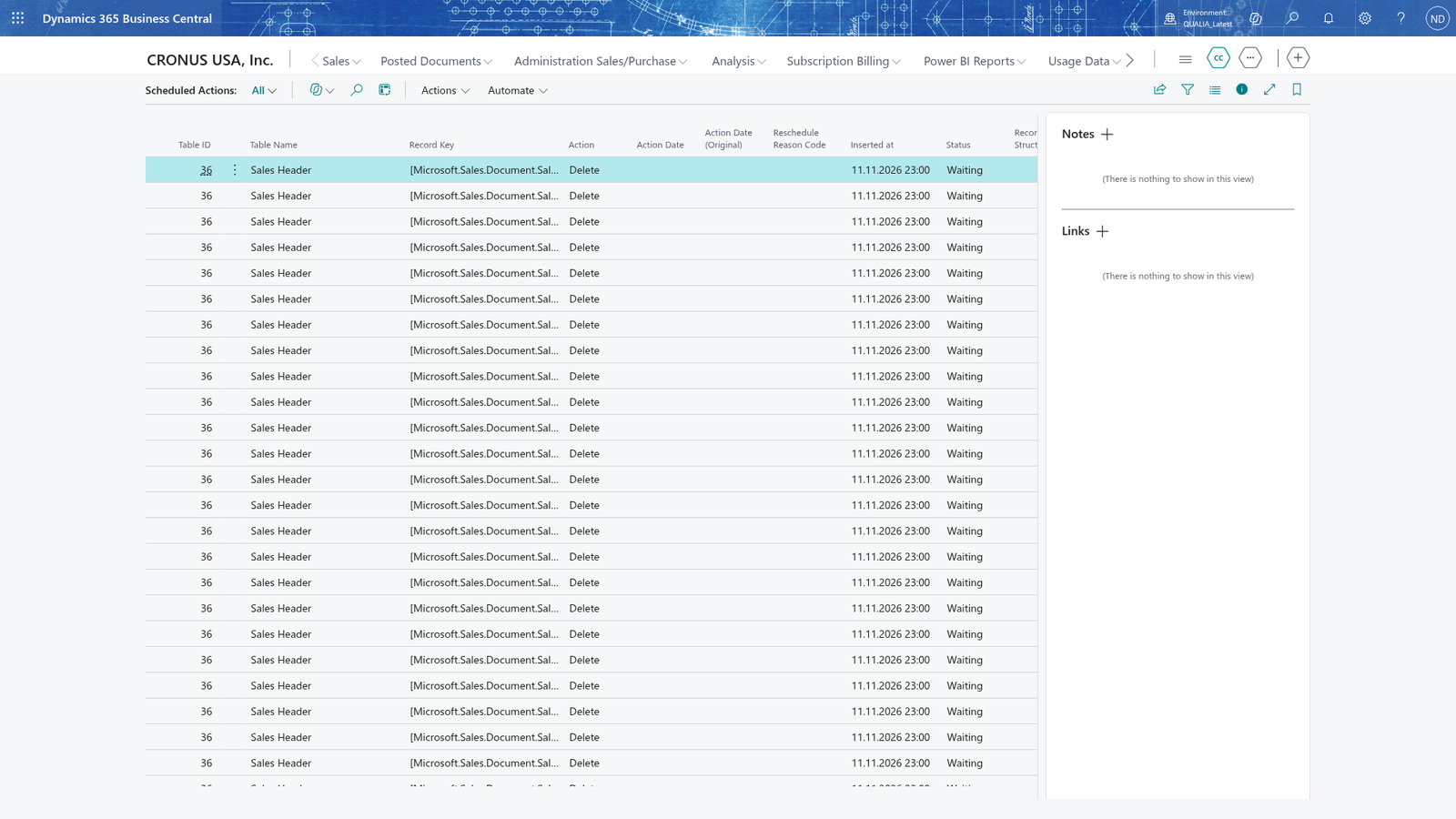
Check it: as Max Keller, create contact 1000 Tanja Weiss and open Scheduled Actions (the Scheduled Actions link on the Role Center): the list shows the scheduled action with the action and action date from the Contact guideline. If no action appears, the database table trigger setup (step 9.2) is missing. Then run Create Suggestions on the Action Suggestion List page: with Tanja Weiss created today the action date (2029) is not reached, so the app says There are no scheduled actions with an action date today or earlier, so there is nothing to suggest.; it proposes the contact when its date has come.