
Keep the stops in delivery order
Route stop weights, sequence and one-route rule: each stop has a Sequence number, the order the driver visits the stops in; the Gross Weight of each stop is added up in Total Weight; and a document may be on only one route that is not completed. Move a stop up or down in the sequence until the order suits the day.
- Choose the search icon, enter Route Stops, and open the list. Filter it on the route number in Route No.
- Select the stop you want to move.
- Choose Move Up or Move Down.
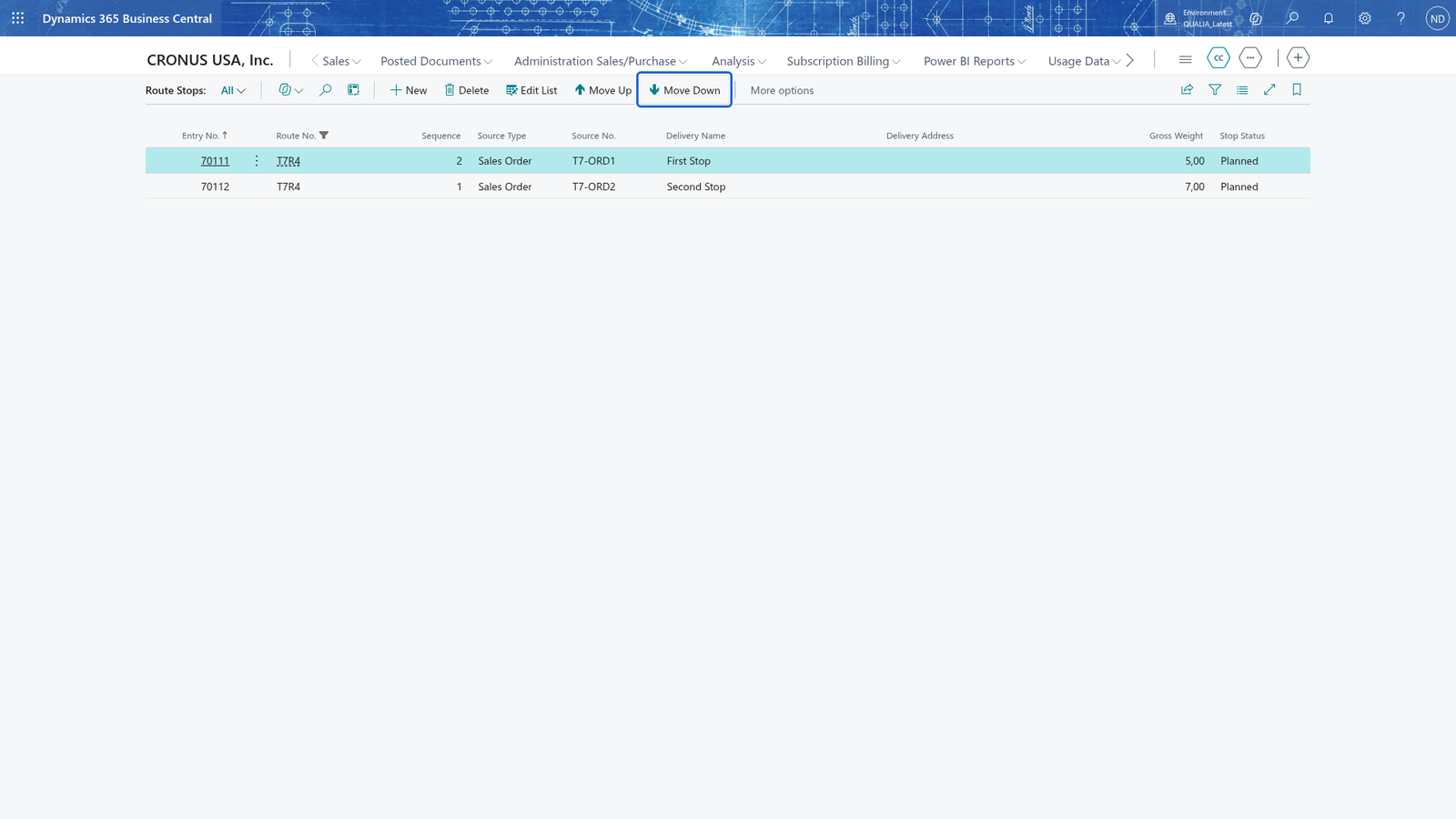
Note: Move Up and Move Down swap the stop with its neighbour and change only its place in the Sequence; the weight and the delivery stay the same.
Note: The Stops part on the route card is read-only, so use the Route Stops list to reorder the stops.