Controlled deletion of master data
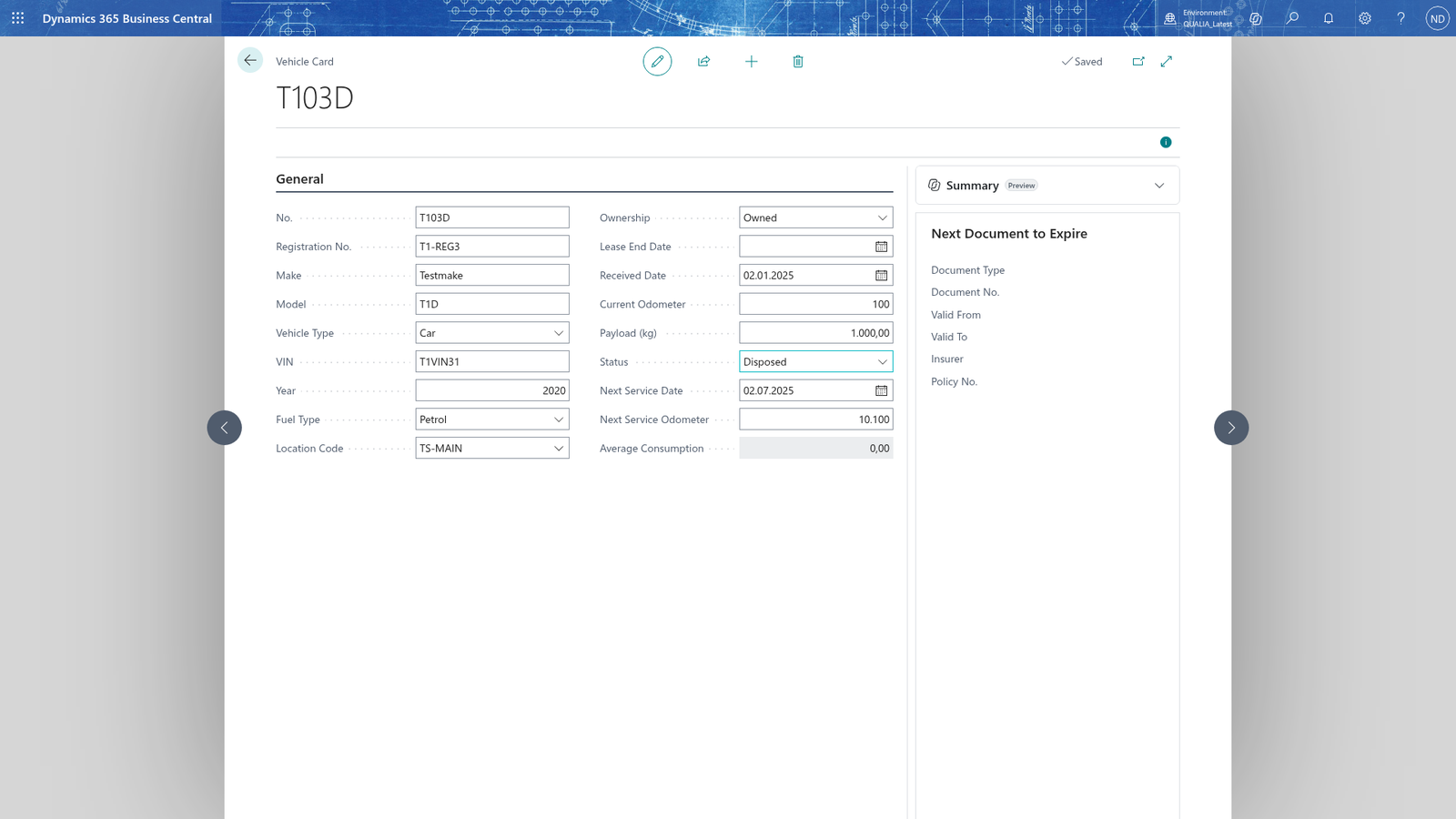
Master data such as vehicles, drivers and vehicle documents can be deleted only while no other record refers to them. A record in use can't be deleted: the app refuses the deletion and shows a message naming what still refers to it. To retire such a record instead, set its status: a vehicle goes Out of Service or Disposed, a driver is set Blocked, and a document keeps its Valid To. The same applies to drivers and vehicle documents: a driver used on trips can't be deleted and the app says to set the driver to Blocked instead, and a document used by a posted trip or an open route can't be deleted; the app says to keep its Valid To.
Delete a vehicle that is no longer in use
Deleting a vehicle is controlled deletion of master data: a vehicle can be deleted only while no other record refers to it.
- Choose the search icon, enter Vehicles, and open the list.
- Select the vehicle you want to remove.
- Delete it with Delete on the row's menu.
A vehicle that no other record refers to is removed from the list. If a record still refers to the vehicle, the app refuses the deletion and shows a message naming what still refers to it; retire the vehicle by setting Status to Out of Service or Disposed instead.