
Setting up
- Business Central has an e-mail account (Email Accounts). With the account Current User, e-mails go out from the mailbox of the person who triggers them.
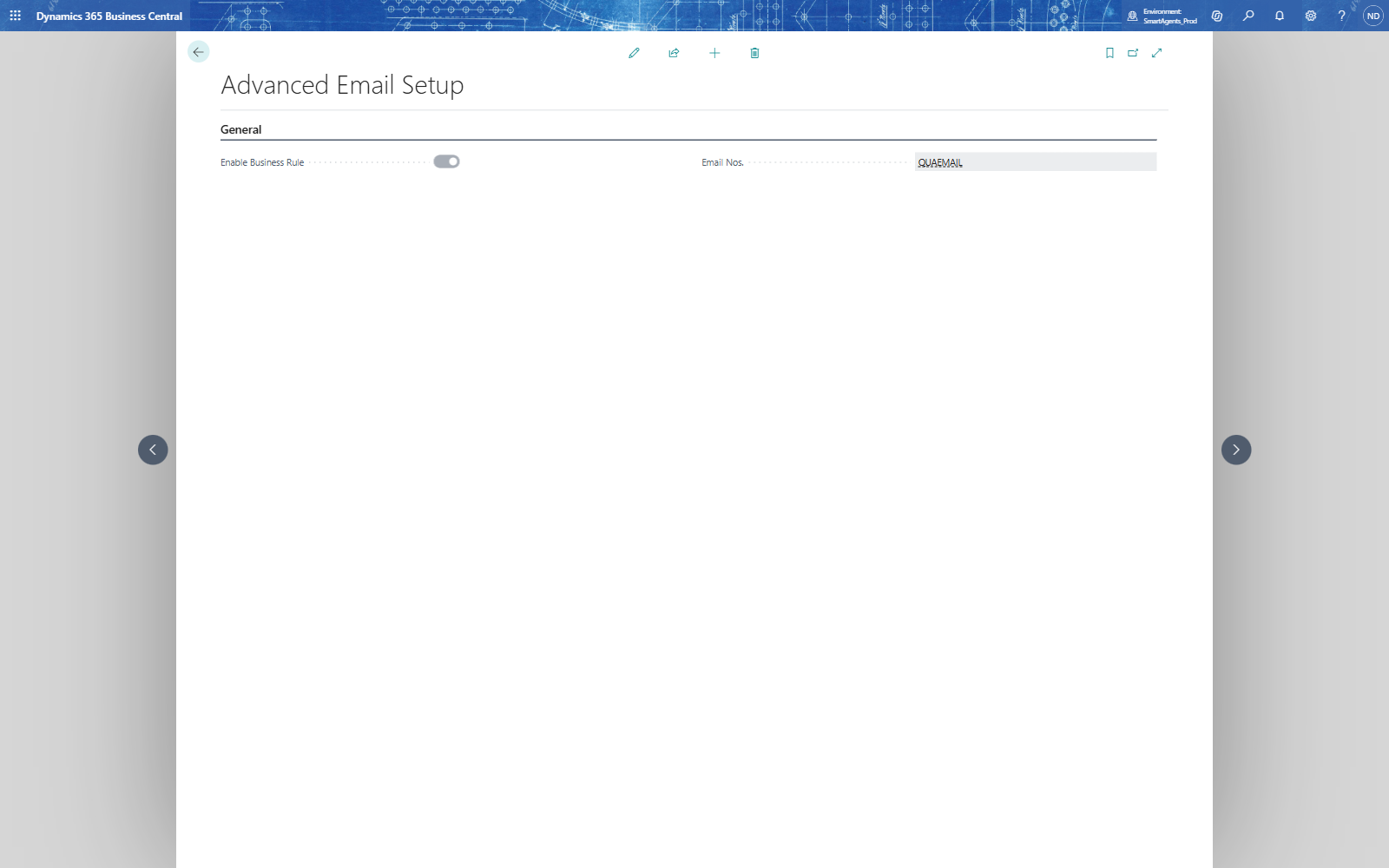
- Search for Advanced Email Setup: Enable Business Rule must be on (it is the rule engine's main switch), and Email Nos. can hold a number series for template codes.
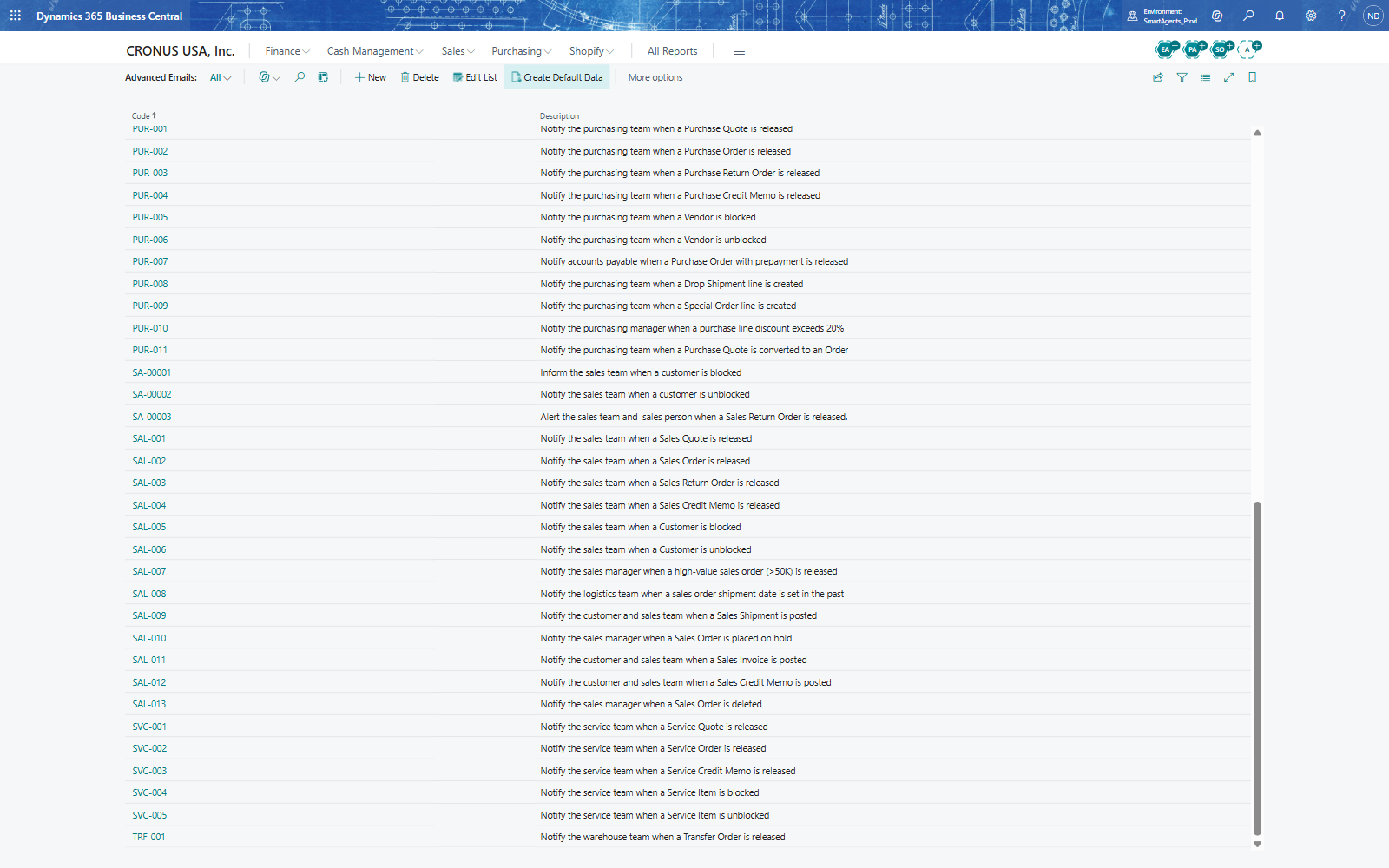
- Optionally load the ready-made templates: on Advanced Emails, choose Create Default Data - 64 templates for sales, purchasing, inventory, finance, manufacturing and more arrive, switched off.
Note: Test e-mails really go out through the e-mail account. In a sandbox, use recipients you control.