
QUALIA Technik
Definition
A Business Rule is a collection of Quick Rules that are applied together. A Business Rule can contain multiple Quick Rules. When a Business Rule is triggered, the quick rules inside it are activated sequentially (only the ones that are enabled).
How to use?
Search for Business Rule in the search bar and open the Business Rules Page and open Business Rules List page.
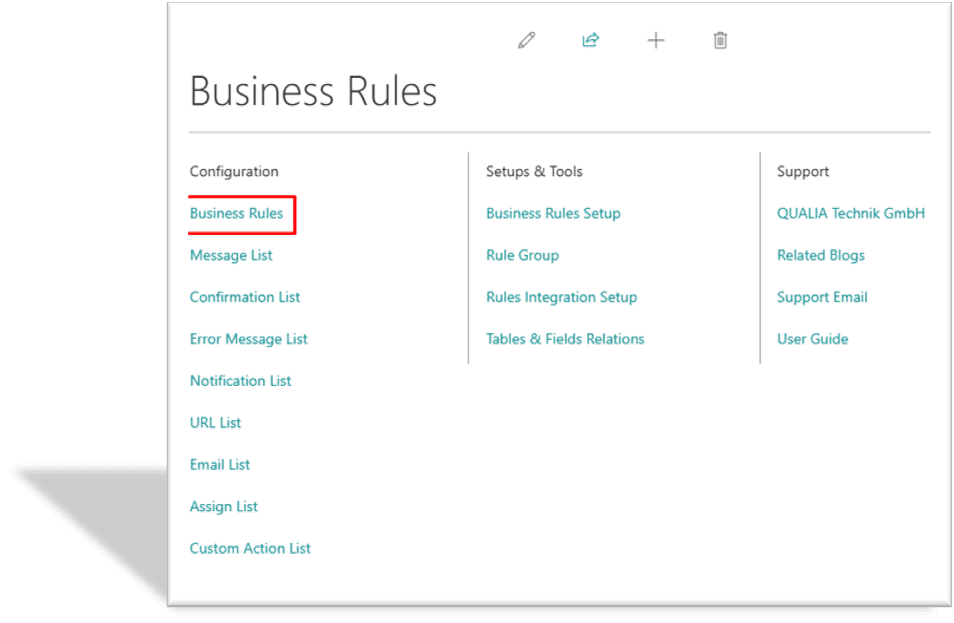
A list of Business Rules will be visible.
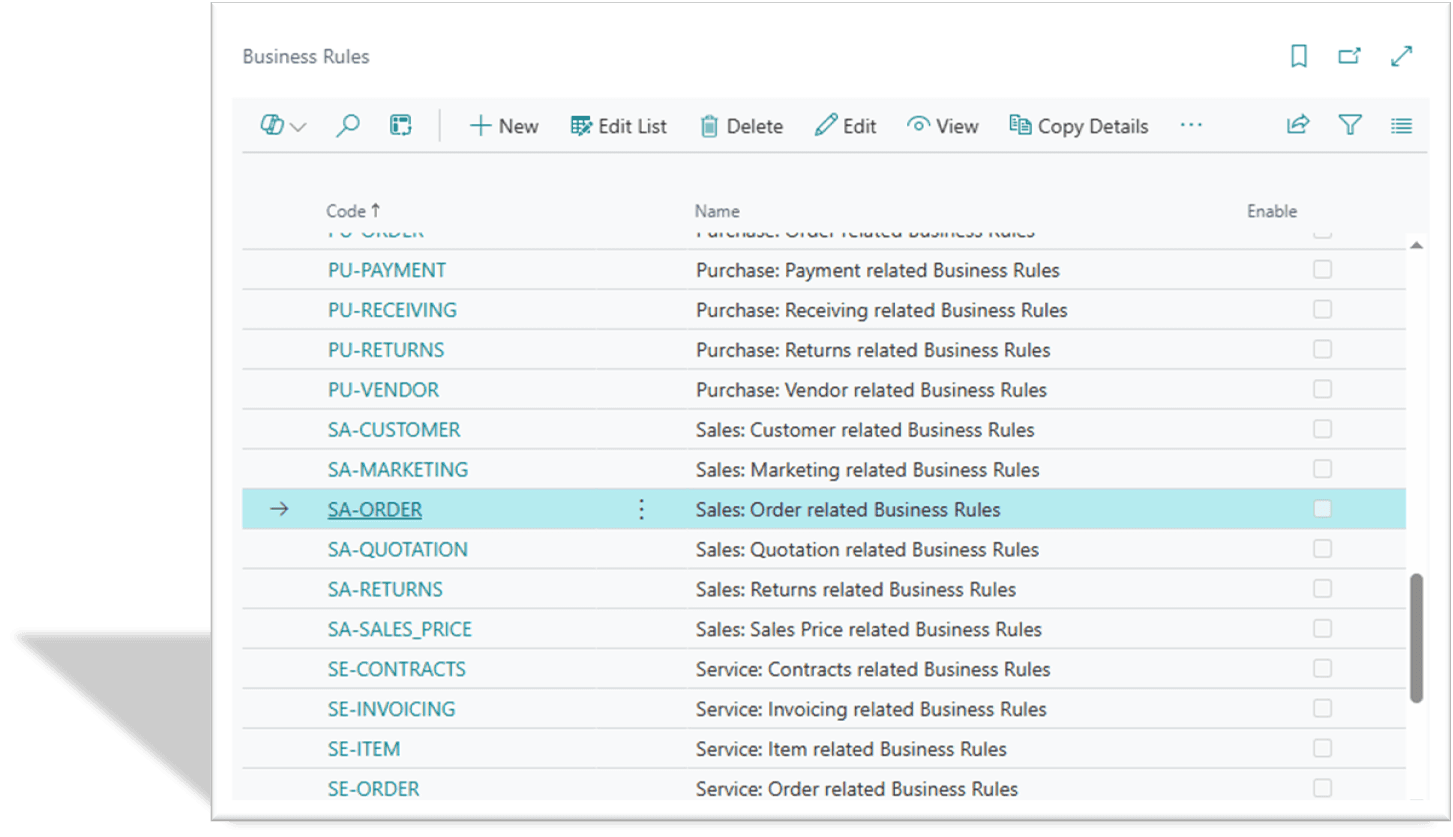
Click on New to create a new Business Rule, a Business Rule card will open.
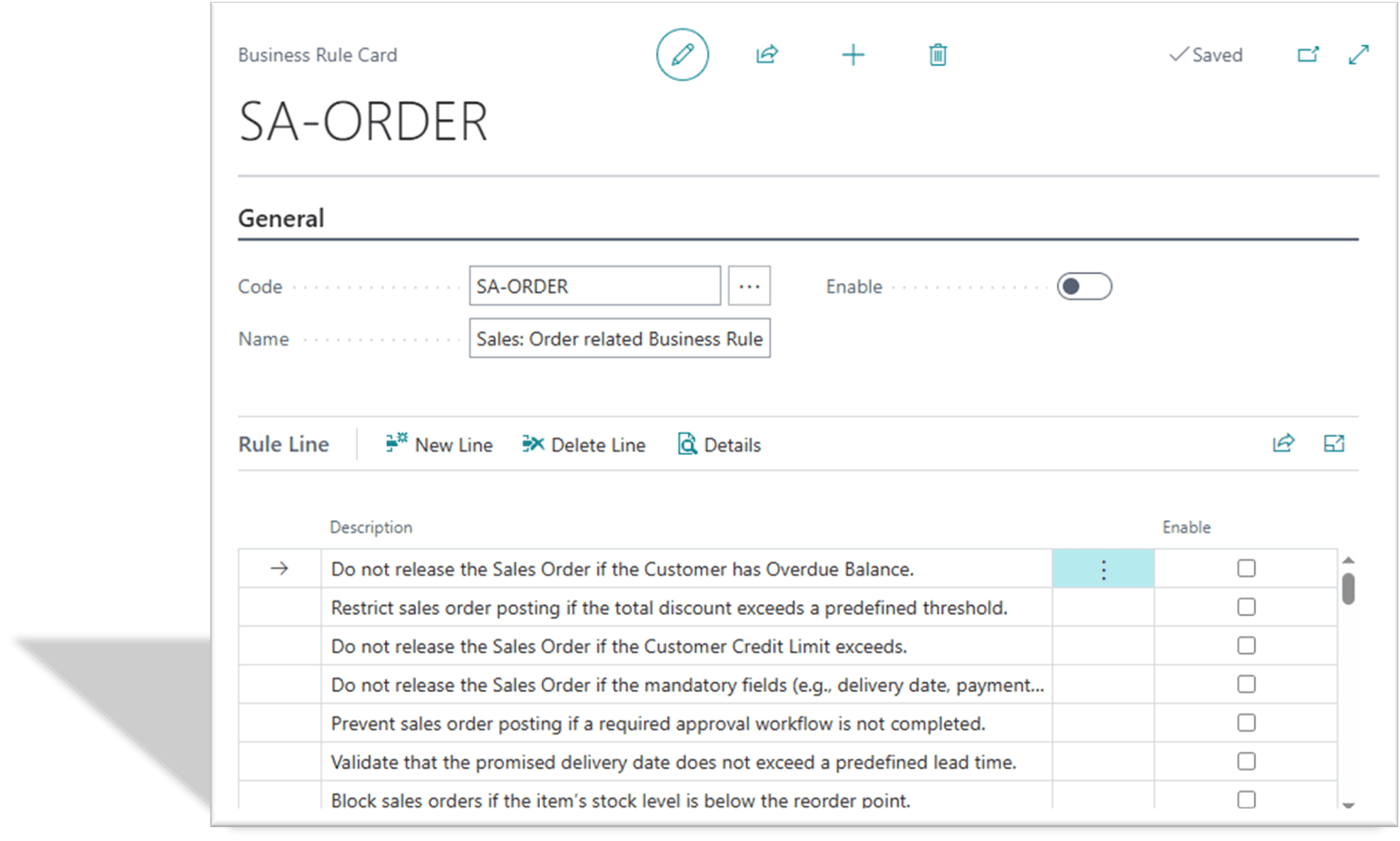
Enter the code in the "Code" field, the name in the "Name" field, and if you want to enable the Business Rule, then click on the "Enable" field.
Remember: When the Business Rule field "Enable" is true, then only the Business Rule will work.
You can make multiple Quick Rules for a Business Rule in the Rule Line.
The Quick Rule in the Business Rule will only work when the "Enable" field in the Rule Line is true. If the "Enable" field is false in the Quick Rule, then that rule will not work in the Business Rule.