
Work on the tasks
A new vendor, Mountain Gear Supply, is created. The workflow starts: purchasing and finance each get their task.
The work list
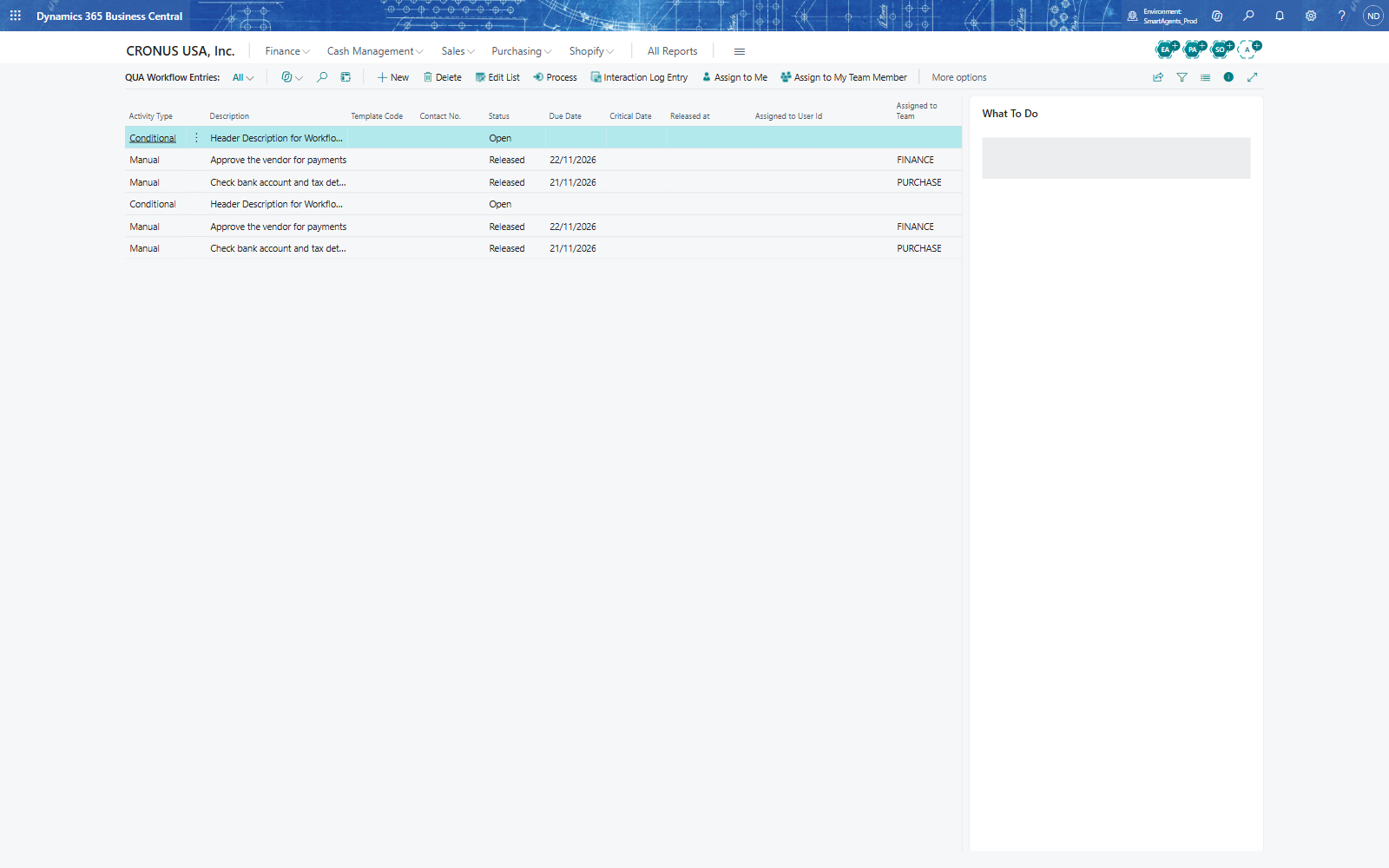
- Search for QUA Workflow Entries. The workflow has a header line (Conditional, Header Description for Workflow No.: WF-VEND) and one line per task: Check bank account and tax details for PURCHASE, due in two days, and Approve the vendor for payments for FINANCE, due in three days - both Released.
- The FactBox What To Do shows the instruction of the selected task with the vendor's number.
Process a task
- A member of purchasing selects the CHECK line and chooses Assign to Me: Assigned to User Id shows the user. Assign to My Team Member gives it to a colleague.
- After the check, choose Process: a Manual task becomes Completed.
- Finance does the same with APPROVE.
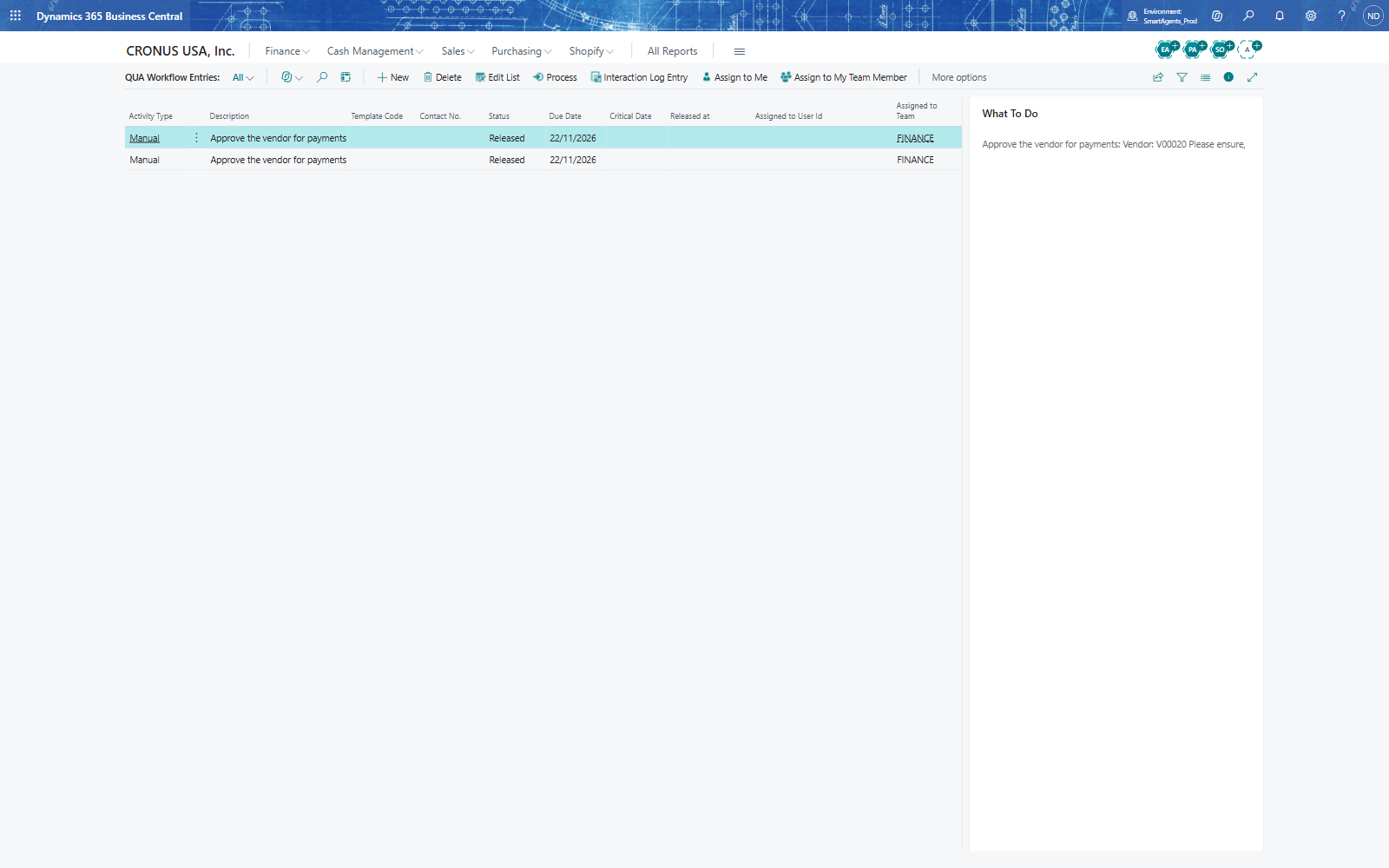
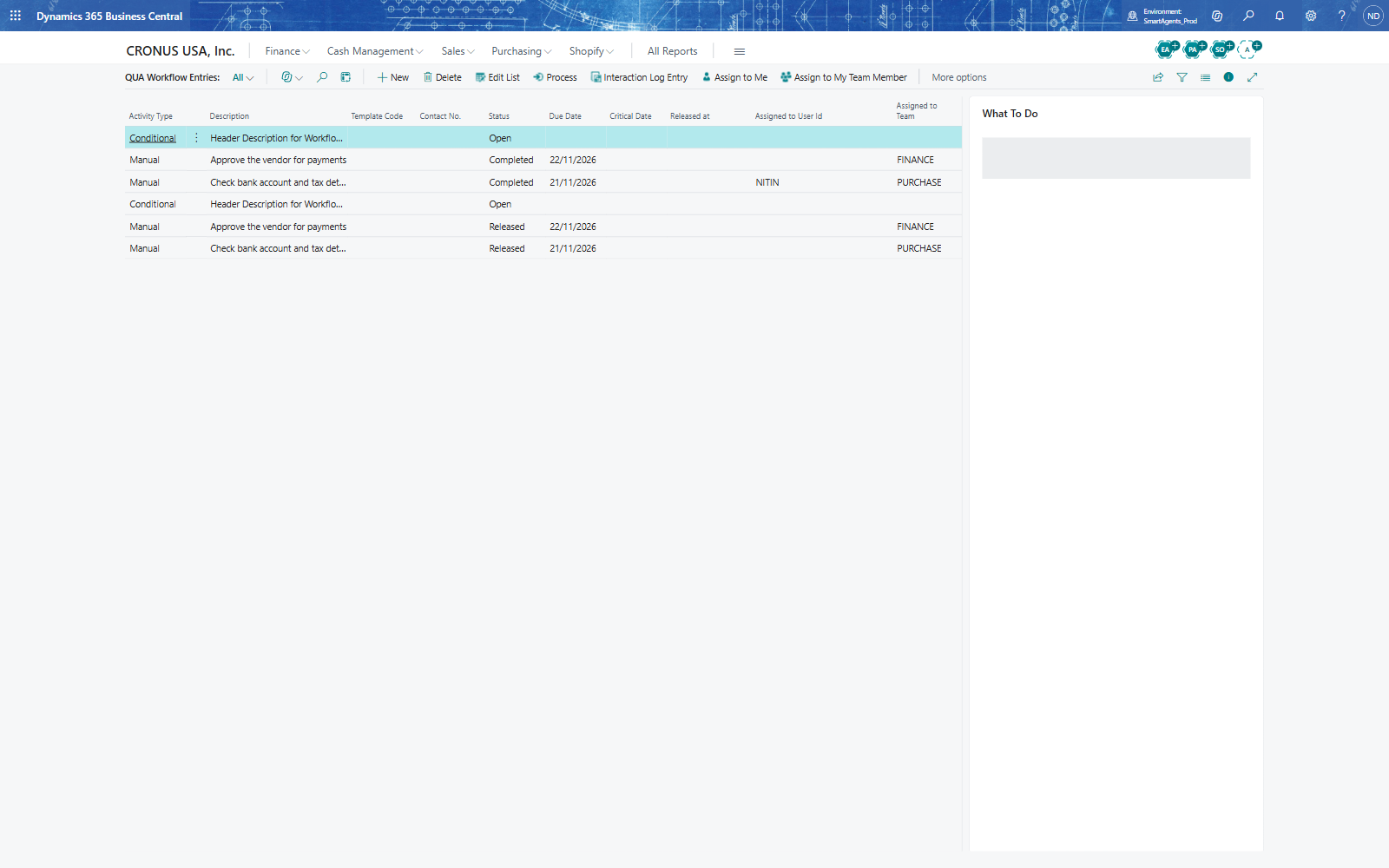
Note: If a record was created through an interface, the list can show its tasks more than once: each start closes the earlier entries of the same record (Closed = Yes). Filter the list on Closed = No to see only the current ones.