
Follow the progress
Maria Lopez checks how the onboarding goes.
On the workflow
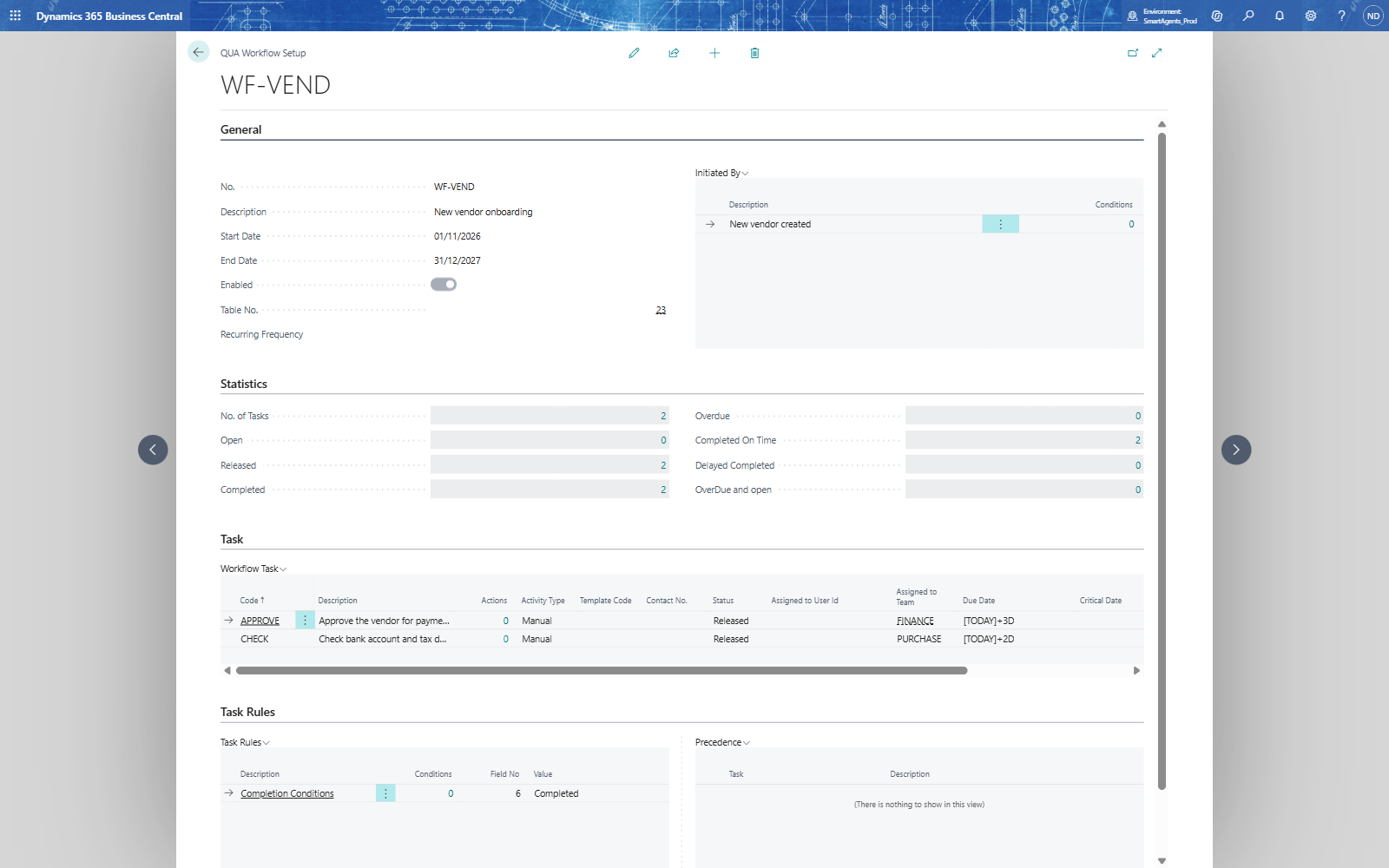
The Statistics section of the workflow card counts the tasks of all records: No. of Tasks, Open, Released, Completed, Overdue, Completed On Time, Delayed Completed and OverDue and open. In the story both tasks were completed on time.
All workflows and teams
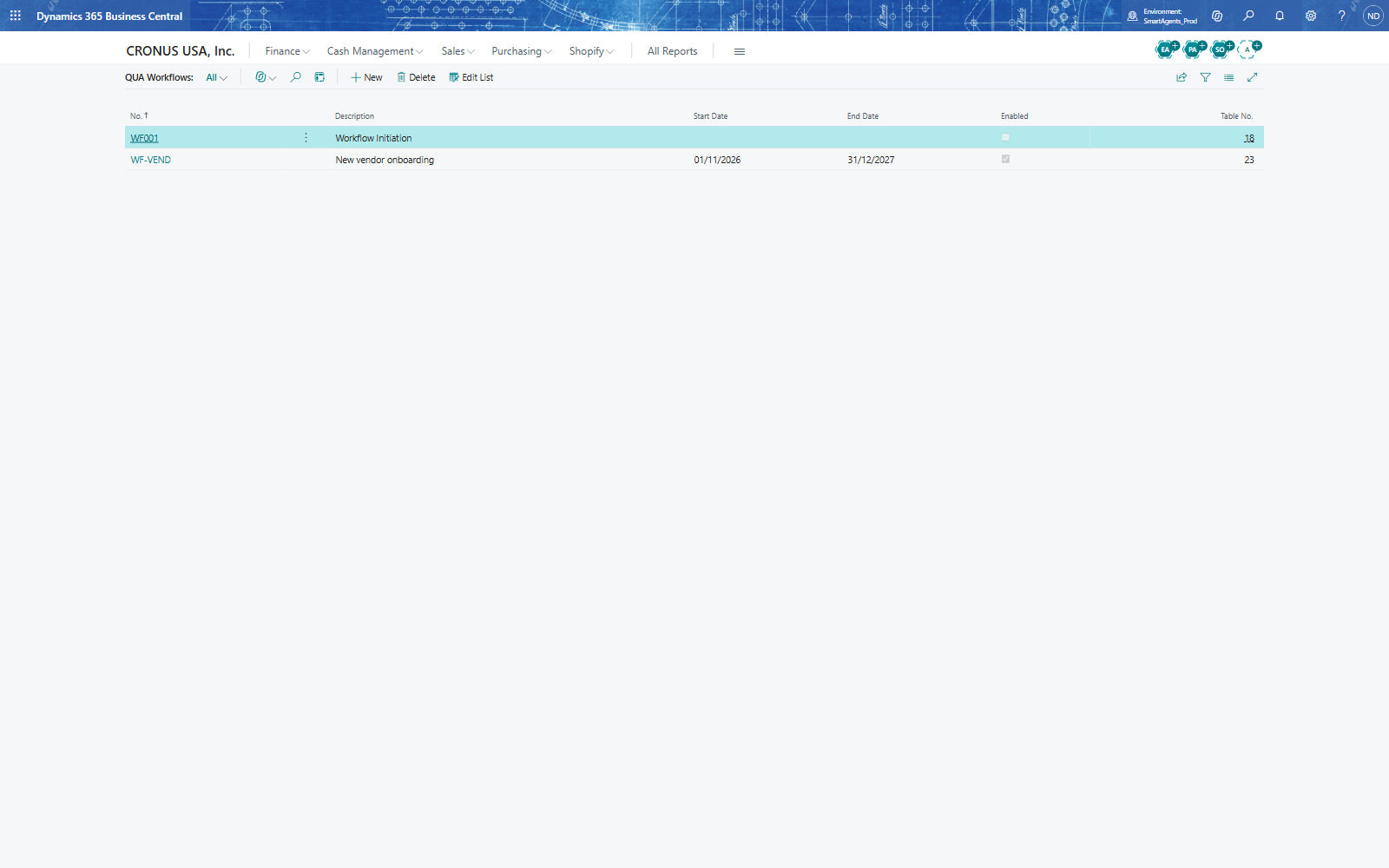
QUA Workflows lists the workflows with their validity period, Enabled and table; Business Teams shows the open, released, overdue, critical and completed tasks per team, and the role center's cues My Tasks and My Teams show each user their own.
Approval Workflow tasks lock the record
A task with Activity Type Approval Workflow locks its record while it is released: any change is refused with "You can not change... record as its Approval process is in released state" until the task is completed (its Status set to Completed on the workflow entries) or closed.
Note: Don't use an Approval Workflow task in a workflow that starts on a new record. The task is released while the record is being inserted, and Business Central's own follow-up change to the new record is then refused - the record cannot be created. For onboarding, use Manual tasks, as in the story.